
AI-Redact
AI scans PDFs for sensitive details and permanently redacts them. Free for up to 4 pages, with privacy and compliance features.
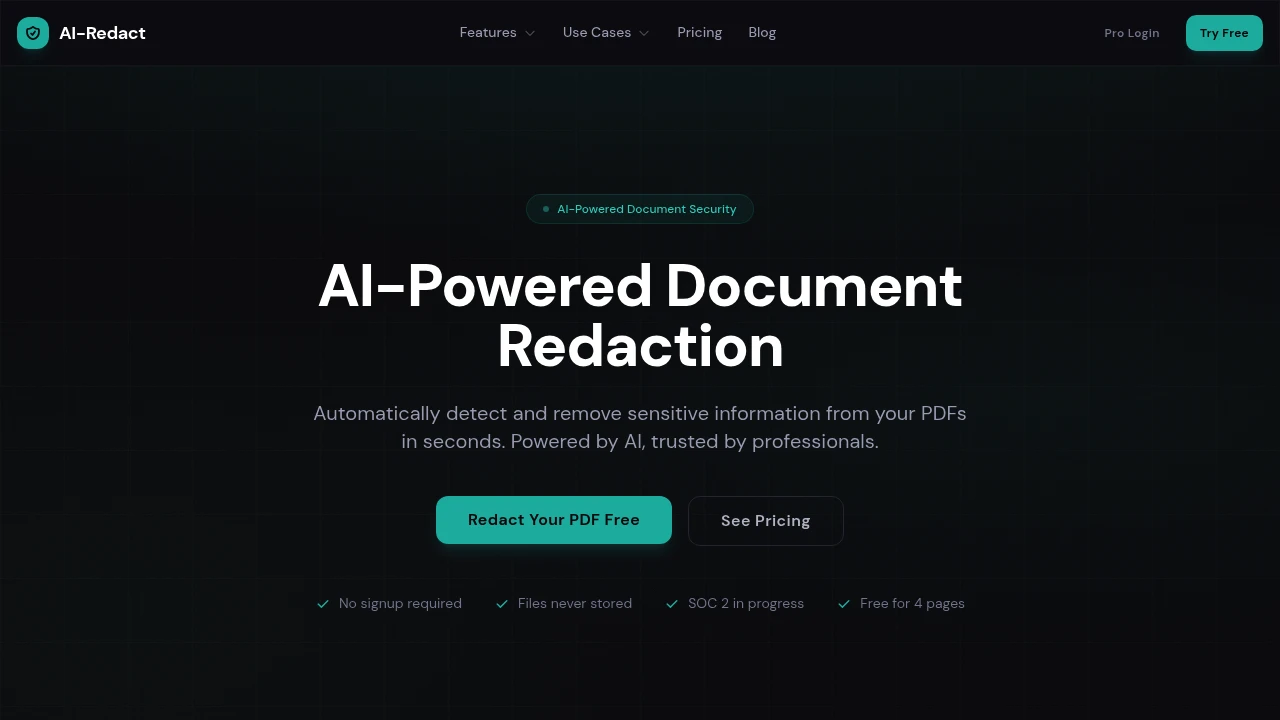
This tool helps teams remove sensitive information from PDFs without manually blacking out every piece of data. It scans documents for names, email addresses, phone numbers, SSNs, and other sensitive information, then lets you review the detected items before generating a permanently redacted file.
It is built for legal, healthcare, compliance, and government teams, as well as anyone who needs to share documents without exposing personal or regulated information. The workflow combines automated detection with human review, so you can check what was found before the final document is downloaded.
Key Features
AI Sensitive Data Detection
Automatically scan PDFs and other supported document types for sensitive information.
- Detects personally identifiable information
- Identifies PII, PHI, and financial data
- Finds names, emails, phone numbers, SSNs, and other sensitive fields
- Review detected items before redaction
Permanent Redaction
Remove sensitive content from the document rather than simply placing a visual black box over it.
- Permanently removes detected information
- Produces a redacted output file
- Prevents the original content from being recovered from the redacted areas
OCR Support
Process scanned and image-based PDFs where sensitive information is not stored as selectable text.
- Supports scanned PDFs
- Handles image-based documents
- Uses OCR to identify sensitive information
Batch Processing
Process multiple documents when you have a larger set of files to review.
- Upload multiple files
- Process documents in batches
- Review detected information before downloading
Security & Privacy Controls
The service is designed for workflows where documents contain sensitive information.
- Encrypted file transfer
- No file storage after processing
- Jobs persist across refreshes
- Finished jobs can be cleared when you're done
- GDPR compliance claim
- HIPAA readiness claim
- SOC 2 in progress
Enterprise Options
Teams processing documents at higher volumes can use additional capabilities.
- API access
- Custom integrations
- Custom redaction templates
- Designed for larger document-processing workflows
Built For Secure Document Sharing
The tool is designed for teams that need to remove sensitive information before documents are shared externally.
It is particularly suited to:
- Legal teams handling confidential case documents
- Healthcare teams working with protected health information
- Compliance teams preparing documents for review or disclosure
- Government teams processing public records and sensitive documents
- Businesses removing personal or financial information before sharing files
Common Use Cases
Legal Document Redaction
Remove names, contact details, and other sensitive information from legal documents before sharing them.
Healthcare Records
Identify and redact protected information from healthcare documents and scanned files.
Compliance Workflows
Prepare documents for audits, reviews, disclosures, or regulatory processes without manually searching every page.
Government Documents
Process records that need sensitive information removed before public release.
Bulk PDF Redaction
Scan multiple documents at once when manual redaction would take significant time.
Review Before You Redact
The tool keeps a human review step in the workflow. Instead of automatically removing everything it detects, it shows the identified sensitive information so you can review what should be redacted before generating the final file.
That makes the process more controlled for documents where context matters and an incorrect redaction could be just as problematic as a missed one.
Permanent PDF Redaction
The key distinction is that the tool is designed for actual content removal rather than visual masking. This matters when a document needs to be shared safely, because simply placing a black rectangle over sensitive text may leave the underlying information accessible.
By combining AI detection, OCR, review, and permanent redaction, the workflow is designed to make sensitive-document preparation faster without removing the review step.
Redact Sensitive Information From PDFs
Scan PDFs for PII, PHI, financial information, and other sensitive data, review what was detected, and generate permanently redacted documents without manually blacking out every item.


