
Animated GIF Gallery Viewer
A browser-based GIF gallery that plays every file in a folder together, with fullscreen viewing, scrubbing, zoom, sorting, and privacy.
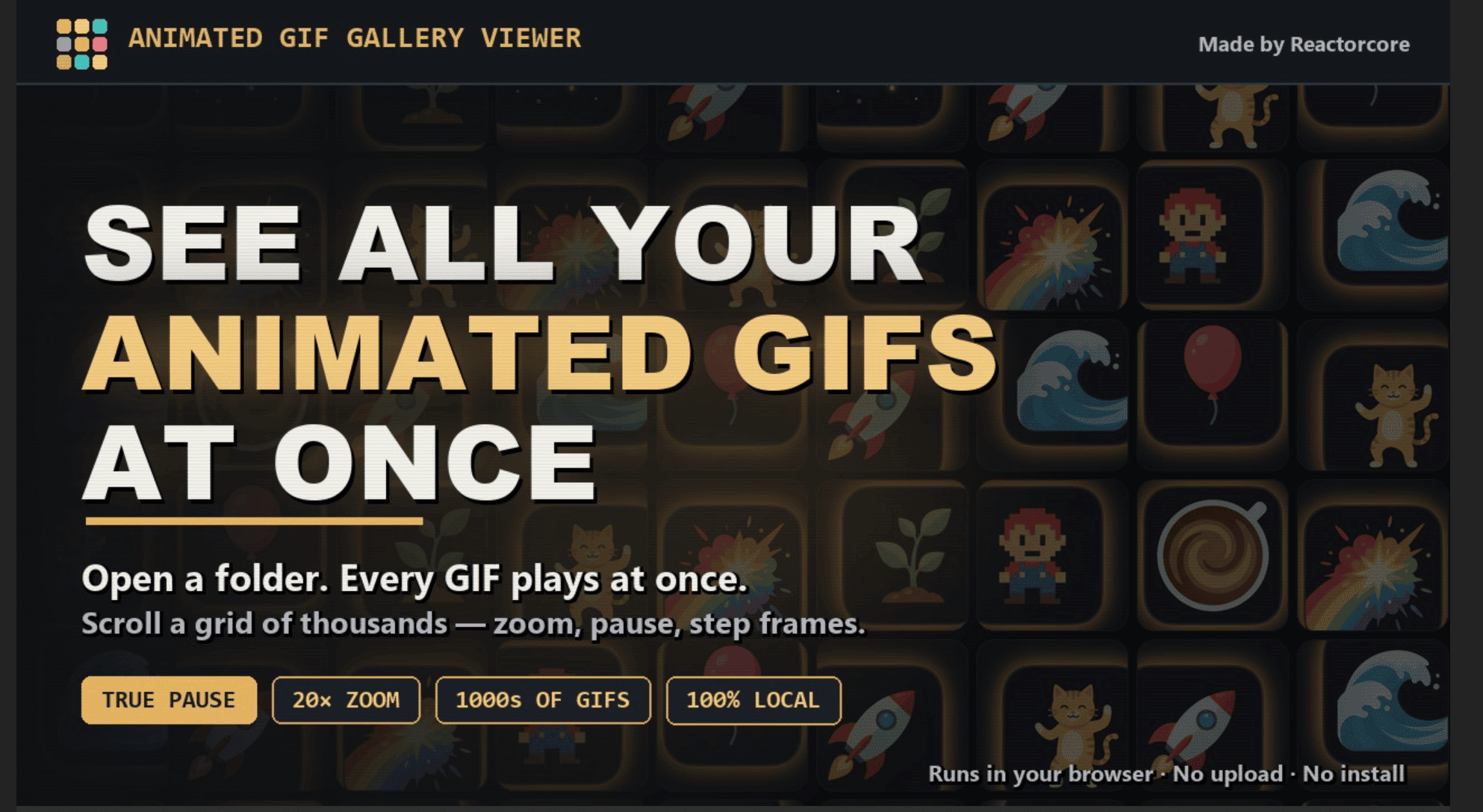
Animated GIF Gallery Viewer is a browser-based tool for people who want to inspect an entire folder of animated GIFs without opening files individually. It displays GIFs in a scrollable gallery, keeps multiple animations playing at the same time, and provides individual viewing controls when closer inspection is needed.
The tool is suited for artists, archivists, meme collectors, designers, and anyone working with large collections of animated GIFs. It runs directly in a browser and is designed around local file access, allowing users to review GIF folders without uploading files, creating an account, or sending data to a server.
Key Features
All-at-Once GIF Playback
View an entire collection of animated GIFs in motion.
Animated GIF Gallery Viewer displays GIFs in a gallery and allows multiple animations to play simultaneously.
This makes it easier to:
- Compare animations side by side
- Review motion across multiple files
- Scan a large collection quickly
- Identify specific GIFs without opening each file individually
Instead of relying only on static thumbnails, the viewer keeps the animated content visible while browsing.
Large Folder Support
Browse large GIF collections without loading every animation at once.
The viewer is designed to decode only the GIFs currently visible in the gallery.
This can help when working with folders containing a large number of files by reducing unnecessary processing for GIFs that are outside the current view.
The approach is intended to support workflows involving:
- Large animation archives
- Meme collections
- Asset libraries
- GIF datasets
- Design references
- Personal media collections
Single GIF Inspection
Switch from the gallery view to a closer view of an individual animation.
Users can open a GIF separately when they need to inspect its motion in more detail.
This can be useful for:
- Checking individual frames
- Reviewing animation timing
- Inspecting transparency
- Looking for visual artifacts
- Comparing details at a larger size
The combination of gallery browsing and individual inspection allows users to move between broad comparison and detailed review.
Frame-by-Frame Controls
Control animated GIF playback with more precision.
The viewer includes controls for:
- True pause
- Frame-by-frame stepping
- Frame scrubbing
This makes it possible to stop an animation and inspect individual moments instead of only watching the GIF at its normal playback speed.
These controls can be useful when reviewing animation quality, timing, transitions, or specific visual frames.
Zoom and Fullscreen Viewing
Inspect animated GIFs more closely.
The viewer supports zooming and fullscreen viewing, with zoom levels of up to 20x.
This can help users:
- Examine small visual details
- Inspect pixel-level elements
- Check edges and transparency
- Review animation artwork more closely
- View GIFs at a larger scale
Transparency Background Controls
Check transparent GIF elements against different backgrounds.
The viewer includes transparency backdrops that allow users to inspect how GIF edges and transparent areas appear against different colors.
This can be useful for identifying:
- Rough edges
- Transparency artifacts
- Unexpected backgrounds
- Export issues
- Visual problems around animated objects
This gives users more control when reviewing GIFs intended for use across different backgrounds or websites.
Sorting and Filtering
Organize GIF collections in different ways.
Users can sort and filter files based on properties such as:
- Filename
- Name
- File size
- Date
This makes it easier to locate files within a larger collection and review GIFs based on different criteria.
Shuffle and Favorites
Create faster review workflows for larger collections.
The viewer includes options for:
- Shuffling GIFs
- Marking favorites
These features can help users quickly revisit selected animations or browse a collection in a less structured order.
This can be useful for artists, collectors, and anyone curating a large GIF library.
Local and Private Processing
Keep GIF files on your own device.
Animated GIF Gallery Viewer is designed as a static browser-based tool, meaning files are processed locally rather than uploaded to a remote service.
The workflow does not require:
- Server-side processing
- User accounts
- File uploads
- Cloud storage
- Telemetry
This makes it suitable for users who want to inspect private or local GIF collections without sending files elsewhere.
Online and Offline Use
Use the viewer in a browser or keep a local copy for offline access.
The tool is built from static files and can be used as a browser-based application without requiring a dedicated desktop installation.
It can be used across:
- Windows
- macOS
- Linux
The offline version is available as a downloadable ZIP package containing the same browser-based tool.
Built for Animated GIF Collections
Animated GIF Gallery Viewer combines bulk GIF browsing, simultaneous animation playback, individual inspection, frame controls, zooming, sorting, filtering, and local processing into one workflow for reviewing animated GIF files.
Key benefits include:
- View an entire GIF folder in one gallery
- Keep multiple GIFs animating simultaneously
- Decode only visible GIFs for large collections
- Switch to individual GIF inspection
- Pause animations accurately
- Step through GIFs frame by frame
- Scrub through animation frames
- Zoom up to 20x
- Use fullscreen viewing
- Check transparency against different backgrounds
- Sort GIFs by file properties
- Filter large collections
- Shuffle animations for quick browsing
- Mark favorite GIFs
- Keep files on your local device
- Use the tool without accounts or server-side uploads
- Run the viewer on Windows, macOS, or Linux
- Use the static version offline
Built For
- Artists
- Designers
- Animators
- Archivists
- Meme Collectors
- GIF Collectors
- Content Creators
- Digital Asset Managers
- Researchers
- Developers
- Anyone Managing Large GIF Collections
Common Use Cases
- Browsing an entire folder of animated GIFs
- Comparing multiple animations at the same time
- Reviewing large GIF archives
- Inspecting animation timing
- Stepping through GIF frames individually
- Checking transparent edges and backgrounds
- Finding specific GIFs through sorting and filtering
- Curating favorite animations
- Reviewing meme collections
- Inspecting GIF assets before publishing
- Checking animation quality
- Managing local GIF libraries
- Viewing GIF collections without uploading files
- Using a GIF viewer offline
Why It Matters
Reviewing a large collection of animated GIFs can be slow when files need to be opened individually or when file managers only provide static previews. This makes it harder to compare movement, inspect animation timing, and quickly identify the GIF you need.
Animated GIF Gallery Viewer takes a gallery-based approach by displaying multiple GIFs together and allowing them to animate at the same time. Users can browse a collection visually, sort and filter files, mark favorites, and switch to a closer view when more detailed inspection is required.
The additional frame controls, zooming, fullscreen mode, and transparency backgrounds make the tool useful for more than casual browsing. Users can pause animations, move through frames individually, inspect small details, and check how transparent elements appear against different backgrounds.
Because the tool runs as static browser-based files and processes GIFs locally, it can also be used for private collections without uploading files or creating an account.
Browse, Compare, and Inspect Animated GIFs in One Place
Open an entire folder of animated GIFs, view multiple animations playing together in a scrollable gallery, sort and filter files, inspect individual GIFs with zoom and fullscreen controls, pause and step through frames, check transparency against different backgrounds, mark favorites, and review your collection locally without uploading files or creating an account.