
Audjust AI
AI audio editor and music generator that shortens, extends, loops, or creates tracks from text, lyrics, and images.
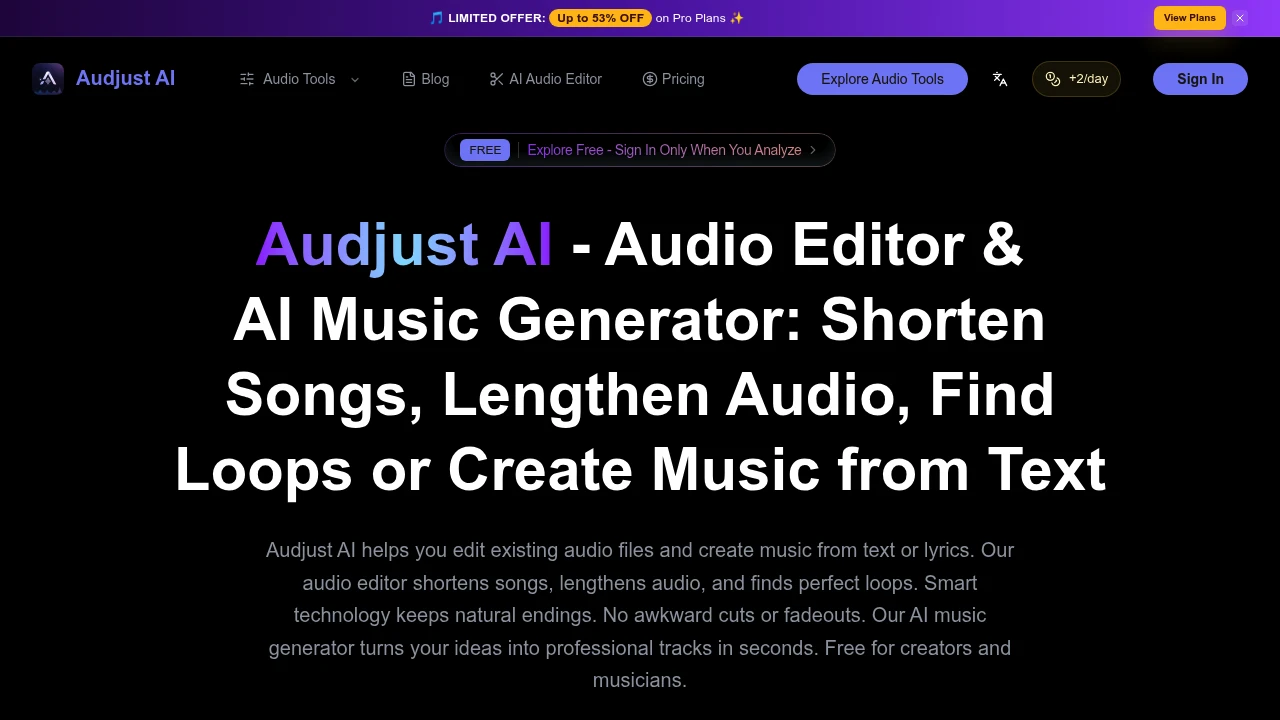
Audjust AI is a browser-based music editing and generation platform for creators, musicians, and producers who need audio that fits a specific cut, loop, or creative direction. It combines AI-powered track editing and music generation in one workflow, allowing users to adjust existing audio or create new music without switching between separate tools.
The platform is designed for practical audio tasks such as shortening songs for short-form content, extending music for longer videos, finding loop points, generating tracks from prompts or lyrics, and making further edits to musical elements. This makes it useful for creators working on TikTok videos, Instagram Reels, YouTube content, podcasts, advertisements, demos, and client previews.
Key Features
AI Song Shortening
Reduce the length of a track while aiming to preserve its musical structure.
Audjust AI can be used to shorten songs for formats such as:
- Short-form videos
- TikTok content
- Instagram Reels
- YouTube Shorts
- Video intros
- Branded clips
- Advertisements
The editing workflow is designed to work with the structure of the music rather than simply cutting the audio at an arbitrary point.
This can help create shorter versions with endings that feel more natural instead of relying on abrupt cuts or awkward fadeouts.
AI Audio Lengthening
Extend existing music when a longer version is needed.
Users can lengthen audio for projects such as:
- Narration beds
- Advertisements
- Podcasts
- Product demos
- Longer videos
- Background music
- Client presentations
This can be useful when an existing track is too short for the final edit but the extended version still needs to feel connected to the original piece of music.
Musical Structure-Based Editing
Edit tracks with attention to how the music begins, develops, and ends.
Audjust AI focuses on making timing adjustments that work with the underlying structure of a track.
This can be useful when a piece of music needs to fit a specific duration such as:
- 15 seconds
- 30 seconds
- 45 seconds
- 60 seconds
Instead of manually searching for a suitable edit point, users can use the platform to create a version designed around the required duration.
AI Loop Point Detection
Find sections of music that can be repeated.
The loop finder is designed to identify suitable loop points within an audio track.
This can be useful for:
- Repeating background music
- Video soundtracks
- Sampling
- Interactive content
- Games
- Longer presentations
- Ambient audio
Rather than rebuilding a new track from scratch, users can reuse a section that already fits the required mood or musical direction.
Text-to-Music Generation
Create music from a written description.
Users can describe the type of sound or musical direction they want and generate a new track from the prompt.
Prompts can be used to communicate elements such as:
- Musical style
- Mood
- Genre
- Instrumentation
- Vocal direction
- Overall atmosphere
This provides a starting point for users who want to create music from an idea rather than edit an existing recording.
Lyrics-to-Music Generation
Turn written lyrics into generated music.
Users can provide lyrics as part of the music generation workflow.
Depending on the creative direction and prompt, the generated output can include:
- Vocals
- Instrumental elements
- Musical accompaniment
- Structured song ideas
This can be useful for songwriters and creators who want to move from written lyrics toward an audio draft.
Image-Guided Music Generation
Use an image as part of the creative input for generating music.
Audjust AI supports starting from visual material as well as written prompts.
This can help users develop music around:
- Artwork
- Creative references
- Visual concepts
- Campaign imagery
- Video concepts
- Mood references
The image can act as part of the starting context for the generated musical direction.
AI Music Editing Tools
Make further changes after generating or importing music.
The platform includes additional AI-assisted music editing capabilities such as:
- MIDI-related editing
- Melody extraction
- Chord detection
- Audio-to-MIDI conversion
These tools can give users more control over musical material after the initial draft.
This can be useful when a generated or imported track needs further refinement instead of being treated as a finished result immediately.
Audio-to-MIDI Conversion
Convert audio information into MIDI-related output for further editing.
Audio-to-MIDI functionality can help users move from an existing piece of audio toward a more editable musical representation.
This can support workflows involving:
- Melody analysis
- MIDI editing
- Music production
- Instrument changes
- Musical experimentation
It provides an additional option for users who want to work beyond the original audio waveform.
Melody Extraction and Chord Detection
Identify musical elements within an audio track.
Audjust AI includes tools focused on extracting or identifying components such as:
- Melodies
- Chords
- Musical patterns
This can be useful for musicians and producers who want to better understand or reuse parts of an existing audio source.
Common Audio File Support
Work with widely used audio formats.
The platform supports common file types including:
- MP3
- WAV
- M4A
- AAC
- OGG
- FLAC
This makes it easier to bring existing audio into the workflow without limiting projects to a single file format.
Project-Based Audio Workflow
Keep editing, generation, and follow-up work connected.
Audjust AI is designed to let users move between generating music, editing existing tracks, and returning to a project for further changes.
This can help support workflows where a first version needs additional work, such as:
- Testing multiple versions
- Adjusting music for different video lengths
- Reworking generated tracks
- Creating alternate cuts
- Preparing client previews
- Reusing a project for another format
Instead of treating each task as completely separate, users can continue working from an existing creative starting point.
Free and Credit-Based Access
Start using the platform with free access and credit-based usage.
The available access model includes:
- Free usage options
- Credit-based generation and editing
- Paid tiers
- Additional export and usage options
Paid plans can provide features such as:
- Watermark-free exports
- Private creation
- Commercial use of Audjust-generated music
This gives users options depending on whether they are experimenting with the platform or producing audio for professional use.
Audio Examples
Listen to examples before committing to the workflow.
Audjust AI provides audio examples that allow users to hear the type of output available through the platform.
This can help users evaluate:
- Sound quality
- Musical direction
- Generation results
- Editing capabilities
Listening to examples can make it easier to decide whether the output fits a particular creative or production workflow.
Built for AI Music Editing and Generation
Audjust AI combines song shortening, audio lengthening, loop detection, music generation, lyrics-based creation, image-guided generation, MIDI-related tools, and audio analysis into one browser-based workflow.
Key benefits include:
- Shorten songs for specific video durations
- Extend music for longer content
- Preserve more natural musical endings
- Find suitable loop points
- Generate music from text prompts
- Create music from lyrics
- Use images as creative input
- Generate vocal or instrumental music
- Extract melodies
- Detect chords
- Convert audio into MIDI-related output
- Work with common audio formats
- Keep generation and editing workflows connected
- Return to existing projects for further changes
- Access free and credit-based usage options
- Unlock watermark-free exports on eligible paid plans
- Create music for commercial use through eligible plans
Built For
- Content Creators
- Musicians
- Music Producers
- Video Editors
- Podcasters
- Social Media Managers
- Marketing Teams
- Advertisers
- Filmmakers
- YouTubers
- TikTok Creators
- Agencies
- Songwriters
- Brands
Common Use Cases
- Shortening a song for a TikTok video
- Creating a 30-second version of a track
- Preparing music for Instagram Reels
- Extending background music for a podcast
- Finding loop points in an existing song
- Creating music for YouTube videos
- Generating a song from a text description
- Turning lyrics into a music draft
- Creating music from a visual reference
- Extracting melodies from audio
- Detecting chords in a track
- Converting audio into MIDI-related data
- Creating alternate versions for client previews
- Preparing music for advertisements
- Creating background audio for product demos
- Testing multiple versions of the same musical idea
Why It Matters
Editing music for video and other creative projects often involves more than simply trimming an audio file. A track may need to end naturally at a specific duration, continue for longer without feeling disconnected, or repeat smoothly in the background. Traditional workflows can require manual editing, separate music software, and multiple tools for generation and post-production.
Audjust AI brings several of these tasks into one workflow. Users can shorten or lengthen existing tracks, find loop points, generate new music from text, lyrics, or images, and use additional tools for melody extraction, chord detection, and MIDI-related editing.
The focus on musical structure is particularly useful for creators working with fixed video durations. Instead of manually cutting a song and trying to hide the edit with a fadeout, users can create versions intended to fit the timing of a particular project.
By combining generation, editing, and project-based workflows, Audjust AI can support creators who need to move between an initial idea and multiple finished audio versions without rebuilding the process in separate tools.
Create, Edit, Shorten, Extend, and Rework Music From One Workflow
Upload an existing track or start from a text prompt, lyrics, or an image, shorten music for a specific duration, extend audio for longer content, find loop points, generate new vocal or instrumental tracks, extract melodies, detect chords, use audio-to-MIDI tools, return to existing projects for further edits, and prepare music for TikTok, Instagram Reels, YouTube, podcasts, advertisements, and client previews from one browser-based workspace.