
BankStatementX
Converts PDF bank statements into Excel or CSV files with OCR, support for 1,000+ banks, and in-memory processing.
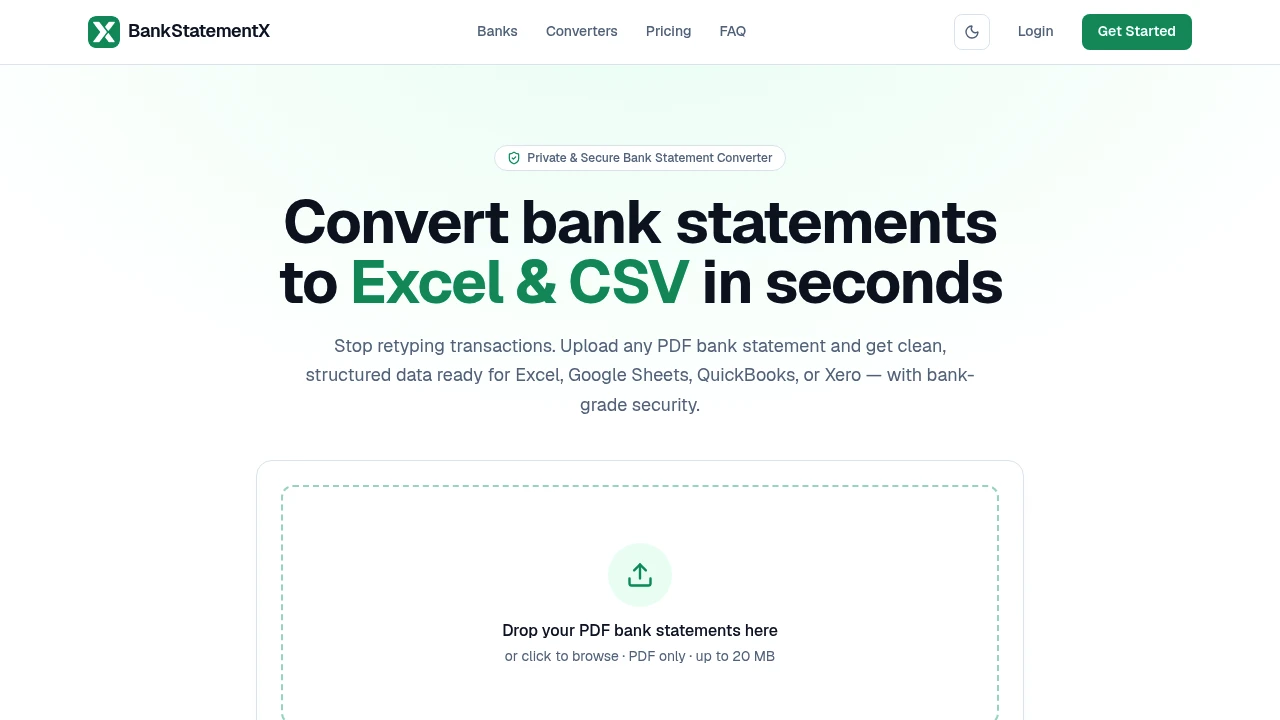
Convert PDF bank statements into clean Excel or CSV files in seconds. This AI-powered bank statement converter helps accountants, bookkeepers, lenders, finance teams, and businesses transform digital or scanned bank statements into structured transaction data ready for spreadsheets and accounting software.
Convert PDF Bank Statements Into Structured Financial Data
Instead of manually typing transactions or cleaning inconsistent bank statement layouts, simply upload a PDF and let the platform extract transaction data automatically. Whether the statement is digitally generated or scanned, the converter organises transactions into structured rows that can be imported into Excel, Google Sheets, QuickBooks, Xero, and other financial tools.
The platform is designed to simplify bank statement processing while maintaining data accuracy and security.
Key Features
PDF Bank Statement Conversion
Transform bank statements into structured spreadsheet data.
Convert:
- PDF bank statements
- Digital statements
- Multi-page statements
- Multi-account statements
- Financial transaction records
into organised datasets within seconds.
OCR for Scanned Statements
Extract data from scanned or image-based PDFs.
The OCR engine can process:
- Scanned bank statements
- Image-based PDFs
- Printed financial documents
- Low-quality scans
- Mixed-format statements
without requiring manual transcription.
Automatic Table Detection
Recognise transaction tables across different bank layouts.
Automatically identify:
- Transaction rows
- Dates
- Descriptions
- Debit amounts
- Credit amounts
- Running balances
from a wide variety of statement formats.
Support for 1,000+ Banks
Process statements from major financial institutions worldwide.
The platform is compatible with:
- Personal bank statements
- Business accounts
- Multiple bank formats
- International banks
- Diverse PDF layouts
without custom templates.
Balance Validation
Verify extracted transactions for greater accuracy.
Validation checks include:
- Running balances
- Debit and credit totals
- Transaction consistency
- Reconciliation support
- Data integrity
to help reduce manual review.
Excel & CSV Export
Download structured data in accounting-friendly formats.
Export transactions to:
- Microsoft Excel
- CSV
- Google Sheets
- QuickBooks
- Xero
for reporting, bookkeeping, or financial analysis.
Secure Processing
Protect sensitive financial information throughout conversion.
Security features include:
- TLS 1.3 encrypted uploads
- In-memory processing
- Isolated processing environment
- Secure data handling
- Automatic file deletion
to safeguard confidential bank records.
No File Retention
Maintain privacy by avoiding long-term document storage.
After conversion:
- Source files are deleted
- No uploaded statements are stored
- Temporary processing is completed in memory
- Sensitive data is removed
- Downloads remain under your control
for enhanced financial privacy.
Built for Financial Document Processing
The platform combines OCR, PDF data extraction, automatic table recognition, balance validation, secure processing, and spreadsheet exports into one bank statement conversion solution.
Key benefits include:
- PDF bank statement converter
- OCR bank statement extraction
- Financial data extraction
- Accounting automation
- Spreadsheet-ready transaction exports
Built For
- Accountants
- Bookkeepers
- Financial Analysts
- Lending Institutions
- Small Businesses
- Finance Teams
Common Use Cases
- Converting PDF bank statements to Excel
- Importing transactions into accounting software
- Preparing bookkeeping records
- Processing scanned financial documents
- Reconciling bank statements
- Organising financial transaction data
Why It Matters
Manual bank statement entry is time-consuming, especially when dealing with scanned documents, inconsistent layouts, or statements from multiple financial institutions. This platform automates the entire process by extracting transaction data, recognising tables, validating balances, and exporting structured files ready for spreadsheets and accounting software. With OCR support, compatibility with over 1,000 bank formats, secure in-memory processing, automatic file deletion, and Excel and CSV exports, finance professionals can process bank statements faster while maintaining accuracy and protecting sensitive financial information.
Convert Bank Statements to Excel or CSV in Seconds
Upload digital or scanned PDF bank statements, automatically extract transaction data with OCR, detect tables across different bank formats, validate balances for greater accuracy, export structured Excel or CSV files, import transactions into QuickBooks or Xero, and process financial documents securely without storing uploaded files.


