
Candid Tools
Free client-side developer tools for image editing, PDF tasks, formatters, and lookups that run in your browser.
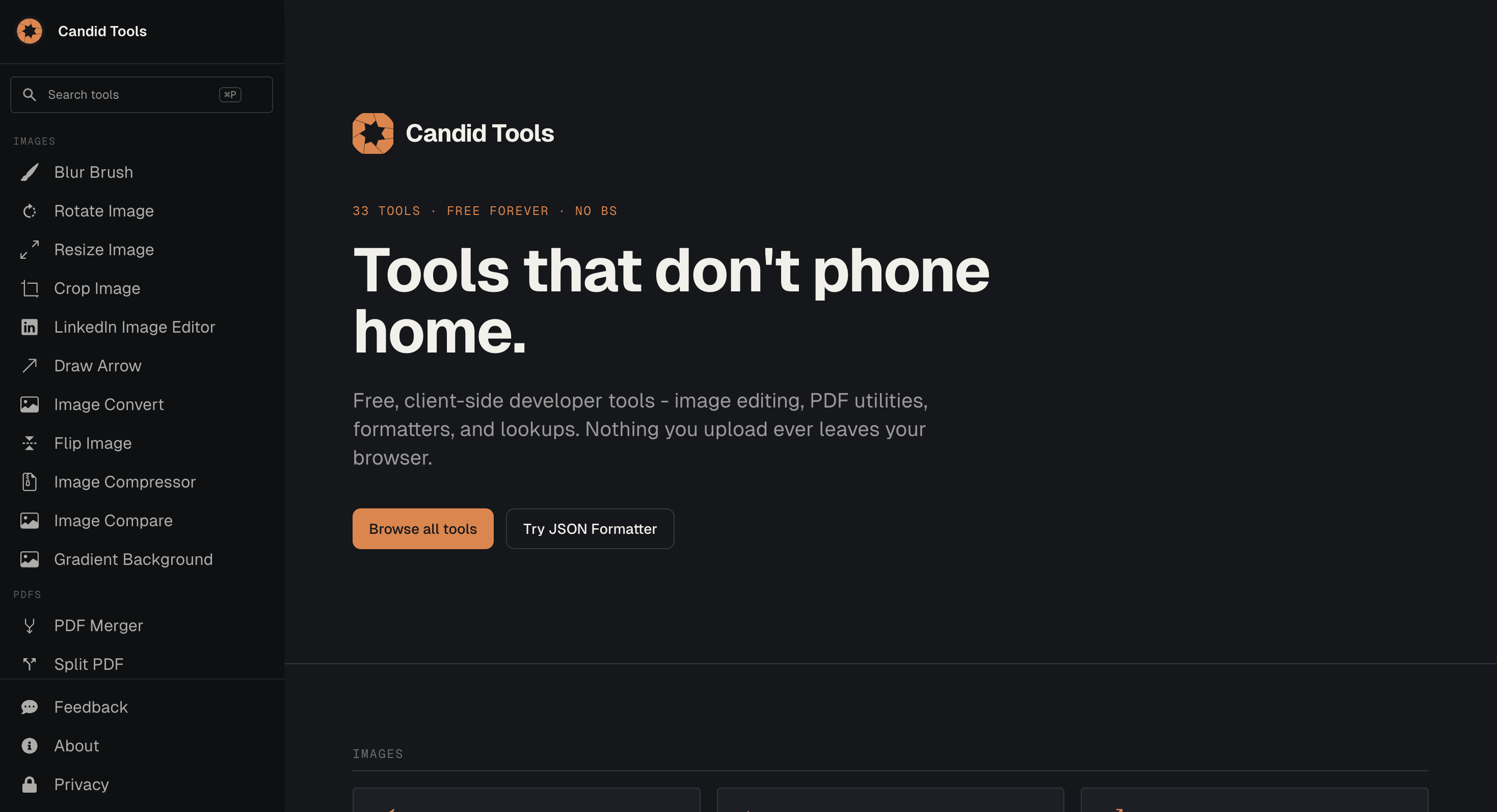
This collection gives developers 33 free tools that run directly in the browser and keep files local. It is designed for people who need quick image edits, PDF utilities, text and data helpers, simple lookups, or everyday utilities without creating an account or uploading files to a server.
The main focus is privacy by default. Nearly all tools process files client-side, meaning uploaded files stay inside the browser. This makes the collection useful for one-off tasks, private documents, and quick checks where sending files to an external server is unnecessary.
Key Features
33 Free Browser Tools
Access a collection of 33 tools covering common file, text, data, and lookup tasks.
The tools are organized into categories such as:
- Image
- Text and data
- Lookup
- Utility
This makes it easier to find a focused tool without installing software or creating an account.
Client-Side Processing
Keep files inside your browser while using the tools.
Most of the collection processes inputs locally, so files do not need to be uploaded to a backend. This provides a more private approach for working with sensitive or personal files.
No Account Required
Use the tools without signing up.
There is no login requirement, allowing you to open a tool and start working immediately.
Free Forever
The tools are available without a paid tier or feature restrictions.
There is no stated subscription or feature gate, making the collection suitable for occasional users as well as developers who need simple utilities regularly.
Domain Information Lookup
Check domain information through a dedicated lookup tool.
The Domain Info tool is the stated exception to the client-side processing approach. It sends only the domain name to perform WHOIS or RDAP lookups rather than uploading a file.
No Ads or Tracking
Use the tool pages without the typical advertising or tracking layer.
The site states that its tool pages contain no ads or tracking, keeping the experience focused on completing the task rather than monetizing user activity.
Built For Private, Everyday Tasks
This collection is a good fit for:
- Developers
- Designers
- Students
- Researchers
- Privacy-conscious users
- People working with private documents
- Anyone needing quick browser-based utilities
- Users who want tools without account requirements
Common Use Cases
- Editing images
- Working with PDFs
- Processing text
- Handling small data tasks
- Looking up domain information
- Performing quick file conversions or checks
- Working with private documents
- Making one-off browser-based edits
- Running utilities without installing software
- Processing files without uploading them to a server
Why It Matters
Many online utility tools are convenient but require users to create accounts, upload their files, or accept advertising and tracking before completing a simple task.
This collection takes a different approach by keeping most processing inside the browser. Files can be handled locally without being sent to a server, while the tools remain free and accessible without an account.
The collection is also deliberately focused rather than trying to become a large software platform. The tools cover practical categories such as images, PDFs, text, data, lookups, and utilities, giving developers and everyday users a straightforward set of browser-based tools for small tasks.
The Domain Info tool has a different workflow because WHOIS and RDAP information requires a server-side lookup, but the site states that only the domain name is sent for that request.
Use Free Privacy-Focused Browser Tools
Access 33 free browser-based tools for image, PDF, text, data, lookup, and utility tasks without creating an account. With client-side processing for nearly every tool, the collection gives users a simple way to work with files while keeping their inputs in the browser.