
Clipin AI
A free AI video maker that turns prompts or images into short clips, multi-scene projects, and exportable videos.
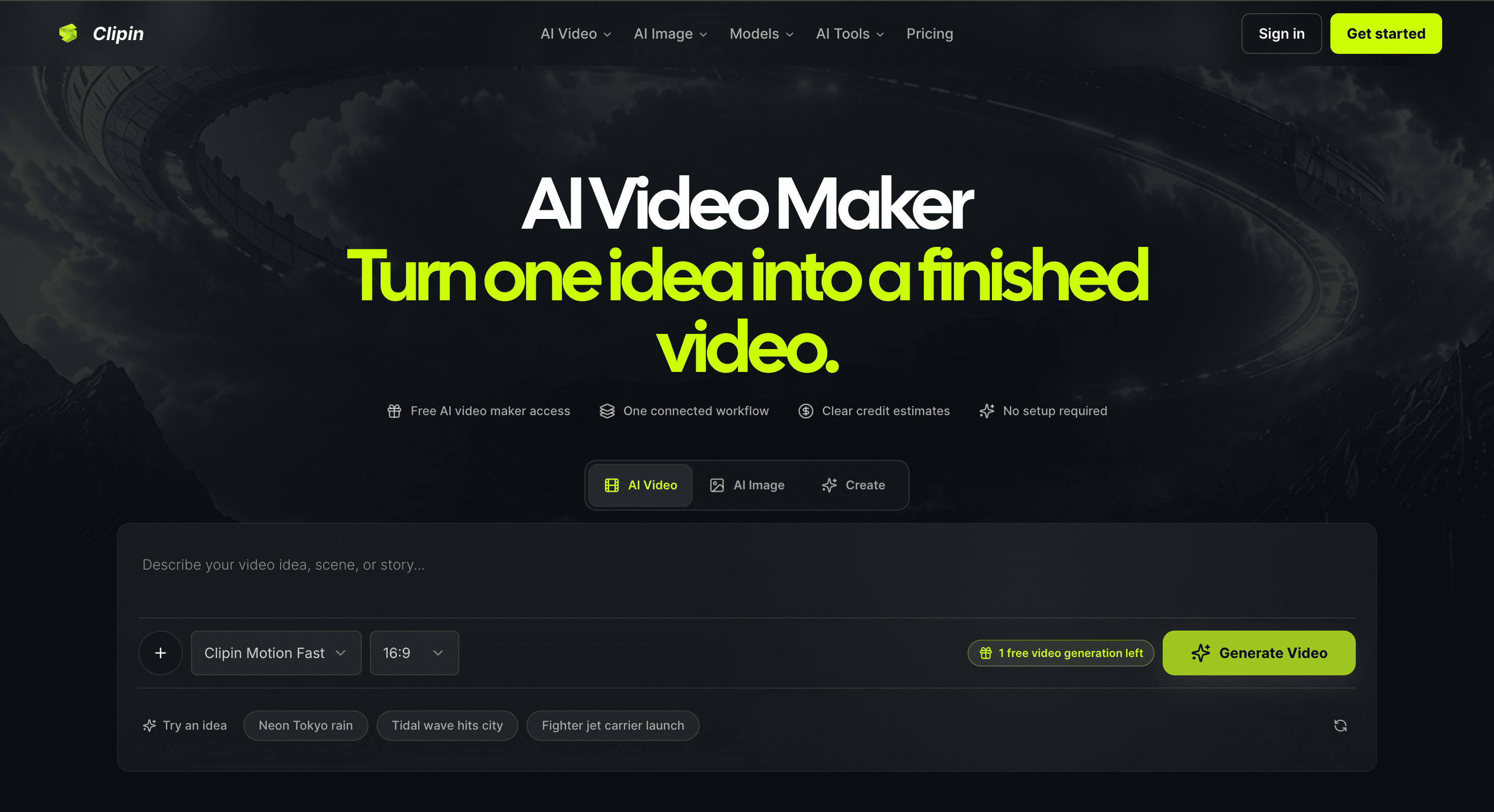
Clipin is a short-form video creation workspace for people who want to turn an idea, prompt, or image into a finished video without switching between separate tools. It is designed for creators, marketers, and small teams making content for TikTok, Reels, Shorts, and other projects that require multiple generated scenes rather than a single clip.
The platform combines generation, editing, review, and publishing in one workflow. You can start with a written prompt or image, generate individual scenes, compare variations, and keep characters, visual direction, and story context consistent across a project. Credit estimates are also shown before generation, making it easier to understand the expected cost of a scene before submitting it.
Key Features
Model-Aware Video Generation
Match individual shots with suitable video generation models.
Clipin routes shots to different video models and adjusts the available controls based on the model being used. This gives creators more flexibility when choosing how a particular scene should look or move.
Prompt and Image Starting Points
Start a project from either an idea or an existing visual.
You can describe a scene with a prompt or upload an image to help preserve a subject, product, composition, or overall visual direction.
Fine Creative Controls
Adjust the details that shape each generated shot.
Clipin provides controls for areas such as:
- Framing
- Motion
- Visual style
- Reference images
- Timing
- Voice
This keeps creative adjustments inside the same workspace rather than requiring separate generation and editing tools.
Multi-Scene Projects
Build several connected scenes within one project.
Instead of treating every generated video as an isolated file, Clipin keeps scenes together so you can review variations and maintain continuity across characters, visual direction, and story context.
Credit Estimates
See the expected credit usage before generating.
This gives users a clearer idea of what a scene will cost before committing credits, which is particularly useful when testing multiple variations or working on larger projects.
Image and Video Tools
Use image creation and editing alongside video generation.
The image tools make it possible to refine or prepare visual elements for a scene without leaving the platform. This can be useful when a shot needs adjustments rather than a completely new generation.
Export and Publishing
Finish and distribute the completed video from the same workflow.
Once the project is ready, you can download the finished video or publish it through the available publishing workflow.
Built for Short-Form Video Creation
Clipin is designed for workflows where a finished video requires more than one generated shot. It combines generation, creative control, scene management, review, and publishing so creators can move from an initial concept toward a complete short-form video in one place.
Key benefits include:
- Generate videos from prompts
- Start from reference images
- Create multiple scenes in one project
- Compare generated variations
- Maintain character and visual consistency
- Control framing and motion
- Adjust style and references
- Add timing and voice controls
- Choose from different video models
- Estimate credit usage before generation
- Refine images alongside video
- Export completed projects
- Publish finished videos
Built For
- Content Creators
- Social Media Creators
- Marketers
- Small Creative Teams
- TikTok Creators
- Instagram Reels Creators
- YouTube Shorts Creators
- Product Marketing Teams
- Agencies
Common Use Cases
- Creating TikTok videos
- Producing Instagram Reels
- Making YouTube Shorts
- Turning ideas into short videos
- Creating product videos
- Building multi-scene stories
- Generating marketing concepts
- Creating visual variations
- Developing social media campaigns
- Maintaining consistent characters across scenes
- Refining generated video concepts
- Combining AI-generated images and video
Why It Matters
Creating AI video often involves moving between separate tools for generation, image preparation, scene management, editing, and publishing. That can make it difficult to maintain consistency and adds friction when a project requires several connected shots.
Clipin brings these stages together in one workspace. Its multi-scene workflow lets creators treat generated shots as parts of a larger project, while model-aware routing and creative controls provide more flexibility over how individual scenes are produced.
The combination of image and video tools also helps when a scene is close to the desired result but needs visual refinement. Instead of starting the entire process again, creators can work on the specific visual elements that need improvement.
For teams producing short-form content regularly, the result is a more connected workflow from initial prompt or image through scene generation, review, refinement, and final publishing.
Create Short-Form Videos With Clipin
Turn prompts and images into multi-scene videos, choose suitable AI video models, refine scenes with creative controls, compare variations, and take projects from concept to export or publishing in one workspace.