
ClipMate
A privacy-first clipboard manager with AI text rewriting, local history search, and pinned clips for desktop and mobile.
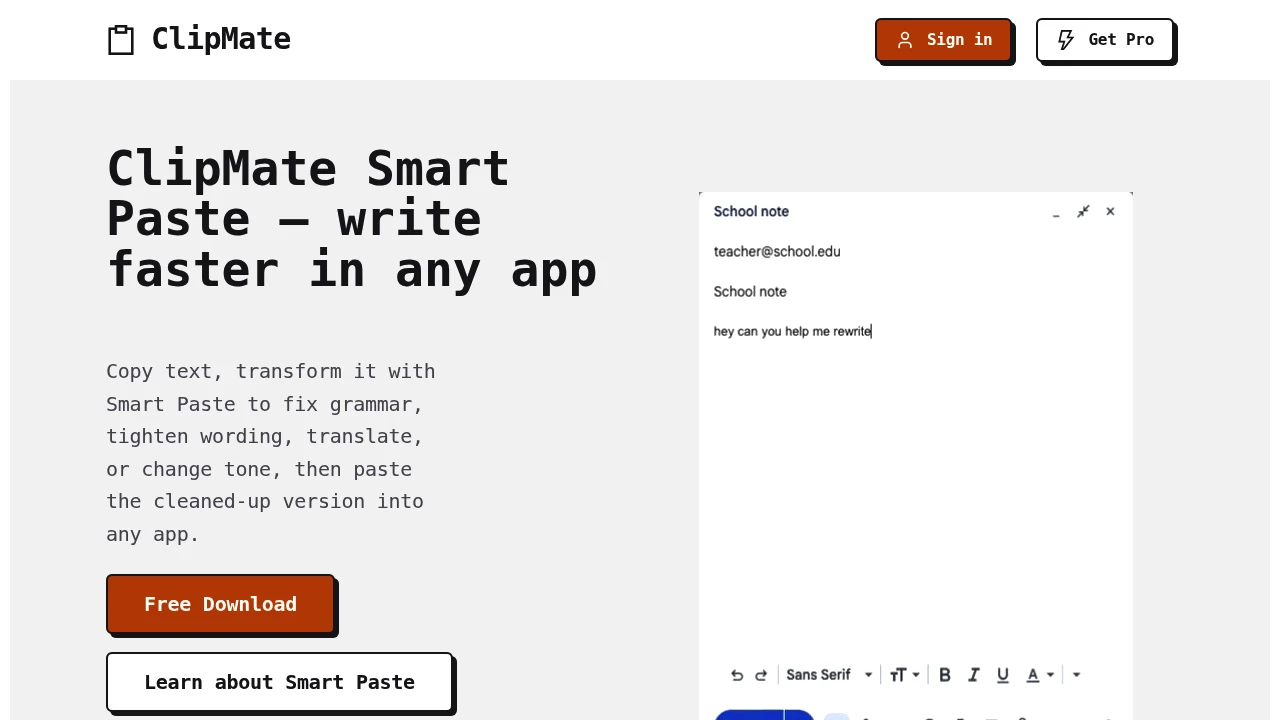
ClipMate History is an AI-powered clipboard manager that helps users keep track of copied content and edit text before pasting it into another application. It combines searchable clipboard history with AI-assisted text tools, making it useful for people who regularly move between emails, documents, chat applications, and browser-based forms.
The platform is designed for users who want ordinary clipboard history to remain local while still having access to AI-powered rewriting, summarization, translation, grammar correction, formatting, and tone adjustments when needed. ClipMate History supports text and image clips and allows users to search previous copies, pin important items, and reuse saved content across their workflow.
Key Features
Searchable Clipboard History
Keep track of previously copied content.
ClipMate History stores regular clipboard items locally and allows users to:
- Search past copied text
- Revisit previous clipboard items
- Reuse content without copying it again
- Access clipboard history across supported desktop platforms
Unpinned clipboard history remains in local memory and clears when the application is closed.
Smart Paste
Edit clipboard content before sending it to another application.
Smart Paste can help users:
- Rewrite text
- Summarize content
- Translate text
- Format copied content
- Fix grammar
- Change tone
This allows users to copy text, modify it through an AI-assisted workflow, and paste the revised version into another application.
Local Clipboard Storage
Keep regular clipboard history on the device.
ClipMate History is designed so that standard clipboard history stays locally on the user's device.
The core clipboard functionality can be used for:
- Local history management
- Searching previous clips
- Reusing copied content
- Offline clipboard access
This provides a local-first approach for everyday clipboard history.
Pinned Clips
Save important clipboard items for later use.
Users can pin selected clips they want to keep beyond the current session.
Pinned clips can be used to store content such as:
- Frequently used text
- Templates
- Important notes
- Reusable responses
- Saved snippets
This allows users to separate temporary clipboard history from content they want to retain.
Cross-Device Sync
Sync selected content across devices.
For signed-in users, ClipMate History supports syncing:
- Pinned clips
- Saved Smart Paste prompts
This allows users to keep selected reusable content available across supported devices while ordinary clipboard history remains local.
Image Clipboard Support
Store copied images alongside text.
ClipMate History can keep:
- Text clips
- Copied images
- Pinned visual content
This makes the clipboard history useful for workflows that involve both written and visual material.
AI Text Transformation
Use AI assistance only when editing selected content.
When using Smart Paste, users can apply changes such as:
- Grammar correction
- Tone changes
- Rewriting
- Translation
- Summarization
- Text formatting
The AI workflow is designed around the specific clipboard item selected for editing rather than automatically processing the entire clipboard history.
Privacy-Focused Smart Paste
Send only the content required for an AI editing request.
For Smart Paste requests, ClipMate History states that only:
- The selected clipboard item
- The user's prompt
are sent for that individual request.
Regular clipboard history remains on the device, and the product states that it does not use:
- Third-party analytics
- Tracking pixels
- Advertising
This separates local clipboard storage from the AI-assisted editing workflow.
Free and Pro Usage Limits
Access Smart Paste with different usage levels.
Signed-in free users receive:
- 3 Smart Pastes per day
The Pro plan includes:
- 25 Smart Pastes per day
- Additional platform access
- Priority support
This provides a limited free option for occasional AI-assisted editing and a higher allowance for more frequent use.
Desktop Platform Support
Use local clipboard history across major desktop operating systems.
ClipMate History supports:
- macOS
- Windows 11 and later
- Ubuntu Linux
The desktop application provides the core clipboard history functionality across these platforms.
Mobile Smart Paste
Access AI-assisted clipboard editing on mobile with Pro.
The Pro plan also includes Smart Paste support on:
- iOS
- Android
This extends the text editing workflow beyond the desktop application.
Built for Clipboard Management and AI Text Editing
ClipMate History combines local clipboard storage, searchable history, pinned content, image support, cross-device syncing, and AI-assisted text editing into one clipboard workflow.
Key benefits include:
- Searchable clipboard history
- Local-first storage
- AI-powered Smart Paste
- Text rewriting and formatting
- Grammar and tone correction
- Translation and summarization
- Pinned reusable clips
- Image clipboard support
- Cross-device sync for selected content
Built For
- Professionals
- Writers
- Marketers
- Developers
- Students
- Remote Workers
- Content Creators
- Anyone Working Across Multiple Apps
Common Use Cases
- Rewriting text before pasting it into an email
- Fixing grammar in copied content
- Changing the tone of a message
- Translating text before sharing it
- Summarizing copied information
- Searching for previously copied content
- Saving reusable templates as pinned clips
- Reusing frequently copied responses
- Managing copied images alongside text
- Moving content between documents, chat apps, and browser fields
- Keeping ordinary clipboard history local while using AI only when needed
Why It Matters
People who work across email, documents, messaging apps, and browser tools often copy and paste the same types of content repeatedly. Standard clipboard functionality usually provides limited history and does not offer a built-in way to revise copied text before pasting it somewhere else.
ClipMate History adds searchable clipboard management alongside AI-assisted editing. Users can keep ordinary clipboard history locally, search previous copies, pin content they want to retain, and use Smart Paste when they want to rewrite, summarize, translate, format, or otherwise change selected text.
The separation between local clipboard history and optional AI processing is a key part of the workflow. Users can manage copied content on their device for everyday tasks while sending only the selected item and prompt when they choose to use Smart Paste.
Copy, Edit, Search, and Reuse Clipboard Content From One Place
Use ClipMate History to keep searchable local clipboard history, save important clips, manage copied text and images, rewrite or format selected content with Smart Paste, fix grammar, change tone, translate or summarize text, and reuse saved content across your workflow without turning ordinary clipboard history into a cloud-based archive.