
Cozy
A local-first journal app that stores entries as plain text files on your device, with no server sync or AI access.
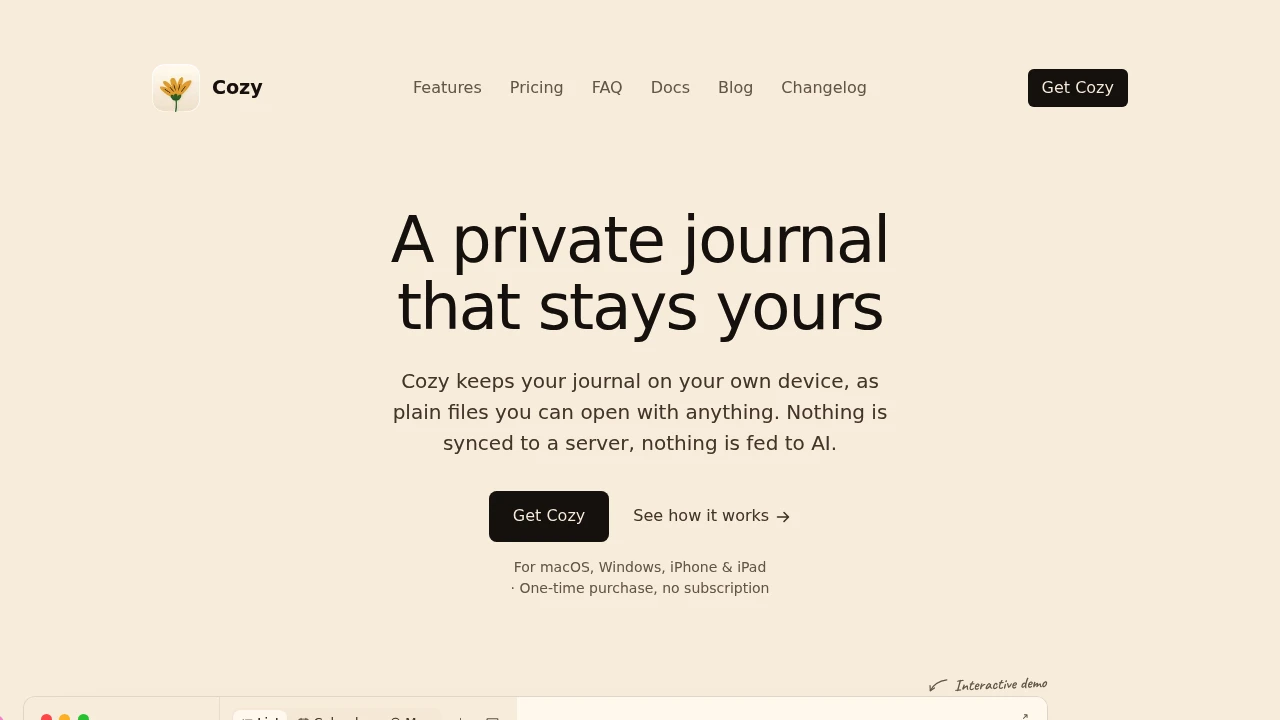
Cozy is a private journaling app for people who want to keep their writing on their own devices instead of storing it with a cloud service. It saves journal entries as regular files in a folder you choose, so you can access, back up, and manage them outside the app. Nothing is sent to a server, and the app does not use your journal entries for AI.
It’s designed for writers who want the convenience of a modern journal while keeping ownership of the underlying files. The desktop app works on macOS and Windows, with an open beta for iPhone and iPad. A single license covers all Mac and Windows computers you own, while the mobile apps are included with the desktop purchase.
Key Features
Plain File Storage
Keep journal entries as regular files on your own computer.
Each entry lives inside a folder you choose, making it easy to access, back up, or move your writing without depending on a proprietary cloud database.
Open File Format
Keep your journal readable outside the app.
Because entries are stored as regular files, your writing remains accessible even if you stop using Cozy or want to manage the files with another tool.
Rich Journal Entries
Add more than text to your entries.
Cozy supports:
- Photos
- Audio
- Video
- Tags
- Location
- Mood
This makes it possible to build journal entries around memories and events rather than just written notes.
Multiple Ways to Review
Explore your journal through different views.
The app includes:
- Calendar view
- List view
- Map view
- Journal views
- “On this day” memories
These make it easier to revisit older entries and find moments based on when or where they happened.
Focused Writing Mode
Write without distractions.
Cozy provides a full-screen writing environment with optional background soundscapes, including rain, forests, cafés, and fireplaces.
This gives you a more focused space when you want to sit down and write without the rest of the interface getting in the way.
Multi-Language Writing
Write in the language and script you prefer.
Cozy supports multiple languages, including right-to-left scripts, making it suitable for multilingual journals.
Journal Import
Bring existing writing into the app.
Cozy supports imports from:
- Notion
- Day One
- Obsidian
- Bear
This makes it easier to move an existing journal into a local-file workflow without starting over.
Cross-Device Support
Keep using the same journal across desktop and mobile devices.
On desktop, the journal folder can be placed inside a sync service of your choice. On iPhone and iPad, Cozy uses iCloud for the shared journal folder.
This gives you multi-device access while keeping the underlying journal files under your control.
One-Time Purchase
Use Cozy without a recurring subscription.
The app is sold as a one-time purchase, with the mobile apps included with the desktop license. There is no requirement to keep paying for a cloud storage plan to maintain access to your journal.
Built for Private, Local Journaling
Cozy combines modern journaling features with a local-first approach. Your entries remain as files on your own devices instead of being stored on the company's servers, and the app does not feed your writing into AI systems.
That makes it useful for people who want photos, audio, maps, tags, and different journal views without giving up control over the underlying data.
The file-based approach also reduces lock-in. You can choose where the journal folder lives, back it up yourself, sync it through a service you already trust, or access the files independently of the app.
Built For
- Writers
- Journalers
- Personal archivists
- Privacy-conscious users
- Multilingual writers
- People moving away from cloud journals
- Notion, Day One, Obsidian, and Bear users
- Users who want local file ownership
Common Use Cases
- Keeping a private personal journal
- Writing journals without cloud storage
- Maintaining a journal across Mac and Windows
- Journaling from iPhone or iPad
- Adding photos and media to journal entries
- Revisiting memories through calendars and maps
- Importing an existing digital journal
- Keeping journal files in a personal backup system
- Writing in multiple languages
- Avoiding subscription-based journaling apps
Why It Matters
Many modern journaling apps make convenience the priority by storing your writing inside a proprietary cloud service. That can make the journal easier to access, but it also means your personal writing is tied to the provider's infrastructure and account system.
Cozy takes a different approach. Your journal is stored as regular files on your own devices, while the app provides the interface, organization, media support, and writing features around those files.
That combination gives you a modern journaling experience without requiring you to hand ownership of the underlying writing to a cloud platform. The one-time purchase model also means the core product is not dependent on an ongoing subscription.
Keep Your Journal on Your Own Devices
Choose where your journal files live, write with a focused interface, add photos and other media, and review your entries through calendars, maps, and memories while keeping the underlying files under your control.