
Finconv.App
Uploads bank statement PDFs or images and exports extracted transactions to Excel, CSV, or JSON with no sign-up.
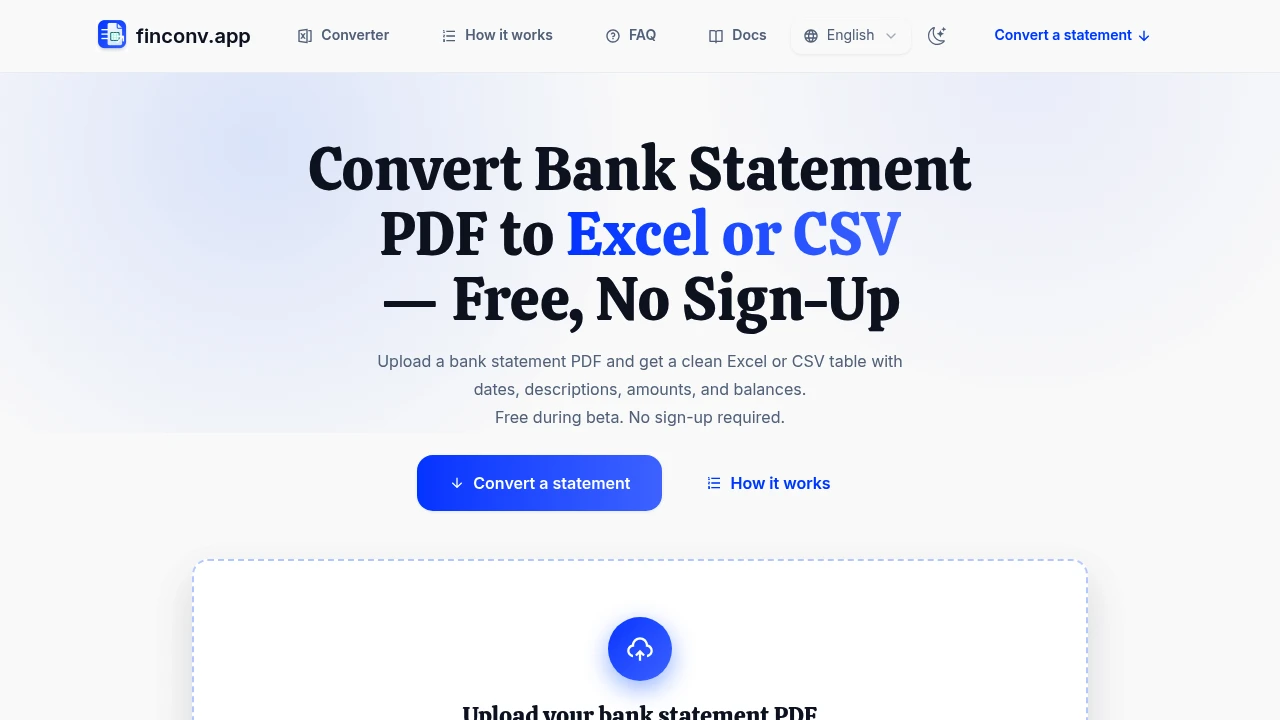
Finconv.App converts bank statements into spreadsheet-ready transaction data for people who need to get information out of PDF files quickly. It is built for freelancers, bookkeepers, accountants, small teams, and anyone who needs to reconcile accounts or prepare financial records without manually copying every transaction.
The workflow is designed to be straightforward. Users upload a bank statement in PDF, JPG, or PNG format, review the extracted transaction table, and download the data in Excel, CSV, or JSON format.
Key Features
Bank Statement to Spreadsheet Conversion
Convert bank statements into structured transaction data.
The tool extracts information from uploaded statements and organizes it into rows that can be reviewed and exported.
Depending on the information available in the source document, extracted fields can include:
- Date
- Description
- Check number
- Debit amount
- Credit amount
- Balance
This makes it easier to move transaction data from a statement into a format that can be used for further review or processing.
PDF, JPG, and PNG Support
Upload statements in multiple file formats.
The tool supports:
- PDF files
- JPG images
- PNG images
This can be useful when a statement is downloaded directly from a bank or captured as an image.
Scanned Statement Support
Extract transaction data from statements that are not available as standard text-based PDFs.
The tool supports scanned documents and image-based statements, making it possible to process files where the transaction information is visually embedded in the document.
This can be useful for:
- Scanned bank statements
- Image-based PDFs
- Phone photos of statements
- Older financial records
Password-Protected PDF Support
Process password-protected bank statements without manually unlocking and re-saving the file first.
Users can work with protected PDFs as part of the same conversion workflow.
This can reduce the extra steps involved when downloading statements directly from banking platforms that use password protection.
Transaction Table Preview
Review extracted transaction data before downloading it.
The extracted information appears in a table, allowing users to compare the results against the original statement.
This provides an opportunity to check:
- Transaction dates
- Descriptions
- Debit values
- Credit values
- Account balances
- Missing or incorrectly extracted rows
The output can then be downloaded after review.
Excel Export
Download extracted transaction data as an Excel-compatible file.
This can be useful for:
- Bookkeeping
- Account reconciliation
- Financial record keeping
- Manual data review
- Spreadsheet analysis
The exported file can be edited further after download.
CSV Export
Export transaction data in CSV format.
CSV output can be useful for:
- Accounting software imports
- Database uploads
- Spreadsheet applications
- Data processing workflows
- Raw transaction analysis
This provides a simple format for moving extracted statement data into other systems.
JSON Output
Download structured transaction data as JSON.
JSON output can be useful for:
- Scripts
- Internal applications
- APIs
- Automated workflows
- Custom financial data processing
This gives developers and technical teams a machine-readable version of the extracted information.
Support for Multiple Account Types
Process different types of financial statements using the same workflow.
The tool supports statements from:
- Credit card accounts
- Checking accounts
- Savings accounts
This makes it useful for people managing multiple types of financial records.
No Sign-Up Required
Convert statements without creating an account.
The tool supports quick, one-off use without requiring:
- Account registration
- Software installation
- Login setup
This can be useful when you only need to process a small number of statements.
Browser and Mobile Access
Use the tool directly through a browser.
The service also works on mobile devices, allowing users to process statements from:
- Downloaded bank PDFs
- Uploaded files
- Mobile images
- Phone photos of statements
This makes the conversion workflow accessible without installing desktop software.
Built for Bank Statement Data Extraction
The tool combines document upload, transaction extraction, table review, and spreadsheet-ready exports into one workflow for turning bank statements into usable financial data.
Key benefits include:
- Convert bank statements into structured transaction data
- Upload PDF, JPG, and PNG files
- Process scanned and image-based statements
- Support password-protected PDFs
- Extract dates, descriptions, debits, credits, and balances
- Review transaction rows before downloading
- Export data to Excel
- Download CSV files for accounting and data workflows
- Generate JSON output for scripts and applications
- Support checking, savings, and credit card statements
- Use the tool without creating an account
- Process files in a browser or on mobile devices
Built For
- Freelancers
- Bookkeepers
- Accountants
- Small Businesses
- Finance Teams
- Operations Teams
- Tax Preparers
- Business Owners
- Developers
- Data Analysts
- Anyone Reconciling Bank Accounts
Common Use Cases
- Converting a bank statement into an Excel spreadsheet
- Extracting transactions from a PDF
- Processing scanned bank statements
- Converting statement images into structured data
- Preparing transaction records for bookkeeping
- Reconciling checking and savings accounts
- Exporting transaction data to CSV
- Creating JSON data from financial statements
- Reviewing credit card transactions
- Preparing financial records for further analysis
- Extracting data from password-protected bank PDFs
- Converting statements from a mobile phone
Why It Matters
Bank statements often contain transaction information that needs to be reviewed, reconciled, or moved into another system. Manually copying dates, descriptions, debits, credits, and balances from a PDF can take time, especially when working with multiple statements or scanned documents.
This tool takes a more direct approach by extracting transaction rows from uploaded statements and presenting them in a structured table before export. Users can review the extracted data against the original document, then choose the format that fits their next step.
The support for PDFs, images, scanned statements, and password-protected files also makes the workflow useful across different types of financial records. Instead of converting files separately before processing them, users can work with common statement formats in the same browser-based workflow.
Turn Bank Statements Into Spreadsheet-Ready Data
Upload a PDF, JPG, or PNG bank statement, extract transaction rows containing details such as dates, descriptions, debits, credits, and balances, review the results against the original document, and download the structured data as Excel, CSV, or JSON for bookkeeping, reconciliation, analysis, or further processing.