
FaceSwapAI
Browser-based face swap tool for photos, group shots, videos, and GIFs with verified sign-in and credit-based pricing.
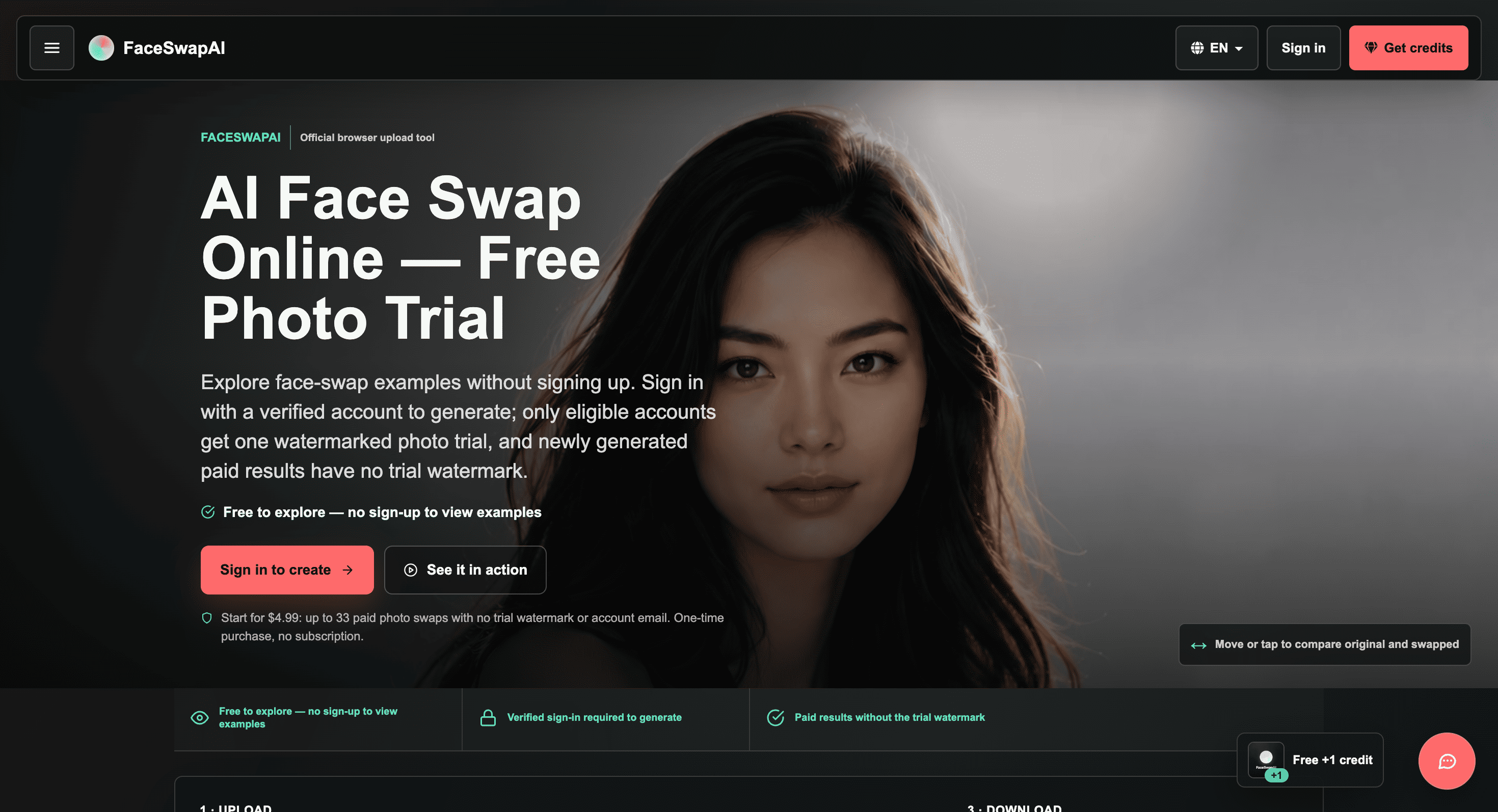
FaceSwapAI is a browser-based face swap tool for people who want to place faces into photos, work with group images, or experiment with video and GIF swaps without installing dedicated software. It is aimed at users who want to understand the service’s input requirements, credit costs, and usage rules before generating a result.
The platform supports several different workflows, from simple one-face photo swaps to multi-face group images and separate video and GIF processing. Examples can be viewed without an account, while actual generation requires a verified account and consent for every face used.
Key Features
Photo Face Swaps
Replace a face in a target image using a source face.
The standard workflow uses:
- One source face
- One target image
- Supported image formats
- Credit-based generation
Photo swaps cost 3 credits, giving users a clear cost before starting a generation.
Group Face Swaps
Work with multiple faces in a single image.
The group workflow supports:
- Up to 10 selected faces
- One source face mapped to multiple targets
- Different portraits mapped to different target faces
- Multi-person group photos
This makes it useful for images where a single-face swap is not enough.
Video and GIF Swaps
Apply face swaps to moving media through dedicated video and GIF workflows.
The published limits include:
- Videos up to 600 seconds
- GIFs up to 30 seconds
- Separate credit rules based on the workflow
- Published duration limits before submission
This gives users a way to check whether their media fits the service before spending credits.
Verified Generation
Keep generation behind an account verification step.
Users can browse examples without signing up, but generating a face swap requires:
- Account sign-in
- Email verification
- Consent for every face
This creates a defined process for moving from public examples to actual generation.
Credit-Based Pricing
Understand the cost of a task before generating it.
Photo swaps cost 3 credits, while other workflows are priced according to factors such as the target face or measured video duration. This lets users estimate usage based on the type of media they want to process.
Media and Input Checks
Check supported files and limits before uploading.
For photos, supported formats include:
- JPG
- PNG
- WebP
- GIF
- BMP
- HEIC
- HEIF
The service also provides file size and workflow limits so users can prepare the correct media before starting a task.
Face Swap Examples
Browse public before-and-after examples without creating an account.
These examples allow users to compare results and understand the type of output they can expect before uploading their own images.
Trial Generation
Test the photo workflow under the available trial terms.
Eligible accounts receive one watermarked photo trial. Paid results do not carry the watermark associated with that trial.
Automatic File Deletion
Keep uploaded media from remaining indefinitely on the service.
Files are scheduled for deletion after 24 hours, providing a defined retention window for uploaded content and generated tasks.
Built for Flexible Face Swapping
FaceSwapAI combines photo, group, video, and GIF workflows with published input requirements and credit rules. The service puts particular emphasis on showing users the limits and costs of each workflow before they submit their media.
Key benefits include:
- Swap faces directly in the browser
- Process individual photos
- Handle group photos with up to 10 selected faces
- Map one face across multiple targets
- Map multiple portraits to different faces
- Process videos up to 600 seconds
- Process GIFs up to 30 seconds
- Browse examples without signing up
- Use verified accounts for generation
- Review supported file formats and limits
- Use credit-based generation
- Get one eligible watermarked photo trial
- Have files scheduled for deletion after 24 hours
Built For
- Content Creators
- Social Media Users
- Photo Editors
- Video Creators
- Meme Creators
- Creative Teams
- Visual Experimenters
- Users Working With Group Photos
Common Use Cases
- Swapping faces in photos
- Editing group photos
- Testing different portraits in an image
- Applying one face to multiple people
- Creating video face swaps
- Creating GIF face swaps
- Reviewing face swap examples
- Testing photo swap quality
- Preparing media before generation
- Experimenting with browser-based face editing
Why It Matters
Face swapping can involve different file types, face counts, duration limits, and generation costs depending on the type of media being processed. FaceSwapAI makes these boundaries visible before generation, so users can understand what each workflow supports before uploading or spending credits.
The service also separates its workflows clearly. A standard photo uses one source face and one target image, while group swaps support multiple selected faces and video and GIF processing have their own duration and credit rules.
The verification and consent requirements are another important part of the workflow. Generation requires a verified account and consent for every face, while uploaded files are scheduled for deletion after 24 hours.
Create Face Swaps in the Browser
Choose a photo, group image, video, or GIF, check the supported format and workflow limits, select the appropriate face swap mode, and generate the result through a verified account with the required credits and consent.


