
Framerfy
A free plugin that connects Shopify to Framer, syncing products, cart, and checkout for headless ecommerce.
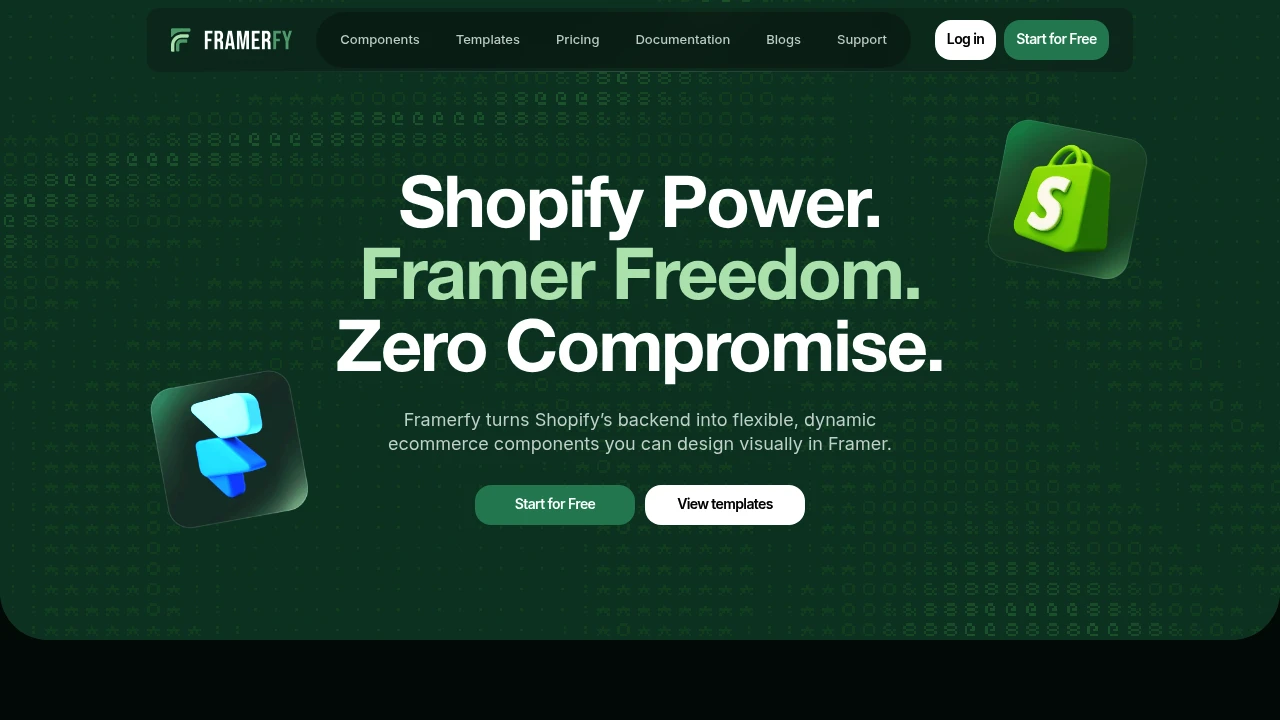
Framerfy connects Shopify's commerce backend with a Framer storefront, giving teams a way to build a custom customer-facing ecommerce experience in Framer while keeping Shopify responsible for products, inventory, cart, and checkout. It is designed for headless ecommerce setups where visual flexibility and live commerce data need to work together.
The platform pulls live Shopify product information into Framer so pricing, variants, and inventory remain aligned with the commerce backend instead of being maintained manually. This makes it useful for stores with frequently changing catalogs or teams that want to design the storefront outside the constraints of a traditional Shopify theme.
Key Features
Shopify Product Sync
Framerfy imports commerce data from Shopify into the Framer storefront.
Product synchronization covers:
- Products
- Pricing
- Variants
- Inventory
Keeping this information connected to Shopify helps prevent storefront data from becoming outdated when the underlying catalog changes.
Cart and Shopify Checkout
Framerfy adds ecommerce interactions to the Framer storefront while leaving checkout with Shopify.
Customers can:
- Add products to the cart
- View current cart state
- See cart totals
- Clear cart items
- Continue to Shopify checkout
This keeps Shopify as the commerce backend while Framer handles the customer-facing experience.
Variant-Aware Storefronts
The platform supports product variants and their associated storefront interactions.
Variant functionality includes:
- Variant-aware pricing
- Variant filtering
- Variant selection controls
- Colour pickers
- Universal variant pickers
This allows Framer storefronts to handle products with multiple configurations without treating every variation as a separate product.
Custom Framer Components
Framerfy allows developers and designers to create custom components and connect them using reference nodes.
This provides flexibility for teams that want to build a storefront around their own component structure rather than relying exclusively on predefined storefront elements.
Ready-Made Commerce Components
Framerfy includes reusable storefront components for common ecommerce interactions.
Available pieces include:
- Media carousels
- Variant pickers
- Cart totals
- Live cart counters
- Editable cart item lists
- Sort controls
- Profile redirects
- Dynamic price displays
These components provide a starting point for commerce functionality without requiring every interaction to be built from scratch.
Product Media Carousels
Product media components support visual product browsing with features such as thumbnails and zoom.
This gives shoppers a more complete way to inspect product imagery directly within the Framer storefront.
One-Click Commerce Actions
Common shopping actions can be connected directly to storefront components.
Supported actions include:
- Add to cart
- Clear cart
- Checkout
This helps connect custom Framer layouts with Shopify's underlying commerce functionality.
ArtFrame Storefront Template
Framerfy includes a sample storefront template called ArtFrame, providing an example of how the Shopify and Framer connection can be used to create a complete storefront experience.
Built For Headless Ecommerce Teams
Framerfy is designed for Shopify merchants, designers, developers, and ecommerce teams that want the flexibility of Framer without giving up Shopify's commerce infrastructure.
It fits stores that want to separate the visual storefront from the commerce backend while continuing to rely on Shopify for product data, inventory, cart functionality, and checkout.
Common Use Cases
- Headless Shopify stores: Use Shopify as the commerce backend while building the storefront in Framer.
- Custom ecommerce design: Create storefront experiences outside standard Shopify themes.
- Frequently changing catalogs: Keep pricing, variants, and inventory connected to live Shopify data.
- Product-focused Framer sites: Add commerce functionality to visually driven Framer experiences.
- Custom product pages: Build unique product layouts using reusable Framerfy components.
- Variant-heavy stores: Handle product options, pricing, and selection directly in the storefront.
- Custom carts: Use ready-made cart components while keeping checkout on Shopify.
- Design-led ecommerce: Give designers more control over the customer-facing experience without replacing Shopify's backend.
Pricing
Framerfy is described as free and works with both Shopify's free trial and paid plans.
It uses Shopify's Headless app and Storefront API to connect the Framer storefront with Shopify's commerce backend.
Why It Matters
Building a headless Shopify storefront often means recreating commerce interactions that already work well in the Shopify ecosystem. At the same time, relying entirely on a Shopify theme can limit how freely a team approaches the storefront design.
Framerfy connects these two needs by letting Framer handle the visual customer experience while Shopify continues to manage product information, inventory, cart state, and checkout. Its ready-made commerce components also reduce the work involved in implementing common interactions such as variant selection, product media, cart totals, and checkout actions.
The result is a more flexible storefront workflow where teams can design in Framer while continuing to use Shopify as the underlying commerce system.
Build a Flexible Shopify Storefront With Framerfy
Connect Shopify's live commerce data with a Framer storefront and build a customer-facing ecommerce experience without being limited to a traditional Shopify theme. With product synchronization, variant handling, cart and checkout components, custom components, and ready-made storefront pieces, Framerfy provides a practical foundation for headless Shopify and Framer ecommerce.


