
FunnelSurf
An AI funnel builder with drag-and-drop editing, CRM, analytics, automation, and integrations for lead capture and sales flows.
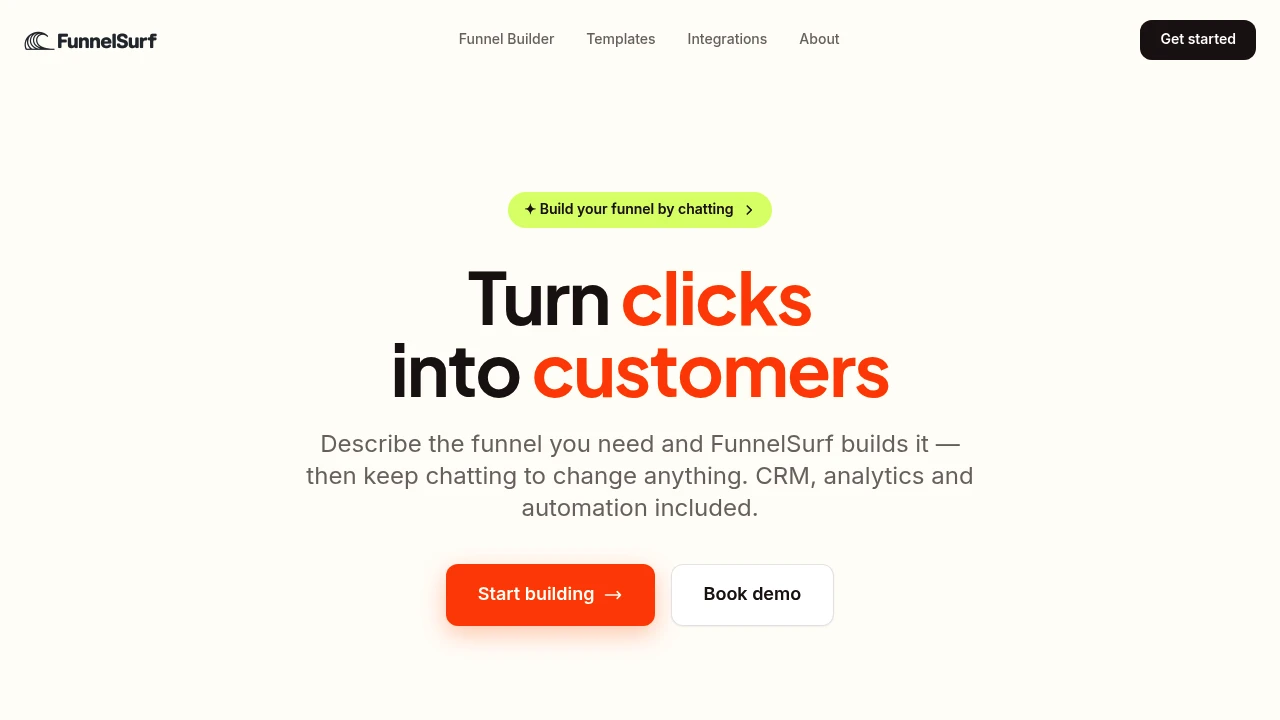
FunnelSurf is an AI-powered sales funnel and lead capture platform for teams and solo operators who want to build funnels without starting from a blank canvas. Describe the funnel you need and the platform creates a working draft with pages, quiz flows, branching logic, and booking steps that can then be edited through chat or directly on the visual canvas.
The platform covers more than funnel page creation. It combines AI-powered building with a built-in CRM, analytics, automation, and integrations, giving teams one place to create a funnel, capture leads, manage contacts, track conversions, and follow up. Nothing goes live until it is published, making it possible to build and review the experience before launch.
Key Features
AI Funnel Builder
Describe the funnel you want to create and let FunnelSurf generate the initial structure.
The AI builder can create:
- Funnel pages
- Quiz steps
- Branching logic
- Booking steps
- Lead capture flows
This gives users a working starting point instead of requiring them to design every page and flow from scratch.
Chat & Drag-and-Drop Editing
Continue refining the funnel after the initial AI generation.
You can make changes by describing them in plain language or edit the same funnel visually through the canvas.
- Change headlines
- Move sections
- Add funnel steps
- Modify the structure through chat
- Visually edit the funnel on the canvas
This provides both conversational and traditional editing workflows within the same project.
Built-In CRM
FunnelSurf turns submissions into leads that can be managed inside the platform.
The built-in CRM provides:
- Lead profiles
- Tags
- Filters
- Pipeline views
- Contact management
Because leads are captured directly through the funnel, teams can move from conversion to lead management without switching to a separate CRM for basic workflows.
Funnel Analytics
Track how visitors move through the funnel and where conversions happen.
Analytics include:
- Page views
- Conversions
- User flow
- UTM performance
- Step-by-step drop-off points
This helps teams understand not only how much traffic a funnel receives, but where people stop progressing through the flow.
Automation & Workflows
Send lead events and funnel activity to connected tools and services.
FunnelSurf supports workflows involving:
- Slack
- HubSpot
- Zapier
- Webhooks
- Other connected systems
This allows captured leads and funnel events to become part of broader sales, marketing, and follow-up processes.
Integrations
Connect the funnel with advertising, commerce, CRM, communication, and automation platforms.
Supported integrations include:
- Meta Pixel
- Shopify
- Google Ads
- HubSpot
- Slack
- Zapier
- Custom systems through webhooks
This makes it possible to connect acquisition, funnel tracking, lead management, and downstream workflows.
Custom Funnel Design
Customize the visual presentation of your funnels while keeping them responsive across devices.
Features include:
- Custom domains
- Mobile-responsive pages
- Custom fonts
- Custom colors
- Visual canvas editing
This allows teams to build funnels that fit their existing brand and publishing setup.
Pre-Publish Review
FunnelSurf separates funnel creation from publishing.
Nothing goes live until you explicitly publish it, giving teams room to draft, edit, review, and refine their funnel before visitors can access it.
CSV Export
Export funnel and lead-related data as CSV for reporting and further analysis.
This provides a straightforward way to move data outside the platform when teams need to work with it in other reporting or spreadsheet workflows.
Built For Funnel & Growth Teams
FunnelSurf is designed for people who want to manage the complete funnel lifecycle rather than use separate tools for page building, lead capture, CRM, and analytics.
Solo operators can describe and build funnels quickly without needing a dedicated design or development workflow.
Marketing teams can create campaigns, connect advertising platforms, track UTM performance, and monitor conversion paths.
Sales teams can use the built-in CRM and pipeline views to manage leads generated through their funnels.
Growth teams and agencies can combine custom funnel pages, analytics, integrations, and automation into a broader acquisition workflow.
Common Use Cases
Sales funnel creation: Build landing pages and conversion flows from a description instead of starting with a blank canvas.
Quiz funnels: Create quiz steps and branching logic to guide visitors through personalized paths.
Lead capture: Collect submissions and automatically turn them into CRM leads.
Booking funnels: Include booking steps as part of a larger lead-generation or sales journey.
Campaign tracking: Monitor UTM performance and conversion data across funnel steps.
Drop-off analysis: Identify where users stop progressing through a funnel.
Lead follow-up: Send captured lead events to Slack, HubSpot, WhatsApp, Zapier, or custom systems.
E-commerce funnels: Connect Shopify and other tools to support product-focused acquisition and conversion workflows.
Why It Matters
Building a funnel is only one part of running a conversion workflow. Teams also need to capture the resulting leads, understand where visitors drop off, connect marketing and sales systems, and follow up after someone submits a form.
FunnelSurf brings those functions together. The AI builder provides the initial funnel structure, while chat and canvas editing make it possible to refine the experience before publishing. Once live, built-in CRM, analytics, automation, and integrations connect the funnel with the rest of the sales and marketing workflow.
Build, Manage & Optimize Your Funnels With FunnelSurf
Create AI-generated sales funnels, quiz flows, booking journeys, and lead capture pages, then manage contacts, track conversions, and connect follow-up workflows from one platform.