
h3max.video
Creates 5 to 15 second AI videos from text or images with frame controls, aspect ratios, and prompt expansion.
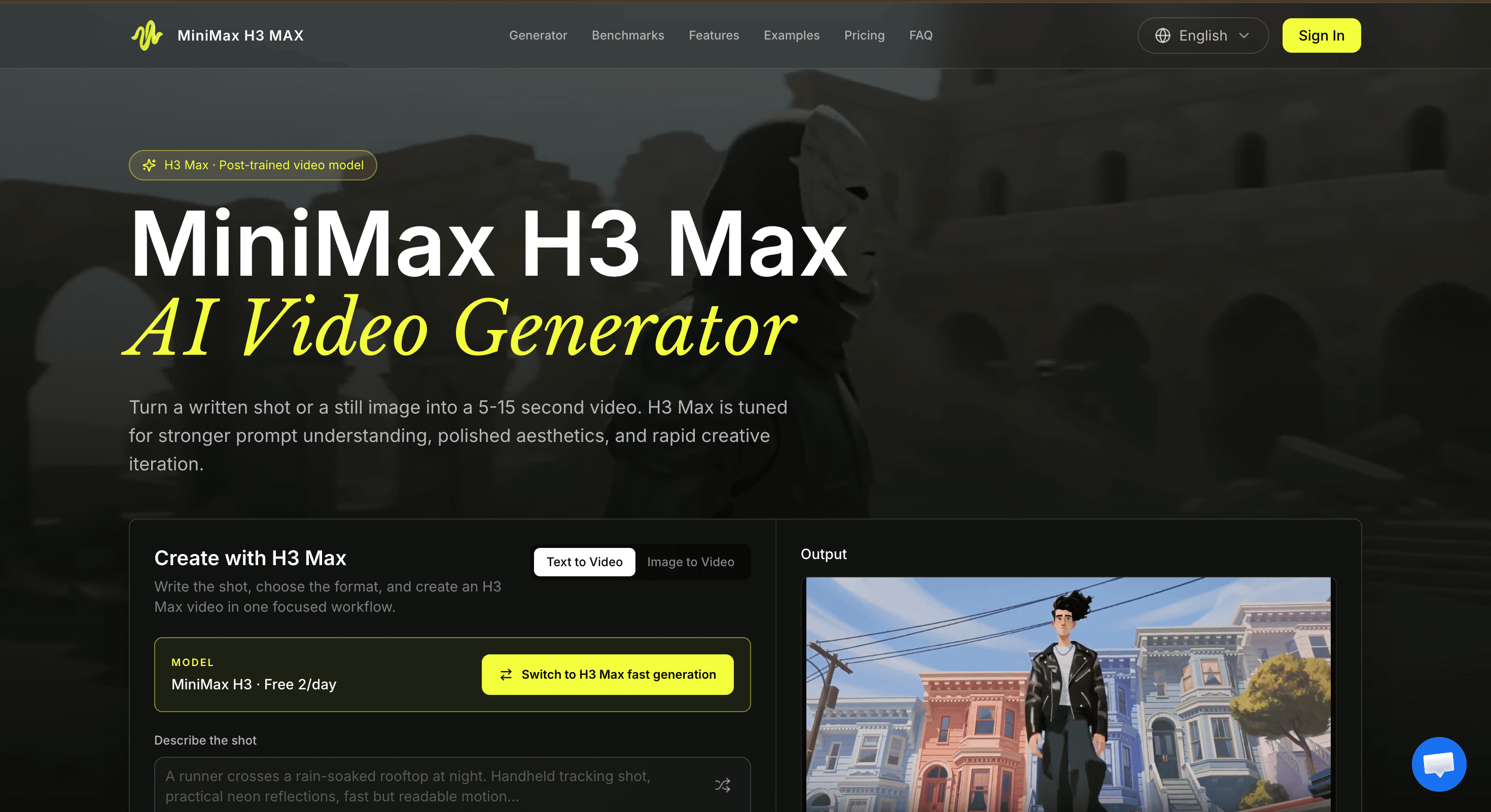
This is a short-form AI video generator for creators who want to turn a written shot brief or still image into moving footage. It is designed for quick iteration, with short outputs suited to concept development, social clips, product mockups, and early visual testing.
The tool supports both text-to-video and image-to-video workflows, with output available at 480P or 768P. Users can choose from six aspect ratios, control the first and end frames, and adjust how much the system expands their prompts before generating the video.
Key Features
Text and Image to Video
Start a video from either a written description or an existing image.
Text-to-video lets users describe the scene they want, while image-to-video uses a source image as the visual starting point and generates motion around it.
5 to 15 Second Clips
Generate short clips designed for rapid iteration.
The 5 to 15 second output range makes it practical for testing individual shots, visual ideas, camera movements, and short scene beats without committing to longer renders.
Aspect Ratio Options
Create videos for different publishing and testing formats.
The tool supports six aspect ratios, making it possible to prepare footage for:
- Wide formats
- Square content
- Vertical video
- Social media formats
- Other project-specific compositions
First and End Frame Controls
Use images to guide how a shot begins and ends.
Users can define a first frame and optionally provide an end frame, giving the generation process a clearer visual path for the movement between two specific states.
Prompt Expansion
Control how the written brief is interpreted.
The available modes let users:
- Keep the original prompt
- Apply a light expansion
- Use a fuller prompt rewrite
This provides more control over how much the system interprets and develops the original shot description.
480P and 768P Output
Choose the resolution based on the needs of the project.
The two available output options make it possible to use a lower resolution for faster concept testing or select 768P when more detail is useful.
Built for Rapid Video Iteration
The tool focuses on generating individual shots rather than providing a full video-editing suite. Its short output duration and frame controls make it suitable for creators who want to test an idea, review the result, adjust the brief, and generate another version quickly.
Key benefits include:
- Generate videos from text prompts
- Convert still images into moving footage
- Create 5 to 15 second clips
- Choose from six aspect ratios
- Set a first frame
- Set an optional end frame
- Control prompt expansion
- Generate at 480P
- Generate at 768P
- Test camera movement
- Explore visual transformations
- Experiment with character consistency
- Develop short scene beats
Built For
- Content Creators
- Designers
- Marketers
- Motion Designers
- Creative Teams
- Product Teams
- Video Producers
- Social Media Teams
- Storyboard Artists
Common Use Cases
- Creating social media clips
- Generating product mockups
- Testing camera movements
- Creating image-to-video concepts
- Exploring character consistency
- Testing visual transformations
- Developing storyboards
- Previsualizing scenes
- Turning shot briefs into motion
- Testing different aspect ratios
- Exploring short scene ideas
- Creating early production concepts
Why It Matters
AI video generation is often most useful during the stage when an idea is still changing. Longer renders can make experimentation slower, while broad editing platforms can add unnecessary complexity when the goal is simply to see whether a shot works.
This tool focuses on that early iteration process. Short 5 to 15 second clips allow creators to test individual ideas quickly, while text and image inputs provide two different ways to establish the visual direction.
The frame-based workflow is particularly useful for image-to-video generation. A source image can establish the subject and composition, while the prompt describes the movement and changes that should happen over the duration of the shot. Adding an end frame provides another level of control when the desired destination of the motion is already known.
Prompt expansion also gives creators control over how much the system interprets their brief. This is useful when the original description already contains precise creative direction, as well as when a fuller interpretation is needed to communicate the subject, action, camera, lighting, and timing.
The result is a focused workflow for designers, marketers, and motion teams that need to test moving concepts before committing to longer production work.
Turn Shot Briefs and Images Into AI Video
Create 5 to 15 second clips from written prompts or still images, control the first and end frames, choose from six aspect ratios, and generate at 480P or 768P for rapid concept testing and short-form video production.