
HeyForm
Open-source form builder for surveys, quizzes, and polls with branding controls, conditional logic, and integrations.
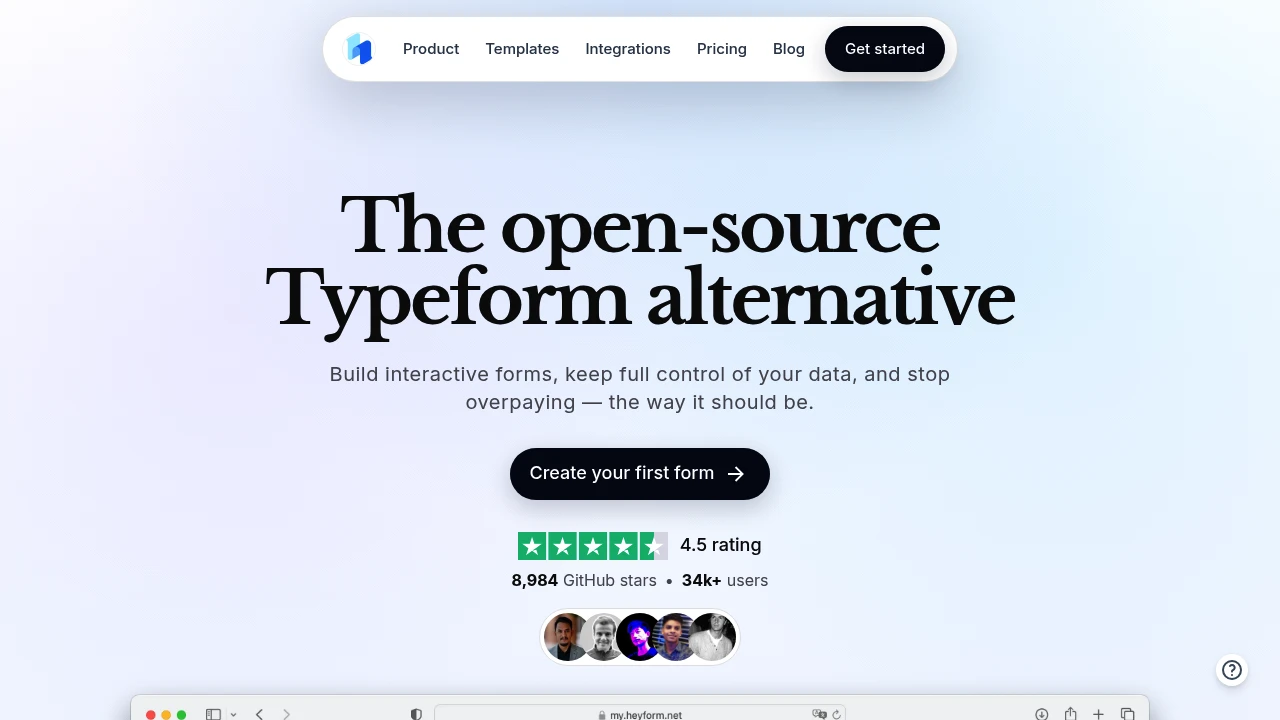
HeyForm is an open-source form builder for teams and small businesses that need surveys, quizzes, polls, and interactive forms without giving up control of their data. It combines flexible form design, conditional logic, integrations, and AI-assisted creation, making it useful for everything from lead capture and onboarding to feedback and research.
The platform is built for forms that need to feel like part of your product or brand rather than generic questionnaires. You can customize the visual design, control how questions flow, and connect responses to the tools your team already uses. The open-source model also gives teams more control over how the product and their data are managed.
Key Features
Conditional Logic
Create forms that adapt based on how someone answers previous questions.
- Show or hide questions based on responses
- Build personalized form flows
- Create different paths for different users
- Keep complex forms focused and relevant
Multiple Endings
Give respondents different outcomes depending on their answers.
- Redirect users to different destinations
- Show customized results
- Create different follow-up actions
- Build outcome-based questionnaires
AI-Assisted Form Creation
Use AI to help create forms without starting from a blank page.
- Generate form structures
- Speed up question creation
- Turn requirements into interactive forms
- Reduce manual setup
Custom Branding & Design
Adjust the appearance of forms so they fit your existing brand.
- Customize fonts
- Change colors and layouts
- Create branded experiences
- Control the presentation of questions and responses
Templates
Start with prebuilt form structures instead of creating every form from scratch.
- Ready-made templates
- Faster form creation
- Templates for different workflows
- Easier setup for common use cases
Responsive Forms
Forms are designed to work across different screen sizes.
- Mobile-friendly layouts
- Tablet support
- Desktop support
- Consistent experience across devices
Integrations
Connect HeyForm with other tools to move responses into existing workflows.
- Zapier
- Slack
- Notion
- Google Sheets
- Airtable
- Stripe
- Mailchimp
- Google Analytics
- And other supported integrations
Open Source
HeyForm is open-source and bootstrapped, giving teams more control over the software and how it fits into their stack.
- Open-source codebase
- Self-hosting support
- Greater control over data
- No dependency on a closed platform
Built For Flexible Data Collection
HeyForm is designed for teams that need more than a basic form with a submit button. Its combination of custom design, branching logic, integrations, and multiple outcomes makes it suitable for workflows where the form itself needs to guide the user toward the next step.
It can be useful for:
- Product teams collecting user feedback and research
- Marketers building lead capture and campaign forms
- HR teams handling applications, surveys, and internal workflows
- Support teams collecting structured requests
- Educators creating quizzes and assessments
- Creators building interactive forms and audience surveys
- Small businesses collecting customer information and inquiries
Common Use Cases
Lead Capture
Create branded forms that collect prospect information and send responses into your existing sales and marketing tools.
Customer Feedback
Build surveys that use conditional questions to gather more relevant feedback based on each customer's answers.
Onboarding
Guide new customers, employees, volunteers, or users through structured onboarding flows with different paths based on their responses.
Quizzes & Assessments
Create interactive quizzes and questionnaires with conditional logic and different outcomes.
Research & Surveys
Collect structured information from users, customers, teams, or broader audiences while keeping the experience customized to your needs.
Applications & Sign-Ups
Use forms for volunteer applications, event registrations, internal requests, and other workflows that require structured submissions.
Built Around Control
The main distinction with HeyForm is the amount of control it gives teams over both the form experience and the underlying platform.
Instead of being limited to a fixed questionnaire format, you can customize the appearance, introduce branching logic, create different endings, and connect responses to other tools. That makes the form part of the workflow rather than simply a place where information is collected.
Open Source & Self-Hosted
For teams that want more control over their software and data, the open-source model provides an alternative to closed form platforms.
Self-hosting can also be useful for organizations that have specific infrastructure, privacy, or data-management requirements and prefer to keep their form system within their own environment.
Why It Matters
Many form builders are designed around simple surveys and straightforward response collection. That works for basic use cases, but teams often need forms that adapt to responses, match their brand, trigger actions, and connect with the rest of their workflow.
HeyForm brings those capabilities together while keeping the underlying product open source. The result is a form-building platform that combines branded experiences, flexible logic, integrations, and data control in one place.
Build Forms That Fit Your Workflow
Create responsive, branded forms with conditional logic, multiple endings, AI-assisted creation, integrations, and open-source control for surveys, lead capture, onboarding, quizzes, research, and more.


