
Viral Dance Video Maker
Creates vertical AI dance videos from an authorized photo and a chosen dance template for TikTok, Reels, and Shorts.
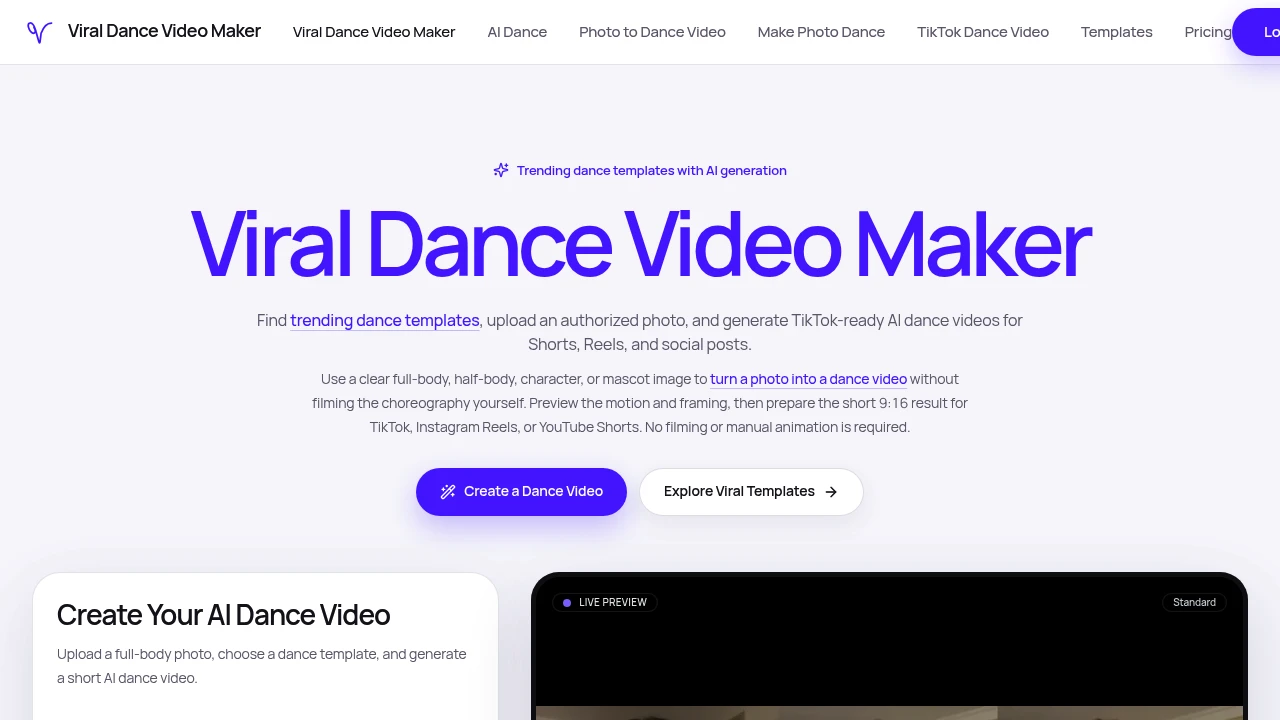
Viral Dance Video Maker turns a still photo into a short dance video for social sharing. It is built for creators, meme makers, brands, agencies, and fans who want to create vertical dance clips without filming choreography or animating characters manually.
The platform is designed around a simple workflow. Users start with an authorized image, choose a dance template, preview the generated motion, and export the finished video for short-form platforms such as TikTok, Instagram Reels, and YouTube Shorts.
Key Features
Template-Based Dance Motion
Turn a still image into a video using a selected dance routine.
Viral Dance Video Maker uses dance templates rather than applying completely random motion.
Users can choose a routine based on factors such as:
- Dance style
- Trend status
- Difficulty
- Platform relevance
- Subject framing
This gives users more control over the type of movement applied to their image.
Photo and Character Support
Create dance videos from different types of source images.
The platform can work with images such as:
- Full-body photos
- Half-body photos
- Creator images
- Mascots
- Characters
- Anime-style artwork
The quality of the result depends on the clarity and framing of the original image.
Photo Quality Guidance
Choose source images that are more suitable for animation.
Viral Dance Video Maker provides guidance around image quality and common issues that can affect the generated result.
Potential problems include:
- Blurry images
- Cropped limbs
- Dark lighting
- Busy backgrounds
- Multiple subjects
- Unclear body positioning
Full-body images can be more suitable for routines involving steps, spins, and larger body movements, while portrait-style images may work better for upper-body motion.
Vertical Video Export
Create videos designed for short-form social platforms.
The platform produces vertical 9:16 video clips and provides export options that can include:
- Resolution settings
- Video duration
- Cover frame selection
- Watermark settings
This allows users to prepare content in a format commonly used for mobile-first social video.
TikTok, Reels, and Shorts Support
Prepare videos for major short-form video platforms.
Viral Dance Video Maker includes export paths designed for:
- TikTok
- Instagram Reels
- YouTube Shorts
Users can also choose muted output when they prefer to add music later through the destination platform.
This can be useful when platform-specific music or audio libraries are part of the publishing workflow.
Motion Preview
Review the animation before exporting the final video.
The preview step allows users to check:
- Subject framing
- Dance motion
- Character visibility
- Overall composition
This gives users an opportunity to see whether the original subject remains visually clear after the selected motion has been applied.
Trending Dance Templates
Browse dance styles organized around current and platform-specific trends.
The template library can be compared using labels related to:
- Trend status
- Difficulty
- Framing
- Dance style
- Platform suitability
This makes it easier to select a template before generating the video.
Authorized Image Use
Create videos from images you own or have permission to use.
Viral Dance Video Maker emphasizes the use of authorized source material and provides guidance around issues such as:
- Using images with permission
- Real people
- Music rights
- Commercial use
- Artwork ownership
This encourages users to consider whether they have the appropriate rights to use an image or other material in a generated video.
Recurring Generation Options
Create multiple videos without relying exclusively on a recurring subscription.
The product offers:
- One-time credit packs
- Higher-volume tiers
This can suit creators, agencies, and brands that need to generate multiple videos over time.
Built for Short-Form Dance Content
Viral Dance Video Maker combines image-based animation, template-driven dance motion, vertical video generation, previews, and platform-oriented exports into one workflow for creating short dance clips.
Key benefits include:
- Turn still photos into dance videos
- Choose from template-based dance routines
- Support for photos and character artwork
- Full-body and portrait framing guidance
- Vertical 9:16 video output
- Export options for TikTok, Reels, and Shorts
- Resolution and duration controls
- Cover frame options
- Preview motion before exporting
- Muted output for adding platform music later
- Trending and platform-specific dance templates
- Photo quality guidance
- Authorized-use guidance
- One-time credits and higher-volume options
Built For
- Content Creators
- Meme Makers
- Social Media Managers
- Brands
- Marketing Teams
- Agencies
- Influencers
- Fans
- Character Creators
- Anime Content Creators
- Community Managers
Common Use Cases
- Turning a photo into a short dance video
- Creating TikTok-style dance clips
- Making Instagram Reels from character artwork
- Creating YouTube Shorts from still images
- Animating mascots for social content
- Making meme and reaction content
- Testing different dance trends
- Creating recurring short-form content
- Preparing muted videos for platform music
- Generating promotional social clips
- Creating dance videos from anime-style characters
- Producing quick visual content without filming choreography
Why It Matters
Creating dance content usually requires filming, choreography, editing, or manual animation. That can make it difficult for creators and brands that want to participate in short-form video trends but do not have the time or resources to produce a new video from scratch.
Viral Dance Video Maker takes a different approach by starting with a still image and applying a selected dance template. Users can choose a routine, check how the subject is framed, preview the generated motion, and export a vertical clip designed for short-form platforms.
The platform also provides practical guidance around source image quality. Issues such as blurred photos, cropped limbs, poor lighting, busy backgrounds, or multiple subjects can affect how clearly a character or person appears once motion is applied. By helping users select an appropriate source image and dance template, the workflow is designed to make generated clips more suitable for social sharing.
Turn a Photo Into a Shareable Dance Video
Upload an authorized photo or character image, choose a dance template, preview the generated motion, adjust export settings such as resolution and duration, select a cover frame, create a vertical 9:16 video, and prepare the final clip for TikTok, Instagram Reels, or YouTube Shorts without filming choreography or animating the subject manually.