
IGNITION - Mecha Startup Sequence Maker
Windows tool for building cinematic startup sequences with customizable text, icons, sounds, HUD, and export formats.
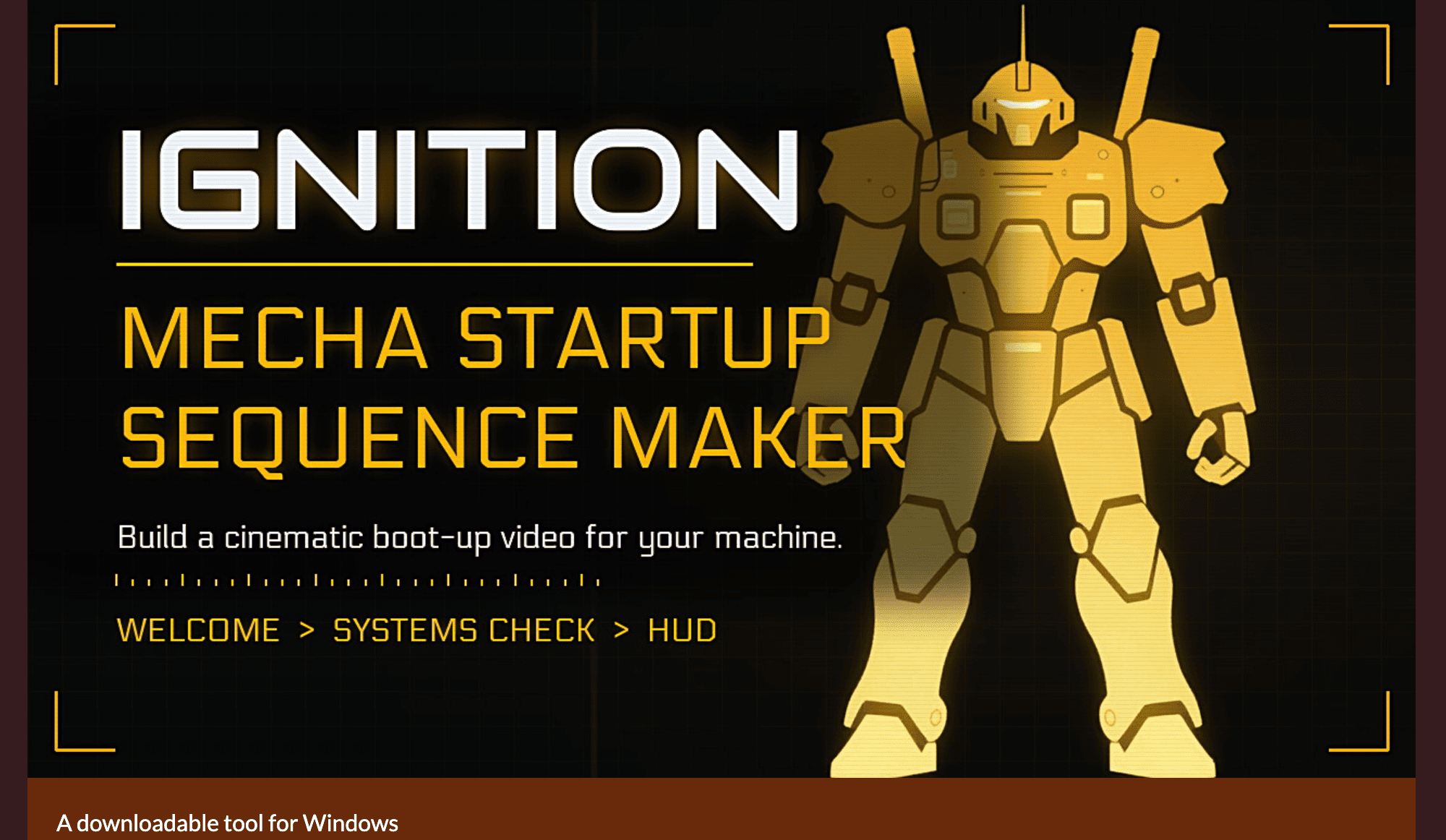
This Windows tool creates cinematic startup sequences for mecha, starships, vehicles, and game projects without requiring users to build the animation from scratch. It’s aimed at video makers, streamers, trailer editors, and game creators who want a customizable boot-up sequence inspired by military HUDs, sci-fi interfaces, and mecha startup screens.
The workflow is split into three stages, letting you build a complete startup sequence rather than a single intro screen. You can define the welcome display, show individual subsystems powering on, and finish with a HUD arrival scene that brings the machine or vehicle online.
Key Features
Custom Startup Information
Add your own information to the startup sequence.
You can customize:
- Machine or vehicle name
- Title
- Version
- Manufacturer
- Pilot name
- System information
- Other custom text
This makes the sequence suitable for fictional machines, vehicles, game assets, personal projects, and branded video content.
Icons and Font Libraries
Customize the visual language of the interface.
The tool includes built-in icons and fonts, while also allowing users to add their own files. This makes it possible to create a more distinctive HUD without being restricted to the default asset library.
Custom Sound Effects
Control the audio used during the startup sequence.
You can select sounds from the included library or import your own audio files. This allows different systems, components, and interface actions to have their own sound design.
Animated HUD Controls
Build the final interface around different HUD elements.
Available controls include:
- Animated widgets
- Reticles
- Compass styles
- Ground mode
- Air mode
- Sea mode
- Space mode
These options make the output adaptable to different types of vehicles and fictional systems.
Color and Screen Modes
Adjust the overall visual presentation.
You can change accent and background colors or use dedicated screen modes such as:
- Green
- Blue
- Purple
This gives creators more control over the look of the finished startup sequence.
Multiple Export Formats
Export the finished animation for different workflows.
Supported formats include:
- MP4
- Transparent WebM
- PNG still images
- HTML
- Lottie/JSON
This makes the output useful as a video, overlay, web animation, still graphic, or reusable interface asset.
Startup Sequence Randomizer
Generate alternative designs quickly.
The built-in randomizer can reshuffle the design with a single click, making it useful when you want to explore different visual combinations without manually changing every setting.
Real-Time Preview
See changes as you make them.
The app updates the preview instantly, allowing users to adjust the interface, colors, assets, and timing while seeing how the final sequence develops.
Offline and No-AI Workflow
Create the animations locally.
The tool works offline and does not use AI to generate the startup videos. This keeps the creation process focused on user-controlled assets, animation settings, and customization.
Moddable Asset Library
Expand the included resources with your own files.
Users can add:
- PNG icons
- TTF fonts
- WAV sounds
- OGG sounds
- MP3 sounds
This makes the application adaptable for creators who want to build their own reusable visual and audio libraries.
Built for Cinematic Startup Sequences
The tool combines customizable text, interface components, sound effects, HUD animations, and export options into one workflow for creating sci-fi and vehicle startup sequences.
Key benefits include:
- Create mecha and vehicle boot-up animations
- Build cinematic startup screens
- Customize machine and pilot information
- Add custom icons and fonts
- Import custom sound effects
- Configure animated HUD widgets
- Choose ground, air, sea, or space HUD modes
- Customize accent and background colors
- Export transparent WebM overlays
- Export MP4 video
- Export PNG stills
- Export HTML and Lottie/JSON
- Randomize designs for quick variations
- Preview changes instantly
- Work completely offline
- Expand the asset library with custom files
- Create animations without AI generation
Built For
- Video Creators
- Streamers
- Trailer Editors
- Game Developers
- Mecha Creators
- Sci-Fi Artists
- Motion Designers
- Indie Game Teams
- Content Creators
- VFX Artists
Common Use Cases
- Creating mecha startup animations
- Building spaceship boot-up sequences
- Creating vehicle HUD intros
- Designing game startup screens
- Producing YouTube video intros
- Creating streaming overlays
- Building starting-soon screens
- Creating cinematic trailer elements
- Producing fictional machine interfaces
- Generating in-game texture references
- Creating reusable HUD assets
- Recreating sci-fi startup sequences in other projects
Why It Matters
Creating a convincing cinematic startup sequence usually requires animation software, interface assets, sound design, and considerable manual work. This tool brings those pieces into one focused application where users can configure the machine, define the startup stages, customize the HUD, and export the result.
The three-stage structure is particularly useful because it gives the startup sequence a sense of progression. Instead of presenting a static interface, the machine can introduce itself, activate its subsystems, and transition into a fully operational HUD.
The offline and moddable design also gives creators more control over the final result. Custom icons, fonts, and sounds can be added to the existing libraries, while the different export formats make the finished sequence useful across video, streaming, web, and game workflows.
Create Custom Mecha and Vehicle Startup Animations
Build a complete cinematic startup sequence, customize the machine information and HUD, add your own visual and audio assets, preview the result in real time, and export it for use in videos, streams, games, overlays, or other creative projects.