
InstaPods
Deploy apps from the terminal, chat, or Git with always-on servers, databases, storage, and custom domains in one place.
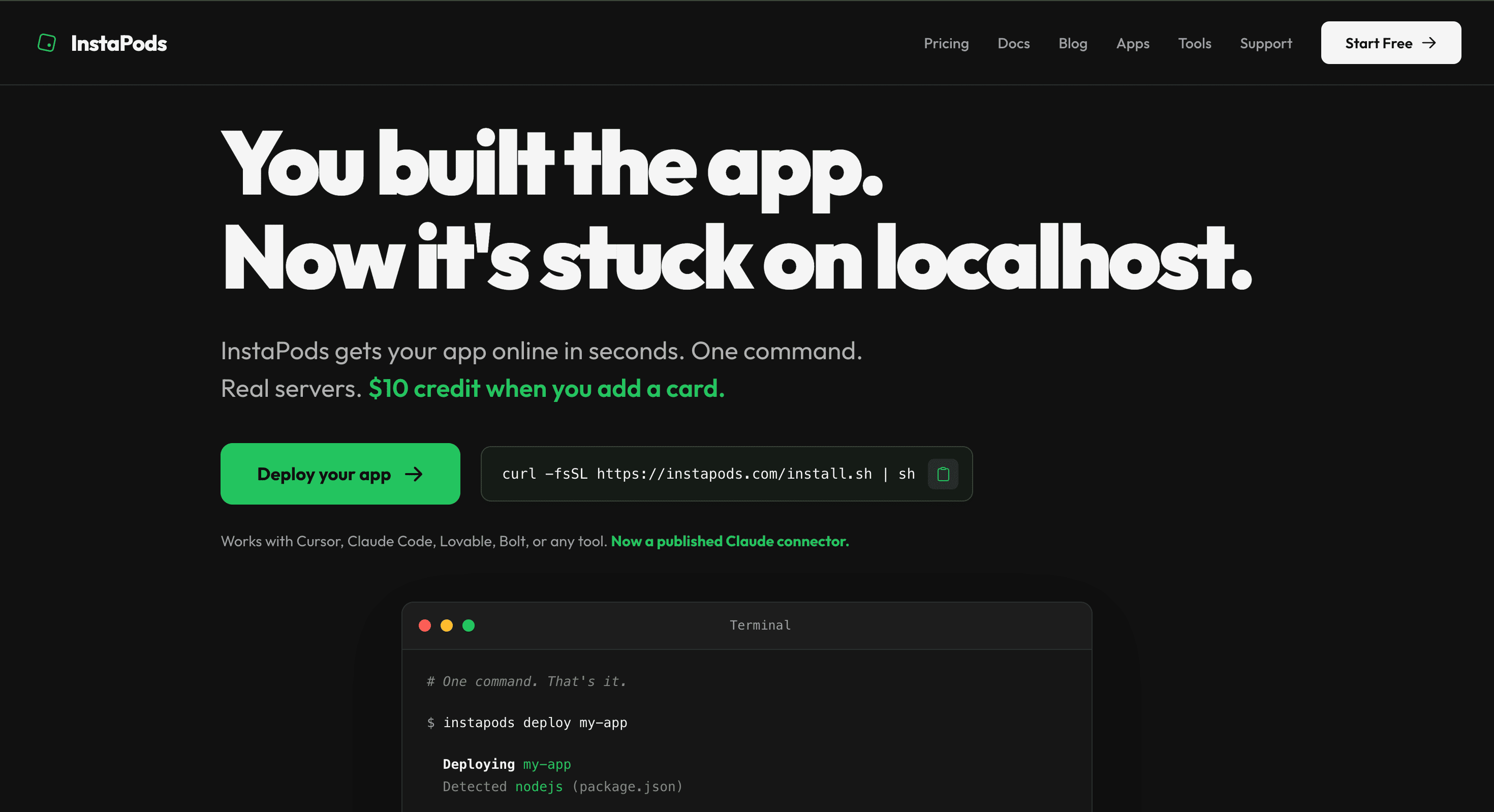
InstaPods is built for people who already have an application and want to get it online without piecing together separate services for hosting, databases, DNS, and file storage. It suits indie developers, founders, and people building with tools such as Cursor, Claude Code, Lovable, and Bolt who want to move from a local project to a live application quickly.
The platform focuses on simplifying deployment while still giving developers control. You can deploy from the CLI with a single command, connect a Git repository, or manage deployments through MCP from an AI assistant. Projects can also be brought over from another builder or existing live URL. Alongside deployment, it provides a browser IDE, SSH access, live metrics, and a central control panel for editing, monitoring, debugging, and managing applications.
Key Features
Always-On Hosting
Keep applications running continuously without sleeping or cold starts.
This makes the platform suitable for:
- Full-stack applications
- SaaS projects
- Side projects
- AI-built applications
- Production prototypes
- Backend services
Apps remain available 24/7 instead of being suspended when inactive.
One-Command Deployment
Deploy applications directly from the CLI without manually configuring multiple infrastructure services.
The deployment workflow supports:
- CLI deployment
- Git-based deployment
- Repository-based projects
- Projects created with AI development tools
- Migration from other builders
This gives developers a direct path from an existing codebase to a live application.
AI and MCP Support
Control deployments and projects through AI-assisted workflows.
The platform supports MCP-based control from AI assistants and published Claude connector support. This makes it useful for developers working with tools such as Cursor, Claude Code, Lovable, and Bolt who want their AI development workflow to extend beyond writing code and into deployment and infrastructure management.
Databases
Paid plans include managed database options alongside application hosting.
Available databases include:
- MySQL
- PostgreSQL
- Redis
This allows full-stack applications to keep their application and data infrastructure within the same platform rather than relying on separate database providers.
Persistent Storage
Store application files that remain available across restarts.
Persistent storage is useful for applications that need to retain uploaded files, generated assets, or other data rather than treating the server filesystem as temporary.
Custom Domains and SSL
Connect applications to custom domains with automatic HTTPS.
The platform handles the domain and SSL layer as part of the hosting setup, reducing the need to configure certificates and web routing separately.
Browser IDE
Edit and manage projects directly from the browser.
The browser-based development environment gives users another way to work on their applications without relying entirely on a local development setup.
SSH Access
Maintain direct server access when you need more control.
SSH access is useful for developers who want to inspect their environment, troubleshoot issues, or work directly with the underlying server rather than being restricted to a hosting dashboard.
Live Metrics and Monitoring
Monitor applications from the platform's control panel.
Live metrics provide visibility into how an application is running, while the management interface brings deployment, editing, monitoring, and debugging together in one place.
One-Click Applications
Launch commonly used applications without setting them up manually from scratch.
Available examples include:
- n8n
- Uptime Kuma
- Beszel
- Memos
- Excalidraw
This makes the platform useful not only for custom applications but also for quickly deploying popular self-hosted tools.
Flat Pricing
The platform uses straightforward monthly pricing rather than charging additional usage or bandwidth overages.
Plans start at $3/month, with no usage or bandwidth overage charges according to the provided information.
New accounts can also receive $10 in credit after adding a card, which is enough for approximately three months on the launch plan.
Built For Developers Who Want Simpler Deployment
The platform is aimed at developers and builders who already have an application but do not want to assemble and maintain a separate infrastructure stack.
It is a good fit for:
- Indie developers
- Startup founders
- Full-stack developers
- AI-assisted developers
- SaaS builders
- Prototype builders
- Side-project creators
- Developers using Cursor
- Developers using Claude Code
- Lovable users
- Bolt users
Common Use Cases
- Deploying an application currently running on localhost
- Hosting full-stack applications
- Launching AI-generated applications
- Moving projects from AI app builders to a real server
- Connecting a Git repository to production hosting
- Hosting applications with databases
- Storing persistent application files
- Connecting custom domains
- Managing deployments through AI assistants
- Running self-hosted tools such as n8n
- Monitoring applications and debugging deployments
- Accessing the server through SSH
- Launching prototypes without assembling multiple infrastructure services
Why It Matters
Getting a modern full-stack application online can involve several separate pieces. Hosting, databases, persistent storage, DNS, SSL, deployment pipelines, and server access may all need to be configured independently.
This platform attempts to bring those requirements together under one service. Instead of moving from an AI coding tool to a separate hosting provider, database service, storage system, and DNS setup, developers can use one environment to deploy and manage the application.
The AI-friendly workflow is another important part of the platform. Developers using AI coding tools can combine code generation with deployment and infrastructure control through CLI and MCP access, making it easier to move from an idea or local project to a working URL.
At the same time, the platform does not completely hide the underlying environment. Browser-based development, SSH access, live metrics, and deployment controls give developers a way to maintain hands-on control when they need it.
Deploy Full-Stack Apps With Less Infrastructure Work
Move applications from localhost to a live server with hosting, databases, persistent storage, domains, SSL, monitoring, and deployment tools in one place. With CLI, Git, MCP, browser IDE, and SSH access, the platform is designed for developers and founders who want to get AI-built and full-stack applications online quickly without stitching together a complete deployment stack.