
Markee
Creates Chrome Web Store screenshots, promo tiles, and a marquee from your extension listing URL.
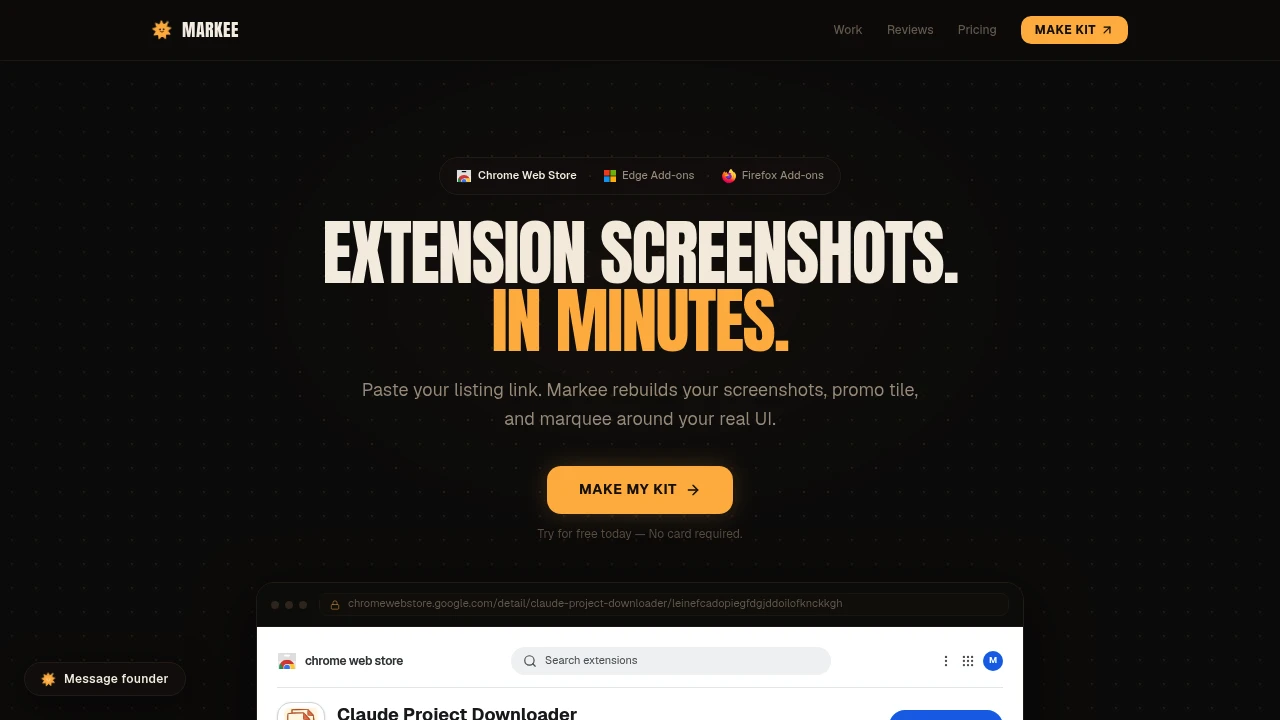
Markee helps browser extension developers create polished store listing images without starting from a blank design file. Paste a Chrome Web Store listing URL, and Markee builds a complete asset kit around the extension's real UI, including store-ready screenshots, a promo tile, and a marquee.
It is designed for developers, indie makers, agencies, and small teams that need professional extension listing assets without recreating their product manually in Figma or Canva. By using the existing store listing as the starting point, Markee focuses the design process around the extension that has already been built.
Key Features
Store-Ready Screenshots
Create extension screenshots in the formats commonly required by browser extension stores. Markee supports 1280×800 screenshots, with 640×400 also covered for smaller formats.
Promo Tile and Marquee
Generate the smaller promo tile and larger marquee as part of the same listing asset kit. This gives developers a more complete set of promotional images rather than requiring each asset to be designed separately.
Real UI-Based Designs
Markee works from the extension's actual interface instead of creating generic product mockups. The presentation is built around the UI already shown in the store listing, helping the final assets stay connected to the product.
Feature-Focused Captions
Add captions and framing that make individual features easier to understand. Screenshots can be structured to present what the extension does rather than simply displaying an unannotated interface.
Multiple Slide Layouts
Choose from different visual approaches for presenting extension screenshots. Available layouts mentioned in the product materials include:
- Framed
- Split
- Focus
- Popup
- Isometric 3D
- Stack
- Full-bleed
- Statement
High-Resolution Export
Download completed assets as high-resolution PNG files or as a ZIP package. This makes it easier to prepare a complete listing kit for upload to the relevant extension store.
Browser Extension Support
Markee's product materials mention support for add-ons across Chrome, Edge, and Firefox, making it useful for developers distributing the same extension across multiple browser ecosystems.
URL-Based Workflow
Start by pasting a Chrome Web Store listing URL instead of rebuilding the product presentation from scratch. Markee uses the existing listing as source material for creating the new visual presentation.
Flexible Plans
Free and paid access differ in the number of layouts and edits available. There is also a one-time top-up option for developers who need assets for a single launch, refresh, or occasional update rather than regular ongoing work.
Built For Faster Extension Store Design
Markee is built for developers who have already built their extension but still need polished visuals for the store listing. By starting from the listing URL and working around the real UI, it reduces the amount of manual design work involved in turning product screens into presentation-ready store assets.
Common Use Cases
- Creating Chrome Web Store screenshots
- Preparing extension launch assets
- Refreshing outdated store listing visuals
- Creating promo tiles and marquees
- Presenting extension features with captions
- Preparing assets for Chrome, Edge, and Firefox listings
- Creating visuals without starting in Figma or Canva
- Producing assets for multiple browser extensions
- Preparing a one-time launch or store refresh
- Creating recurring store visuals for extension updates
Why It Matters
Extension developers often have the product and interface ready but still need to turn those screens into effective store graphics. Markee focuses specifically on that gap, using the existing extension listing as the starting point and producing a consistent set of screenshots and promotional assets.
The main value is the URL-to-listing-kit workflow. Instead of manually recreating the interface and designing every store image from scratch, developers can build around the UI they already have and choose from multiple layouts to shape the presentation.
Create Extension Store Assets With Markee
Turn your existing extension listing into polished screenshots, promo tiles, and marquee assets with Markee, without starting the design process from a blank canvas.


