
Maxdesk
Free support desk software with unlimited agents and tickets, email-to-ticket, SLAs, automations, dashboards, and roles.
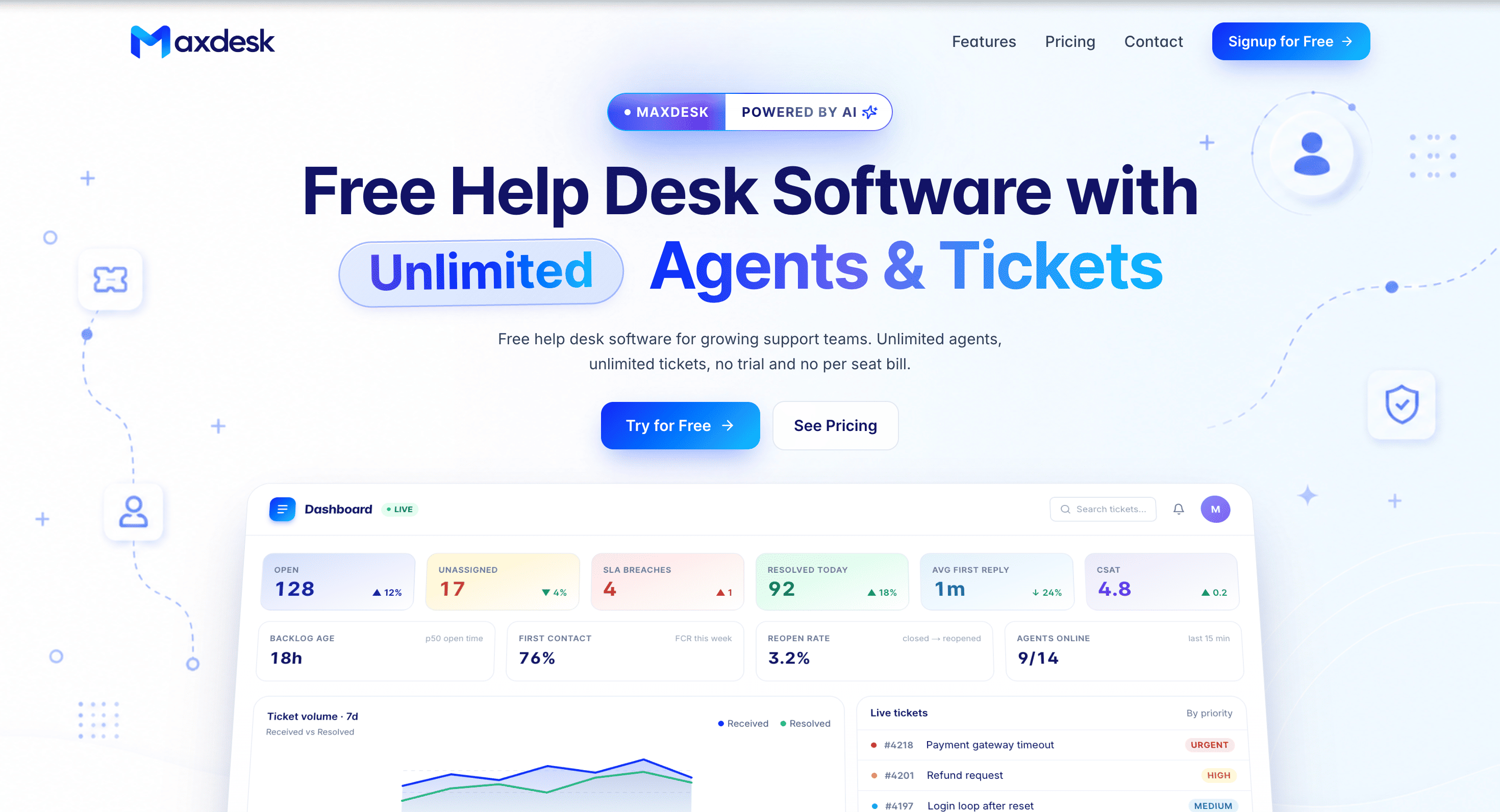
Maxdesk is a help desk and ticketing system for support teams that want a usable free plan without seat limits. It brings customer email, ticket tracking, SLAs, automation, reporting, and team permissions into one workspace, with unlimited agents and unlimited tickets within fair usage on the free tier.
The platform is designed for teams that have outgrown shared inboxes and basic contact forms. Messages can become threaded tickets, while assignees, priorities, SLA status, and workload remain visible in one place. Managers can also use the central dashboard to monitor support activity and identify issues that need attention.
Key Features
Email-to-Ticket
Turn customer emails into trackable support tickets.
Each workspace gets a dedicated support address, allowing incoming messages to enter the ticket workflow instead of remaining scattered across individual inboxes.
Ticket Management
Keep the full support conversation and ticket context in one view.
The ticket detail screen brings together:
- Customer conversation
- Ticket sidebar
- Activity history
- Internal notes
- Attachments
- Assignee and priority information
This gives agents the information they need without switching between separate screens or tools.
SLA Management
Set and monitor service-level targets based on ticket priority.
Maxdesk supports:
- Priority-based SLA targets
- Business-hours handling
- SLA countdowns
- Breach alerts
This helps teams keep track of response commitments and identify tickets that are approaching or have exceeded their targets.
No-Code Automations
Automate repetitive support workflows without writing code.
Rules can be created using:
- Triggers
- Conditions
- Actions
This allows teams to automate common ticket routing and handling tasks while keeping the workflow configurable.
Live Support Dashboard
Monitor support performance from a central dashboard.
The dashboard provides visibility into:
- Open tickets
- Unassigned tickets
- SLA breaches
- CSAT
- Response time
- Support trends
This gives managers a quick way to understand current workload and overall support performance.
Roles and Permissions
Control what different team members can access and manage.
Maxdesk provides groups, ticket-level scope, and a permission matrix, making it suitable for teams that need different access levels across support operations.
Templates and Knowledge Base
Create reusable responses and support documentation.
Teams can use canned response templates for recurring questions and maintain knowledge base articles that help agents and customers find useful information more quickly.
Audit Trail
Track changes made across tickets and the workspace.
The audit trail provides a record of ticket and workspace activity, giving teams greater visibility into changes and support operations.
Built For Support Teams
Maxdesk is a good fit for:
- Customer support teams
- Small businesses
- SaaS companies
- Internal support teams
- Help desks
- Teams moving beyond shared inboxes
- Support teams looking to avoid per-seat pricing
Common Use Cases
- Managing customer support emails
- Converting emails into support tickets
- Tracking ticket ownership and priorities
- Managing SLA commitments
- Automating repetitive support tasks
- Monitoring support workload
- Tracking CSAT and response times
- Managing internal support requests
- Creating canned responses
- Maintaining a knowledge base
- Controlling team permissions
- Auditing ticket and workspace changes
Why It Matters
Many support teams eventually outgrow shared inboxes and basic contact forms, but traditional help desk software can introduce another problem through per-agent pricing and restricted free plans.
Maxdesk takes a different approach with a free tier that includes unlimited agents and unlimited tickets within fair usage. This means smaller teams can use the core ticketing workflow without having to plan around the number of support seats they need.
The platform also keeps the main support workflow together. Email, ticket conversations, SLA tracking, automation, reporting, permissions, and knowledge management are handled within the same workspace rather than requiring multiple disconnected tools.
Pro adds branding controls and longer retention, while the AI plan adds features such as response assistance, summaries, translations, sentiment and urgency detection, and troubleshooting support.
Manage Support With Maxdesk
Turn customer emails into organized tickets, manage SLAs and automations, monitor support performance, and control team access from one workspace. Maxdesk gives support teams a structured help desk workflow while keeping unlimited agents and tickets available on its free plan.