
MergeImages
Merge multiple images online in seconds. Combine photos horizontally, vertically, or as collages with no signup, no watermarks, and private browser-based processing.
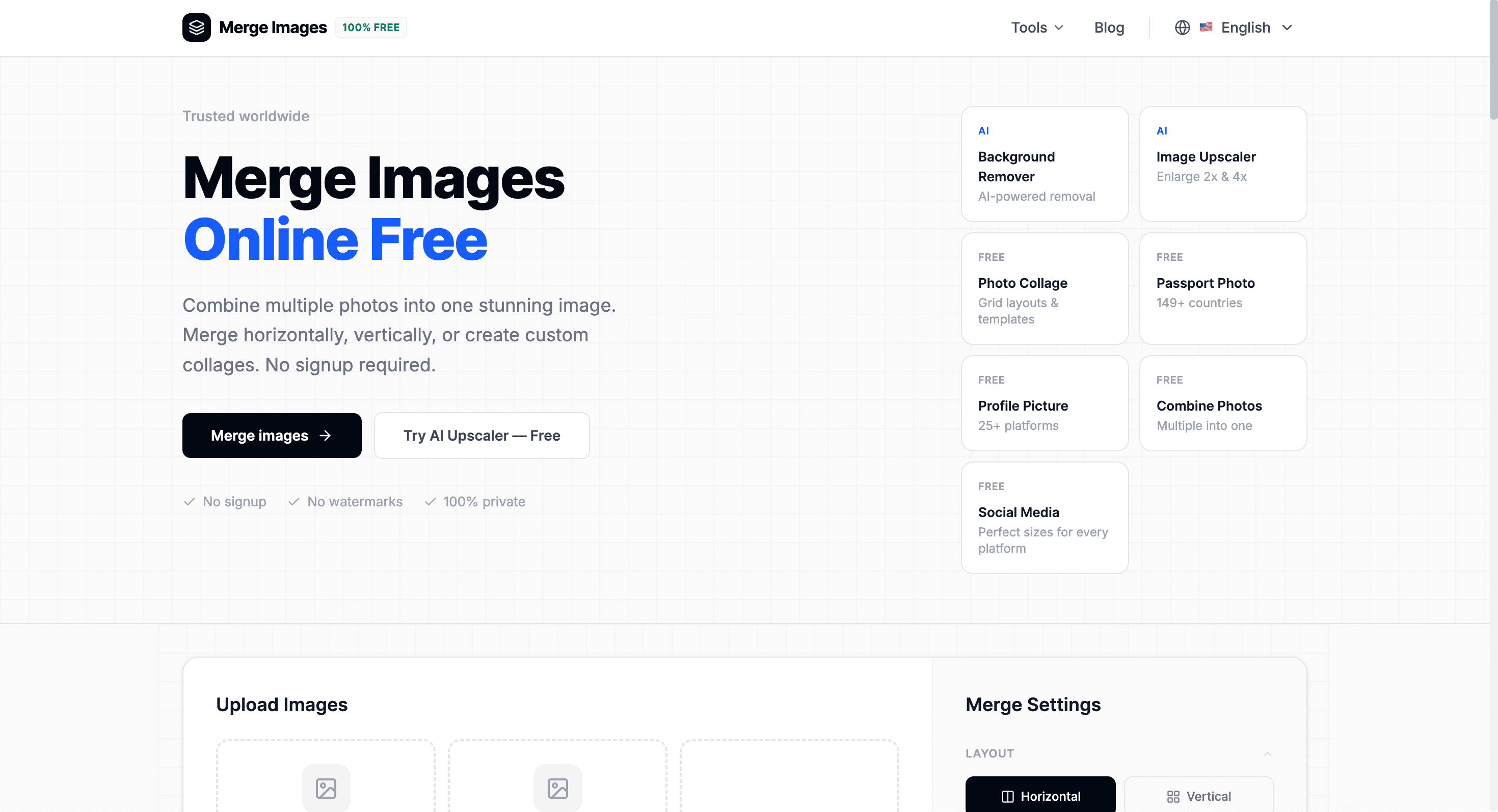
Merge multiple images into a single photo instantly with a free browser-based image merger. Whether you need to combine screenshots, join photos, create simple collages, or arrange images horizontally or vertically, MergeImages.net lets you do it in just a few clicks without installing software or creating an account.
Merge Images Online in Seconds
Upload your images, choose how you want them arranged, customize the layout, and download the merged result instantly.
Everything runs directly in your browser, keeping your images private while delivering fast, watermark-free results.
Key Features
Flexible Image Layouts
Combine images the way you want.
Create:
- Horizontal image merges
- Vertical image merges
- Simple photo collages
- Custom image arrangements
with adjustable layouts.
Smart Image Controls
Customize the appearance of your merged image.
Adjust:
- Image sizing
- Spacing
- Borders
- Rounded corners
- Background color
- Transparent backgrounds
before exporting.
Multiple Image Formats
Upload images from popular formats.
Supported formats include:
- JPG
- PNG
- GIF
- WEBP
for maximum compatibility.
High-Quality Export
Download your finished image in your preferred format.
Export as:
- PNG
- JPEG
- WEBP
without watermarks.
Private Browser Processing
Keep your images secure throughout the editing process.
Benefits include:
- Browser-based processing
- No server uploads for image merging
- No signup required
- No watermarks
- Fast local performance
for greater privacy.
Works on Any Device
Merge images anywhere using your web browser.
Compatible with:
- Windows
- macOS
- Linux
- Android
- iPhone & iPad
- Tablets
without installing software.
Built for Quick Image Editing
MergeImages.net makes combining photos fast and simple without requiring editing software or complicated workflows.
Key benefits include:
- Free online image merging
- Watermark-free downloads
- Private browser processing
- Flexible layouts
- Instant exports
Built For
- Students
- Designers
- Content Creators
- Social Media Users
- Professionals
- Everyday Users
Common Use Cases
- Combine screenshots
- Join multiple photos
- Create image collages
- Merge product images
- Before-and-after comparisons
- Social media image layouts
Why It Matters
Most desktop image editors are more complicated than necessary for simple image merging tasks. MergeImages.net focuses on speed and simplicity, allowing users to combine photos, customize layouts, and download high-quality merged images directly from their browser without signups, watermarks, or software installation.
Merge Images Without the Hassle
Combine photos, create collages, customize layouts, and download high-quality merged images instantly with a free online image merger built for speed, privacy, and simplicity.