
Online Audio Test
Browser-based audio checks for microphones, stereo channels, headphones, and Bluetooth latency with no download or account.
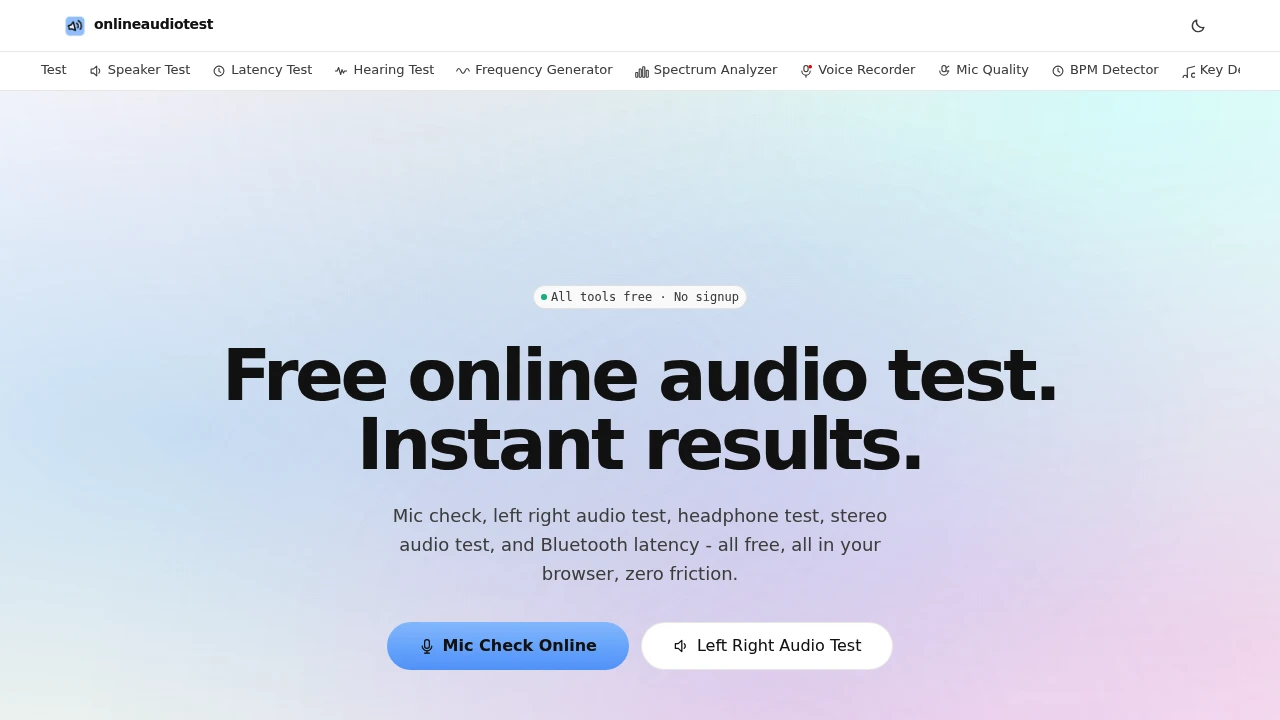
Test your microphone, headphones, speakers, and audio latency directly from your browser without installing software. This collection of free browser-based audio testing tools helps remote workers, gamers, creators, streamers, and everyday users quickly diagnose common audio issues before meetings, recordings, or device setup.
Check Your Audio Devices in Seconds
Open the tool you need, grant microphone access if required, and instantly verify whether your audio equipment is working correctly. Instead of downloading diagnostic software or adjusting system settings blindly, each tool focuses on a single task, making it easy to identify microphone problems, stereo channel issues, speaker faults, or Bluetooth latency.
Whether you're preparing for a video call, recording a podcast, troubleshooting headphones, or testing gaming audio, the tools provide fast, browser-based diagnostics across desktop and mobile devices.
Key Features
Microphone Test
Verify that your microphone is capturing sound correctly.
The mic tester displays:
- Live audio waveform
- Input level meter
- Real-time microphone activity
- Voice detection
- Recording input feedback
to confirm your microphone is working properly.
Stereo Channel Test
Check that left and right audio channels play correctly.
The tool helps identify:
- Left channel output
- Right channel output
- Swapped stereo channels
- Silent speakers
- Incorrect audio routing
using separate channel playback.
Headphone & Speaker Test
Evaluate headphone and speaker performance with dedicated audio signals.
Use:
- Pink noise
- Sine wave tones
- Stereo playback
- Balance testing
- Driver verification
to detect audio hardware issues.
Audio Latency Test
Measure output delay for wired and wireless audio devices.
The latency checker helps evaluate:
- Bluetooth headphone delay
- Audio synchronization
- Lip-sync timing
- Gaming audio latency
- Output response time
with results measured in milliseconds.
Browser-Based Operation
Run every test without downloading software.
Benefits include:
- No installation
- No account required
- Instant access
- Cross-platform compatibility
- Touch-friendly interface
for quick diagnostics on any modern browser.
Privacy-First Processing
Keep your audio testing local whenever possible.
Privacy features include:
- Local microphone processing
- No server-side audio uploads
- Browser-based analysis
- Secure permission requests
- Minimal data collection
for greater user confidence.
Built for Everyday Audio Diagnostics
The platform combines microphone testing, stereo verification, headphone diagnostics, speaker testing, latency measurement, and browser-based privacy into one collection of focused audio tools.
Key benefits include:
- Microphone test
- Speaker test
- Headphone test
- Audio latency checker
- Browser audio diagnostics
Built For
- Remote Workers
- Gamers
- Streamers
- Podcasters
- Content Creators
- General Users
Common Use Cases
- Testing microphones before meetings
- Checking Bluetooth headphone latency
- Troubleshooting stereo audio
- Diagnosing speaker problems
- Verifying recording equipment
- Preparing for video calls
Why It Matters
Audio problems often appear at the worst possible time, whether before an important meeting, a live stream, a recording session, or an online game. Many diagnostic tools are overly complex or require software installation, making quick troubleshooting difficult. This browser-based toolkit simplifies the process by offering dedicated tests for microphones, speakers, stereo channels, headphones, and audio latency, each designed to answer one specific question quickly. With local microphone processing, instant browser access, and support for desktop, tablet, and mobile devices, users can diagnose common audio issues in just a few clicks without installing additional software.
Test Your Audio Equipment Directly in Your Browser
Check your microphone with live input monitoring, verify left and right stereo channels, test headphone and speaker performance, measure Bluetooth and audio latency, and troubleshoot common audio issues using free browser-based tools that work instantly across desktop and mobile devices.


