
PDF Dark
Convert any PDF to dark mode directly in your browser. Enjoy 100% privacy with no uploads or signups. Download a new PDF with original images intact.
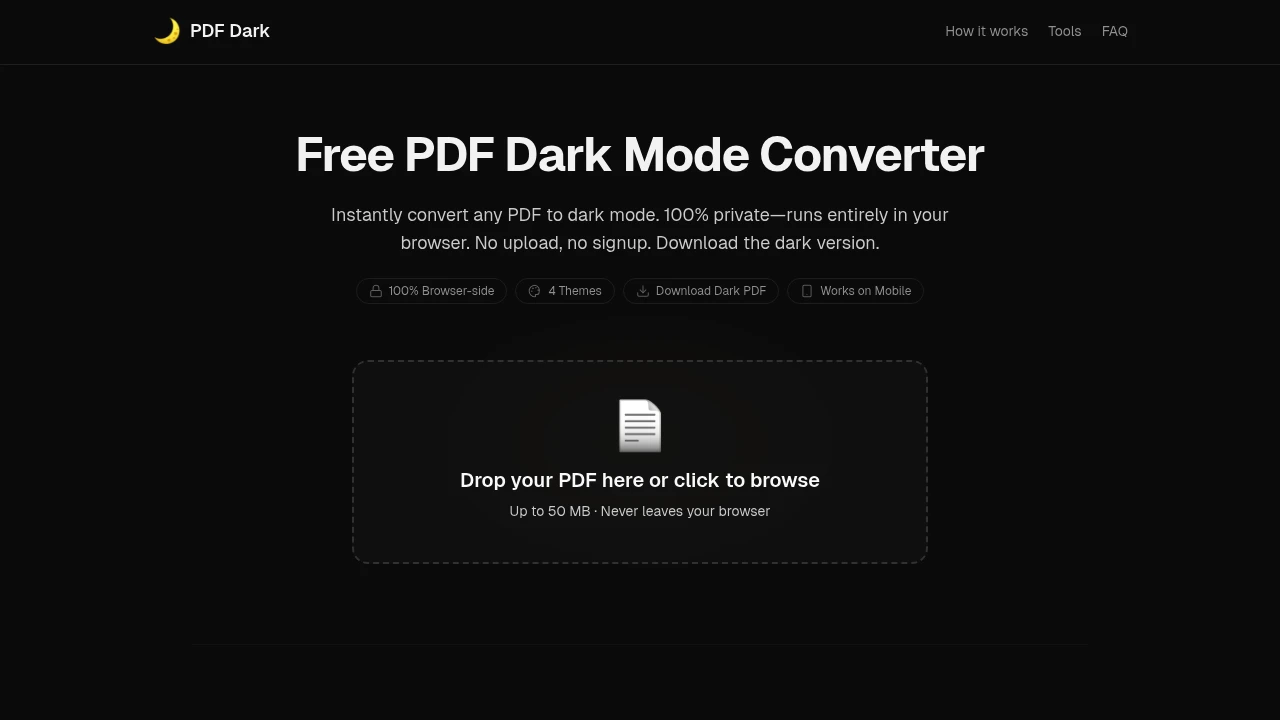
Read PDFs comfortably in dark mode while keeping your documents completely private. This browser-based PDF conversion tool transforms bright documents into eye-friendly themes without uploading files to external servers, making it ideal for reading reports, ebooks, research papers, and scanned documents in low-light environments.
Convert PDFs to Dark Mode Instantly
Transform any PDF into a night-friendly reading experience directly from your browser.
Simply upload a document, choose your preferred viewing theme, and generate a dark-mode version that is easier on the eyes during extended reading sessions.
Key Features
Privacy-First PDF Processing
Keep sensitive documents secure throughout the conversion process.
Because all processing happens locally in your browser:
- Files never leave your device
- No server uploads are required
- Documents remain private
- Sensitive information stays protected
- No account creation is needed
for complete confidentiality.
Multiple Dark Mode Themes
Customize your reading experience with a variety of carefully designed color schemes.
Choose from themes such as:
- Midnight
- Sepia
- Solarized
- OLED Black
- Other eye-friendly viewing modes
to match your preferences and environment.
Preserve Original Images & Charts
Maintain visual accuracy while improving document readability.
Unlike basic color inversion tools, the platform preserves:
- Images
- Photos
- Graphs
- Charts
- Visual elements
so important content remains clear and natural-looking.
Export Converted PDFs
Save your customized document for future reading or sharing.
Generate:
- Dark-mode PDF files
- Shareable documents
- Offline reading versions
- Customized exports
without modifying the original file.
Mobile & Cross-Platform Support
Use the tool on virtually any modern device and browser.
Supported platforms include:
- Desktop browsers
- Mobile browsers
- Safari on iOS
- Android devices
- Tablets
for flexible access wherever you read.
Support for Scanned Documents
Convert more than just text-based PDFs.
Handle:
- Scanned documents
- Digital PDFs
- Research papers
- Books
- Reports
while maintaining readability and visual quality.
Built for Comfortable Reading
The platform is designed to reduce eye strain while preserving document quality and privacy.
Key benefits include:
- Improved nighttime reading
- Reduced eye fatigue
- Local file processing
- Better visual preservation
- Device-independent access
Built For
- Students
- Researchers
- Professionals
- Ebook Readers
- Remote Workers
- Privacy-Conscious Users
Common Use Cases
- Reading PDFs at night
- Research paper review
- Ebook conversion
- Report analysis
- Study sessions
- Document accessibility improvement
Why It Matters
Most PDFs are designed with bright backgrounds that can cause eye strain during long reading sessions, especially in dark environments. Traditional dark-mode browser extensions often invert colors indiscriminately, making images, charts, and diagrams difficult to interpret. By intelligently applying dark themes while preserving visual content and processing files entirely on-device, this tool provides a more comfortable and privacy-focused reading experience.
Read PDFs More Comfortably
Convert documents into eye-friendly dark mode themes, preserve image quality, and keep your files completely private with a browser-based PDF reader designed for comfortable reading day or night.