
pdfzus
Browser-based tool for merging PDFs for free—no upload, registration, or watermarks required.
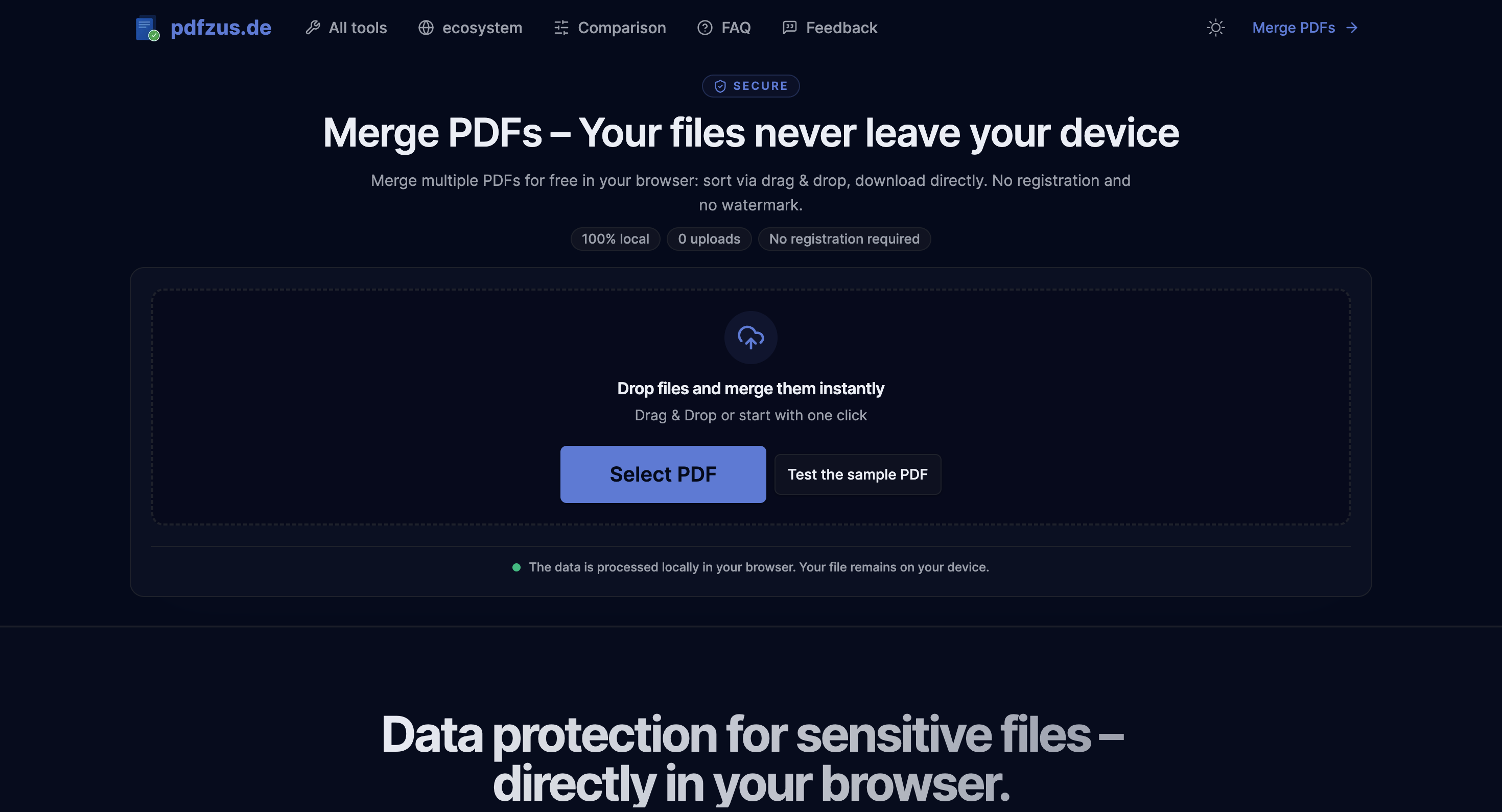
Pdfzus is a browser-based PDF merging tool for people who need to combine documents without sending sensitive files to a server. It’s aimed at users working with applications, invoices, contracts, and other paperwork where keeping documents on the local device matters.
The workflow runs entirely in the browser. You can add PDFs and images, arrange them visually, make basic changes such as rotating or removing files, and export the result as a single PDF without creating an account or uploading documents to the cloud.
Key Features
Local PDF Processing
Keep documents on your device while merging them.
Pdfzus processes files directly in the browser rather than uploading them to a remote server. This makes the workflow suitable for sensitive documents that users may not want to send to a third-party service.
Drag-and-Drop Sorting
Arrange documents before creating the final PDF.
The interface lets you visually organize files so they appear in the desired order. This is useful when combining several documents into one application, contract package, invoice set, or other document bundle.
PDF and Image Support
Combine different file types in the same workflow.
Pdfzus supports:
- PDF files
- JPG images
- PNG images
This means image-based documents can be added alongside existing PDFs instead of requiring a separate conversion step.
Page Controls
Make basic adjustments before exporting.
Users can rotate or remove files before generating the final document. This provides a simple way to clean up the document order and orientation without opening a separate PDF editor.
No Account Required
Merge documents without registration.
Pdfzus does not require users to create an account before using the tool. This keeps the process focused on the immediate task rather than adding a signup or account-management step.
No Watermark
Export clean documents without tool branding.
The resulting PDF does not include a watermark or other Pdfzus branding, making the output suitable for documents that need to be shared or submitted as finished files.
Offline Support
Continue using the tool without relying on an active connection.
Once loaded, Pdfzus can also be used offline. This is useful when working with sensitive files or when the internet connection is unreliable.
Browser-Based Technology
Keep the processing environment local.
The technical implementation uses WebAssembly with pdfcpu for browser-based processing, along with pdf-lib for PDF merging and react-dropzone for local file selection.
This setup allows the core merging workflow to run on the user's machine rather than requiring a server-side document processing service.
Built for Private PDF Merging
Pdfzus combines local processing, file organization, image support, and basic document controls into a focused PDF merging workflow.
Key benefits include:
- Merge multiple PDFs directly in the browser
- Keep files on the local device
- Add JPG and PNG images
- Reorder documents before export
- Rotate or remove files
- Work without an account
- Export without watermarks
- Use the tool offline after loading
- Avoid cloud uploads during the normal workflow
- Process sensitive documents without installing desktop software
Built For
- Individuals
- Students
- Job Seekers
- Freelancers
- Small Businesses
- Administrative Teams
- Accountants
- Legal Teams
- Anyone Handling Sensitive Documents
Common Use Cases
- Combining application documents
- Merging invoices into one PDF
- Combining contracts and supporting documents
- Preparing document packages
- Merging scanned images with PDFs
- Organizing paperwork before submission
- Creating a single PDF from multiple files
- Processing sensitive documents locally
- Combining documents without cloud uploads
- Preparing small to medium document batches
Why It Matters
Merging PDFs is a simple task, but uploading sensitive documents to an online service can create an unnecessary privacy concern. Applications, contracts, invoices, and other business documents may contain information that users do not want processed on a third-party server.
Pdfzus takes a local-first approach. Files are processed directly in the browser, while the interface provides the basic controls needed to organize and prepare the final document. There is no account requirement, watermark, or normal cloud-upload step standing between the files and the finished PDF.
The technical stack also supports this approach. WebAssembly, pdfcpu, and pdf-lib allow the merging workflow to happen locally, while react-dropzone handles file selection. The result is a lightweight alternative for users who want browser convenience without giving up local file control.
Merge PDFs Privately in Your Browser
Add your PDFs or images to Pdfzus, arrange them in the correct order, make any necessary adjustments, and export the combined document directly from the browser without uploading the files to a server.