
Revise
An online document editor for Word files that tracks AI changes, preserves formatting, and lets you switch between GPT, Claude, and Gemini.
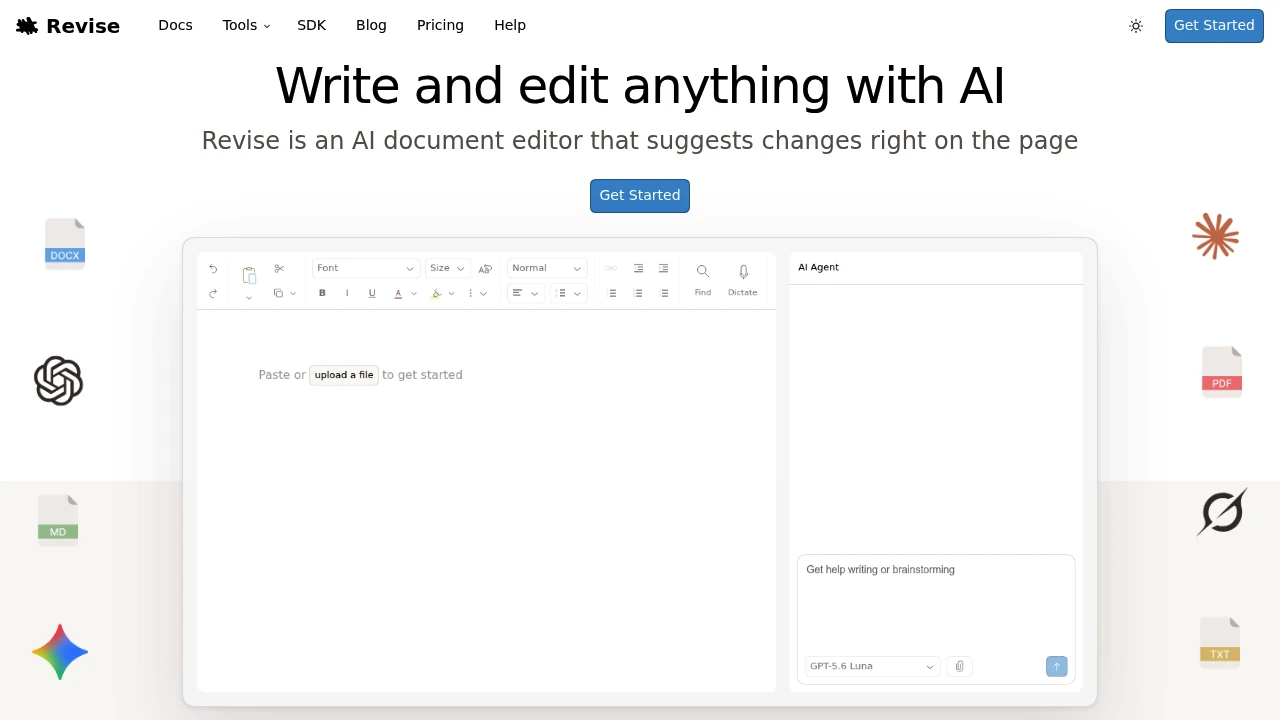
Edit, review, and improve documents with AI while preserving a familiar Word-style editing experience. Revise is an AI-powered document editor built for writers, researchers, legal professionals, consultants, students, and teams who want intelligent writing assistance without sacrificing formatting, revision control, or collaboration.
Write and Revise Documents With AI in a Word-Style Editor
Instead of copying text between your document and an AI chatbot, Revise lets you edit directly inside a full-featured document editor. Import existing files, ask AI to make changes across the entire document, review every suggestion with tracked changes, and export polished documents without losing formatting.
Whether you're drafting reports, editing proposals, reviewing contracts, or collaborating on research papers, Revise combines professional document editing with AI-powered writing assistance.
Key Features
AI Tracked Changes
Keep complete control over every AI-generated edit.
AI suggestions appear as:
- Tracked changes
- Suggested edits
- Reviewable revisions
- Accept or reject options
- Transparent document updates
instead of automatically modifying your work.
Full-Document AI Editing
Apply complex changes across an entire document.
Ask the AI to:
- Rewrite sections
- Improve clarity
- Change writing style
- Update formatting
- Revise entire documents
without editing one paragraph at a time.
Multiple AI Models
Choose the AI model that best fits your workflow.
Switch between providers including:
- OpenAI
- Anthropic
- Google AI
- xAI
without leaving the editor.
Word-Compatible Document Editing
Work with familiar document formats while preserving layout.
Import and edit:
- DOCX files
- Microsoft Word documents
- Google Docs exports
- PDFs
- Existing reports
without rebuilding formatting.
Real-Time Collaboration
Collaborate with teammates and AI in the same document.
Work together using:
- Shared editing
- Live collaboration
- Team reviews
- AI-assisted revisions
- Simultaneous document editing
from a single workspace.
Revision History
Review previous versions whenever needed.
Features include:
- Automatic saving
- Version history
- Draft recovery
- Previous revisions
- Document restoration
to protect your work.
Print-Ready Formatting
Create documents ready for professional sharing or printing.
Support includes:
- Page margins
- Columns
- Page numbers
- Section breaks
- Print layouts
for polished documents.
Rich Document Support
Edit complex documents without losing advanced formatting.
Supported elements include:
- Headings
- Tables
- Images
- Mathematical equations
- Code blocks
- Mermaid diagrams
within the same editor.
Private Documents
Keep your files and AI conversations under your control.
The platform keeps:
- Documents private
- AI conversations private
- Shared access optional
- Secure editing sessions
- Controlled collaboration
unless you choose to share your work.
Optimised for Large Documents
Maintain a smooth editing experience on long files.
Suitable for:
- Research papers
- Technical documentation
- Business reports
- Books
- Large proposals
without sacrificing editor performance.
Built for AI Document Editing
Revise combines professional document editing, tracked AI changes, real-time collaboration, multiple AI models, revision history, and advanced formatting into one AI-powered document editing platform.
Key benefits include:
- AI document editor
- AI writing assistant
- Word document editing
- AI document collaboration
- Professional document revision
Built For
- Writers
- Researchers
- Legal Professionals
- Consultants
- Students
- Business Teams
Common Use Cases
- Editing long reports
- Reviewing contracts and proposals
- Writing research papers
- Collaborating on shared documents
- Improving business documentation
- Revising technical content with AI
Why It Matters
Traditional AI writing tools often require copying text between chat windows and document editors, making it difficult to preserve formatting and review changes. Revise solves this by bringing AI directly into a professional document editor where every suggestion is presented as a tracked change that you can approve or reject. With support for multiple AI models, full-document editing, real-time collaboration, revision history, advanced formatting, and Word-compatible documents, users can work on complex files while maintaining complete editorial control.
Edit Professional Documents With AI and Tracked Changes
Import Word, Google Docs, or PDF files, edit documents in a familiar Word-style interface, apply AI-powered revisions across entire documents, review every suggestion with tracked changes, collaborate with teammates in real time, preserve advanced formatting, switch between leading AI models, and export polished DOCX or PDF files with confidence.


