
ScreenSnap Pro
A macOS and Windows app for turning screenshots, screen recordings, and GIFs into shareable visuals with annotations, backgrounds, and cloud links.
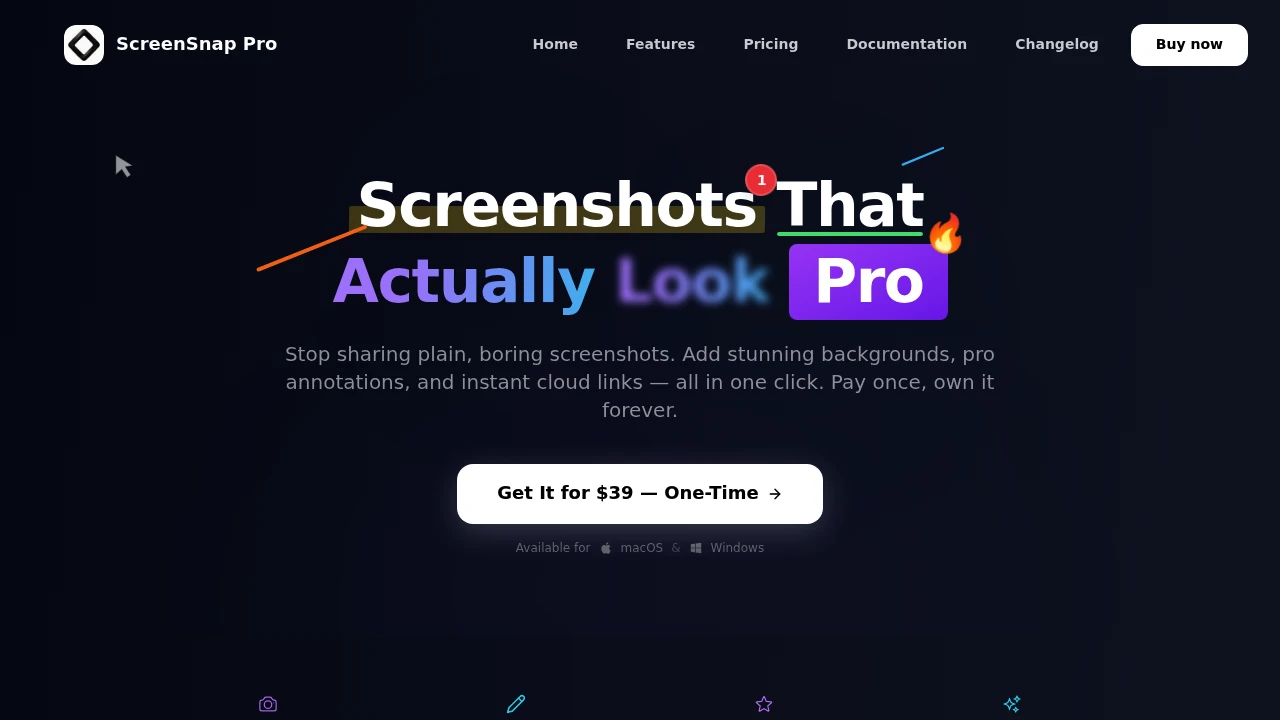
ScreenSnap Pro is a screenshot and screen recording app for people who share visual content regularly and want to capture, polish, and send it without switching between multiple tools. It supports screen, window, region, and full-page captures alongside recordings, then provides built-in annotation and presentation features for creating finished visuals.
The app is designed for developers, designers, creators, and anyone who needs to communicate through screenshots, bug reports, tutorials, product demos, or walkthroughs. Beyond simply capturing a screen, it helps turn raw captures into polished assets with annotations, backgrounds, spacing, rounded corners, shadows, and instant sharing.
Key Features
Screen Recording
Record your screen with additional audio and camera inputs.
ScreenSnap Pro supports:
- Screen recording
- Webcam recording
- System audio
- Microphone audio
- Video export
- GIF export
This makes it suitable for product demonstrations, tutorials, walkthroughs, and other visual explanations.
Flexible Screen Capture
Capture exactly what you need without switching between different capture utilities.
Supported capture types include:
- Full screen
- Windows
- Selected regions
- Full webpages
- Screen recordings
This provides a single workflow for both static screenshots and motion-based visual communication.
Screenshot Annotations
Mark up screenshots quickly using 15 annotation tools.
You can add:
- Arrows
- Shapes
- Text
- Emojis
- Blur
These tools make it easier to highlight a bug, point out an interface element, explain a workflow, or draw attention to specific parts of a capture.
Screenshot Backgrounds
Give screenshots a more deliberate presentation with built-in backgrounds.
ScreenSnap Pro includes 500+ gradients and supports presentation treatments such as:
- Padding
- Rounded corners
- Shadows
- Wallpaper-style backgrounds
This helps turn a plain screenshot into something better suited for documentation, social posts, product updates, or presentations.
Cloud Sharing
Create instant shareable links for captured visuals.
Links can be used across:
- Slack
- Discord
- Documentation
- Blogs
The cloud service is optional, so you can continue using the capture and editing workflow locally when cloud sharing is not needed.
OCR
Extract text from visual content with built-in OCR.
ScreenSnap Pro can copy text from:
- Screenshots
- PDFs
- Locked content
This is useful when text needs to be reused without manually typing it from an image or document.
Website Capture
Capture an entire webpage by pasting its URL.
The website capture feature creates a clean full-page image, making it useful for documenting pages that extend beyond the visible browser window.
Quick Access Overlay
Get immediate access to editing and sharing controls after taking a capture.
The Quick Access Overlay lets you:
- Edit captures
- Preview results
- Drag screenshots
- Share immediately
This keeps the time between capture and finished output short.
Pin Screenshot
Keep a screenshot visible while working in another application.
Pinned references are useful when comparing interfaces, following visual instructions, checking a design, or keeping a reference image available while making changes.
Local Capture & Editing
ScreenSnap Pro does not require its cloud service for the core capture and editing workflow.
This means you can use it for local screenshots and editing while choosing whether or not to create cloud shares.
Built For Developers, Designers & Creators
ScreenSnap Pro is designed for people who frequently communicate through visual content.
It is particularly useful for:
- Developers documenting bugs and technical issues
- Designers sharing interface concepts and visual feedback
- Creators preparing screenshots and short recordings
- Product teams creating demos and walkthroughs
- Support teams explaining issues visually
- Anyone sharing screenshots who wants them to look more polished
Common Use Cases
- Bug reporting: Annotate screenshots to clearly show problems and affected interface areas.
- Product demos: Record screens and webcam footage with audio.
- Tutorials: Capture workflows and explain them with annotations.
- Design feedback: Highlight specific elements with arrows, shapes, text, and blur.
- Documentation: Create clean screenshots and full-page website captures.
- Team communication: Share instant links through Slack, Discord, or email.
- Social content: Add backgrounds, padding, rounded corners, and shadows to screenshots.
- Text extraction: Use OCR to copy text from screenshots and PDFs.
- Visual references: Pin screenshots so they remain visible while working.
- GIF creation: Turn recordings into shareable GIFs.
Why It Matters
Screenshot workflows often become fragmented. One application captures the screen, another handles annotations, another adds a background, and a separate service creates a shareable link. That adds unnecessary steps when the goal is simply to communicate something clearly.
ScreenSnap Pro combines capture, editing, presentation, and sharing into one workflow. You can capture a screen or webpage, annotate it, add a polished background, and share the result without moving between several applications.
The optional cloud service also keeps the workflow flexible. Users who only need local capture and editing can work without relying on cloud sharing, while teams that frequently exchange screenshots can create instant links for their existing communication and documentation tools.
Its one-time purchase model further distinguishes it from screenshot applications built around recurring subscriptions, making it suited to people who want a focused visual communication tool rather than a collection of separate utilities.
Capture, Polish & Share With ScreenSnap Pro
Capture screens, windows, regions, webpages, and recordings, then annotate, style, and share them from one place. With OCR, full-page capture, 500+ gradients, 15 annotation tools, optional cloud sharing, and quick-access controls, ScreenSnap Pro turns everyday screenshots into finished visual communication assets.


