
Script to Voice Generator - Kokoro TTS
Turns .txt or .md scripts into voiced audio on Windows, with offline TTS, per-character voices, and merged output.
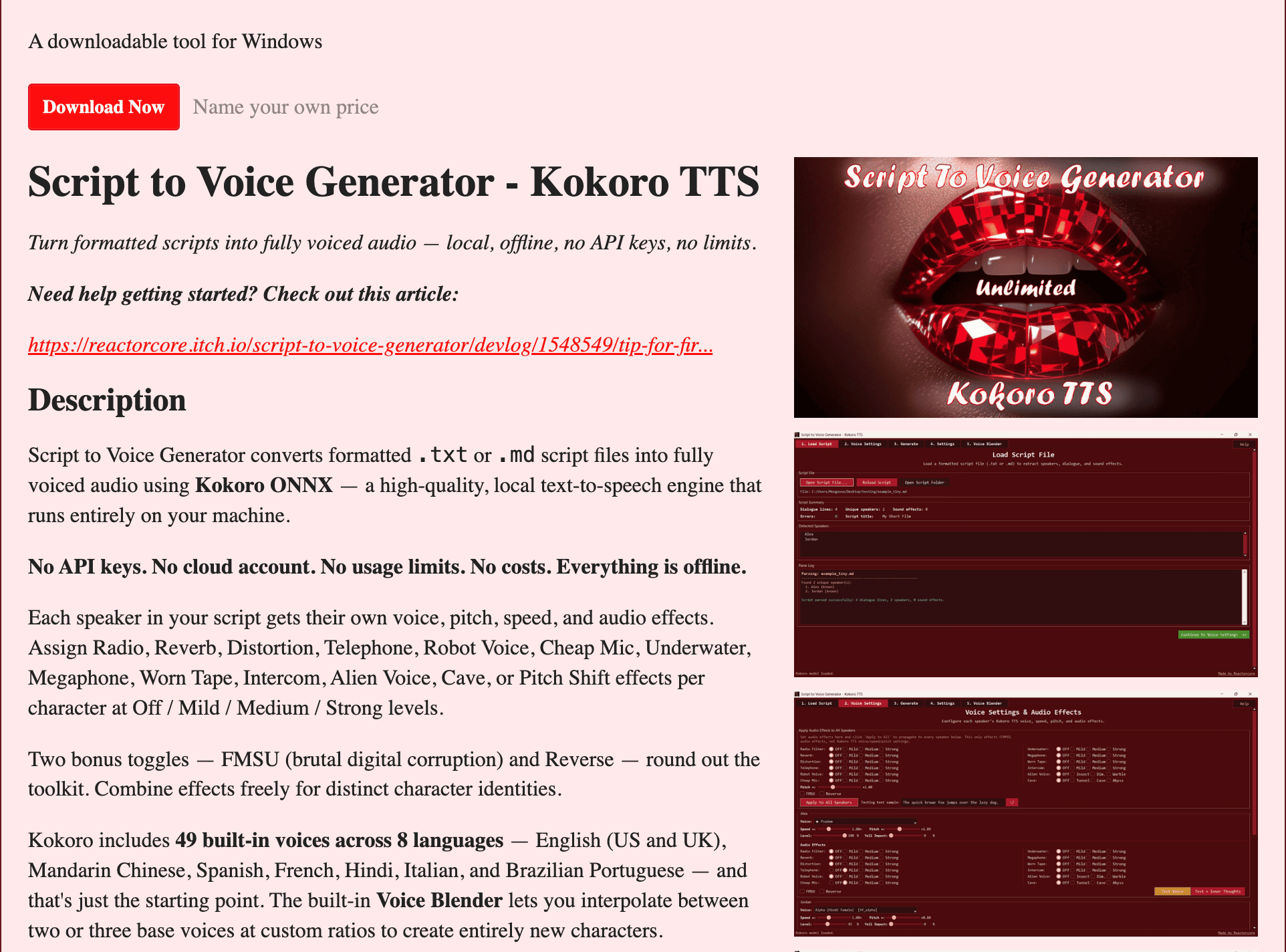
This Windows-based text-to-speech tool turns formatted .txt and .md scripts into voiced audio using Kokoro ONNX directly on your own machine. It is built for people creating dialogue, audio dramas, narration, character conversations, and voice libraries who want to generate speech locally without API keys, cloud accounts, or usage limits.
The workflow is designed around multi-character scripts rather than single-block text-to-speech. Users can assign different voices, pitch, speed, volume, and audio effects to individual speakers, then generate separate clips or merge the complete script into a paced audio file.
Key Features
Local Text-to-Speech Generation
Generate voiced audio directly on your Windows machine.
The tool uses Kokoro ONNX for local text-to-speech processing.
This means users can generate audio without relying on:
- API keys
- Cloud accounts
- Online text-to-speech services
- Usage-based limits
The processing workflow is designed to run locally on the user's machine.
Formatted Script Support
Turn structured .txt and .md scripts into voiced audio.
The tool is designed to process formatted scripts containing dialogue and character information.
This makes it suitable for content such as:
- Audio dramas
- Character dialogue
- Narration
- Multi-speaker scripts
- Voice experiments
- Spoken story content
The script-based workflow allows different lines and speakers to be processed separately.
49 Built-In Voices
Choose from a collection of built-in voices across multiple languages.
The tool includes 49 voices covering:
- English
- Mandarin Chinese
- Spanish
- French
- Hindi
- Italian
- Brazilian Portuguese
This allows users to assign different voice options depending on the character, language, or type of narration being created.
Per-Character Voice Controls
Configure how each character sounds.
Individual speakers can have their own settings for:
- Voice
- Pitch
- Speed
- Volume
- Audio effects
This allows a multi-character script to sound more like a cast rather than having every line generated by the same voice configuration.
Voice Blender
Create custom voices by mixing multiple base voices.
The built-in Voice Blender can combine:
- Two base voices
- Three base voices
Users can adjust the blend using continuous ratios.
Custom blends can then be saved and reused as voices in later sessions.
This makes it possible to build a collection of custom voice combinations without manually recreating the same settings every time.
13 Audio Effects
Apply different sound effects to generated speech.
The tool includes 13 audio effects, including:
- Radio
- Reverb
- Distortion
- Telephone
- Robot Voice
- Underwater
Additional effects can be used to change the character or presentation of a generated line.
This can be useful for dialogue involving fictional characters, communications devices, dream sequences, environmental effects, or other creative audio treatments.
Special Audio Toggles
Apply additional audio transformations when required.
The tool includes special toggles for:
- FMSU corruption
- Reverse
These controls provide additional options for experimental or heavily processed voice output.
Inner Thoughts Filter
Create a different treatment for internal dialogue and thoughts.
The tool includes an Inner Thoughts filter with presets such as:
- Whisper
- Dreamlike
- Dissociated
These presets can help separate internal thoughts from normal spoken dialogue through different audio treatment.
This can be useful for:
- Audio dramas
- Fiction
- Narrative projects
- Character monologues
- Experimental audio
Sound Effect Events
Add sound effects into the merged audio timeline.
The merge timeline supports sound effect events alongside generated speech.
This allows users to combine:
- Character dialogue
- Generated narration
- Pauses
- Sound effects
within the same merged audio workflow.
Pause Timing Controls
Control pacing between generated lines.
Users can adjust pause timing when building the merged audio output.
This can help create more natural pacing between:
- Dialogue lines
- Speaker changes
- Narration sections
- Sound effects
- Scene transitions
The merged output can therefore be adjusted beyond simply placing every generated clip directly next to the next one.
Per-Line Audio Clips
Generate individual clips for each line in a script.
The tool can export audio as separate line-by-line files.
This can be useful for users who want to:
- Edit dialogue manually
- Rearrange lines
- Import clips into another editor
- Apply additional production work
- Reuse specific voice lines
The line-by-line approach provides more flexibility than generating only one final audio file.
Merged Audio Exports
Combine generated clips into a complete audio output.
The tool can create merged audio with pacing and timeline controls.
Users can generate:
- Raw audio versions
- Loudness-normalized versions
- Individual line clips
- Effects-processed clips
- Complete merged output
This supports both editing workflows and more finished audio output.
Loudness-Normalized Output
Create a more consistent listening experience across generated lines.
The tool can produce loudness-normalized versions of the generated audio.
This can be useful when different speakers, voices, or effects result in variations in perceived volume.
Parse Log and Error Reporting
Review script processing issues line by line.
The tool includes a parse log with error reporting.
This can help users identify:
- Formatting problems
- Script parsing issues
- Problematic lines
- Other line-specific errors
The line-by-line reporting makes it easier to locate an issue in a larger script.
Saved Character Profiles
Reuse speaker configurations across projects.
Character profiles can be saved so that voice and related settings do not need to be recreated manually for every new session.
This can be useful for recurring:
- Characters
- Narrators
- Voice styles
- Audio series
- Multi-part projects
Reference Text File
Keep generated audio connected to the original script.
The output can include a reference text file containing information such as:
- Filenames
- Line numbers
- Spoken content
This can make it easier to identify and manage generated clips during editing or post-production.
DirectML Support
Use available GPU hardware for local processing.
The tool supports DirectML and can use a compatible GPU when available.
If GPU acceleration is not available, the workflow falls back to CPU processing.
This allows the tool to run without requiring additional setup specifically for GPU-only operation.
Windows-Based Application
Run the tool on Windows.
The application is designed for:
- Windows 11
Windows 10 is currently untested, while Linux and macOS builds are not available.
The product is therefore primarily aimed at Windows users who want a local script-to-speech workflow.
Example Scripts and Guides
Get started with supporting examples and documentation.
The package includes:
- Example scripts
- Prompt templates
- Script-writing guides
- Audio effects pipeline guides
These resources can help users understand how to structure scripts and use the available voice and audio processing features.
Built for Local Multi-Character Audio Generation
This tool combines local Kokoro ONNX text-to-speech, multi-character voice assignment, voice blending, per-character controls, audio effects, script parsing, individual clip exports, and merged audio generation into one Windows-based workflow.
Key benefits include:
- Local text-to-speech generation
- No API keys required
- No cloud account required
- No usage limits
- Support for
.txtand.mdscripts - 49 built-in voices
- Support for eight languages
- Per-character voice controls
- Pitch, speed, and volume adjustment
- Voice Blender for custom voice combinations
- Continuous blend ratios
- Saved custom voice blends
- 13 audio effects
- Inner thoughts presets
- FMSU corruption and Reverse toggles
- Sound effect events
- Pause timing controls
- Per-line audio clips
- Merged audio exports
- Raw and loudness-normalized output
- Parse logs and line-by-line error reporting
- Saved character profiles
- DirectML GPU support with CPU fallback
Built For
- Audio Drama Creators
- Writers
- Narrators
- Voice Artists
- Indie Game Developers
- Visual Novel Developers
- Podcasters
- Fiction Creators
- YouTube Creators
- Storytellers
- Sound Designers
- Windows Users Looking for Local Text-to-Speech
Common Use Cases
- Turning a dialogue script into voiced audio
- Creating multi-character audio dramas
- Generating narration locally
- Building recurring character voices
- Creating dialogue for games
- Producing visual novel voice clips
- Generating internal monologues and character thoughts
- Applying radio or telephone effects to dialogue
- Creating robotic or underwater voice effects
- Exporting individual lines for audio editing
- Building a merged version of a complete script
- Creating reusable custom voice blends
- Testing different voice combinations
- Generating audio without API usage limits
- Creating a local voice library
Why It Matters
Many text-to-speech tools are designed around a simple workflow: enter text, select a voice, and receive one generated audio file. That can become limiting for projects involving multiple characters, dialogue, sound effects, pacing, and repeated voice configurations.
This tool is designed around structured scripts instead. Users can assign different voices and settings to individual speakers, adjust pitch, speed, volume, and effects, create custom voice blends, generate each line separately, and then combine the results into a paced audio output.
The local Kokoro ONNX workflow also removes the need for cloud accounts, API keys, and usage-based generation limits. With DirectML support, the application can use available GPU hardware while retaining CPU fallback, allowing the processing workflow to remain local to the Windows machine.
Turn Multi-Character Scripts Into Locally Generated Audio
Import a formatted .txt or .md script, assign each character a voice, adjust pitch, speed, volume, and effects, blend two or three base voices into reusable custom voices, add inner-thought treatments and sound effects, control pauses between lines, generate individual clips or a complete merged soundtrack, and process everything locally on a Windows machine without API keys, cloud accounts, or usage limits.