
SubtitleGenerator
Generate, edit, style, and export subtitles in the browser with flagged uncertain words, 33 styles, and no signup to start.
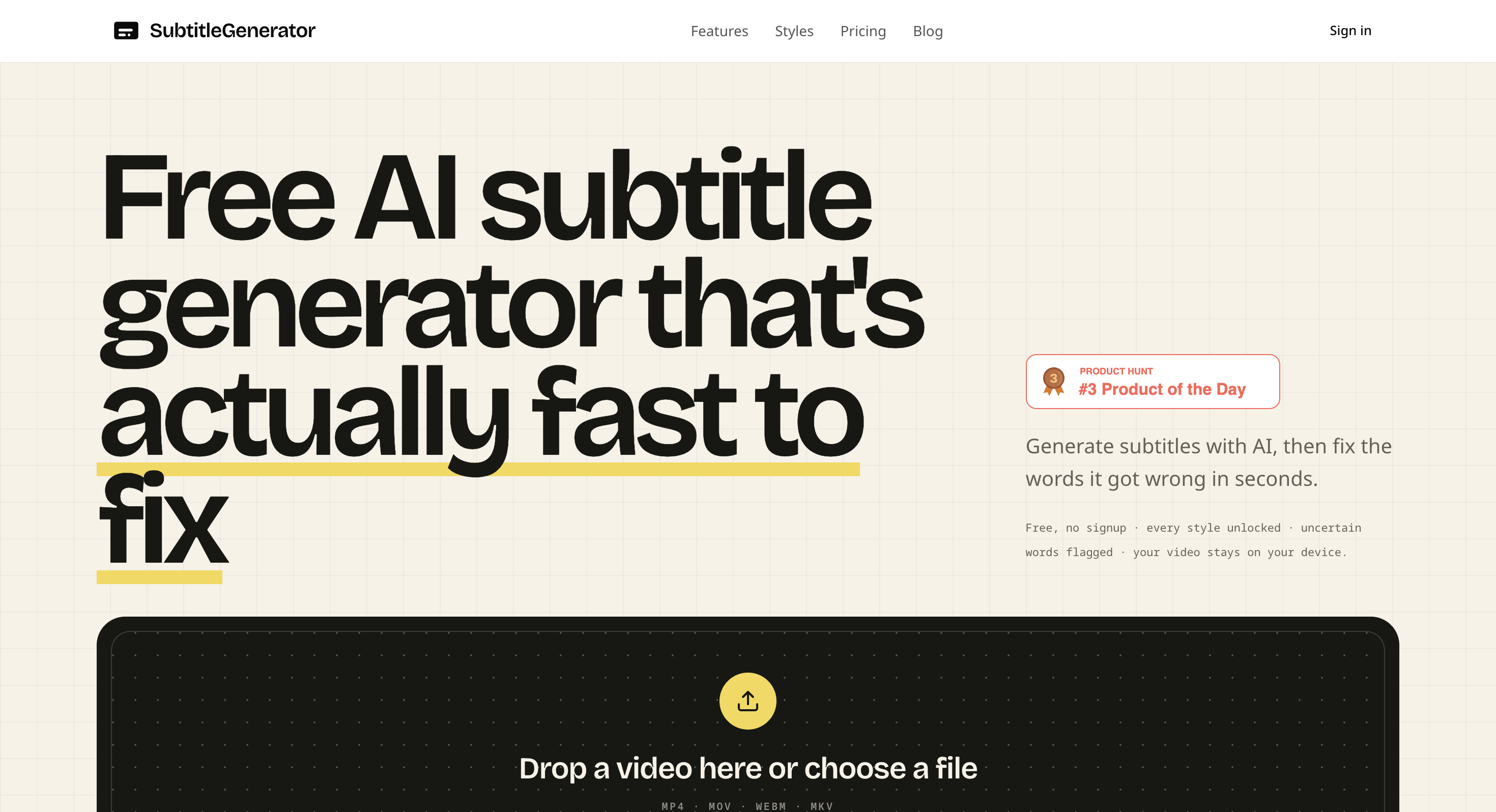
This browser-based subtitle tool turns speech in video into editable captions, then lets you review and correct them without redoing the entire file. It is designed for creators, editors, educators, podcasters, and agencies that need to generate, refine, and export subtitles quickly from a single browser-based workspace.
The platform focuses on making caption editing easier after transcription. You can upload a video, review word-level timing, correct AI transcription mistakes, and re-transcribe individual subtitle cues when only part of a caption needs fixing.
Key Features
AI Subtitle Generation
Turn spoken audio into editable subtitles automatically.
The tool supports common video formats including:
- MP4
- MOV
- WebM
- MKV
Once the video is processed, you can review the generated captions and make corrections directly in the editor.
Word-Level Timing
Review and adjust subtitles with detailed timing information.
The editor provides word-level timing so you can identify where captions appear and make precise changes without having to regenerate the entire video.
Targeted Re-Transcription
Fix individual subtitle sections without starting over.
If the AI gets only one word or phrase wrong, you can re-transcribe that specific cue rather than processing the complete video again. This makes the workflow particularly useful for names, technical terms, and unclear speech.
Caption Styles
Choose from 33 caption styles for different types of video.
Available styles cover categories such as:
- Clean
- Creator
- Karaoke
- Cinematic
- Pop
- Branded
This allows creators to match captions to the visual style of their content.
Browser-Based Video Export
Render captioned videos directly in the browser.
The export process shows progress while the captioned video is being generated, making it possible to produce social-ready videos without relying on a separate desktop editor.
Subtitle File Export
Export captions in formats used by different editing and publishing workflows.
Supported formats include:
- SRT
- VTT
- ASS
- SSA
- SBV
- SMI
- TXT
- JSON
This makes it possible to move subtitle files into editors such as Premiere Pro or DaVinci Resolve.
Privacy-Focused Processing
Keep the source video on your device during transcription.
The tool's workflow sends only extracted audio for transcription rather than uploading the original video file. This provides a more privacy-conscious approach for users working with source footage.
Translation
Translate subtitles directly within the editor.
Pro and Max plans add subtitle translation, allowing users to create translated caption versions without moving the subtitle workflow to another service.
Built for Video Creators and Editors
The tool is a good fit for:
- Content creators
- Video editors
- Podcasters
- Educators
- Agencies
- Social media teams
- Course creators
- Interview producers
- Marketing teams
Common Use Cases
- Adding captions to social videos
- Creating subtitles for interviews
- Captioning educational content
- Preparing podcast clips
- Creating subtitles for tutorials
- Producing burned-in captions for short-form video
- Exporting subtitle files for professional editors
- Translating existing subtitles
- Correcting AI transcription mistakes
- Creating styled captions for branded content
Why It Matters
AI transcription can make subtitle creation much faster, but generated captions still need review. Names, terminology, punctuation, timing, and unclear speech can all require manual correction.
This tool is designed around that review process rather than treating transcription as the end of the workflow. You can edit individual cues, adjust timing, add captions during silent sections, and re-transcribe only the part that needs attention.
The separation between text editing and styling also makes the editor useful for different publishing workflows. Creators can render burned-in captions for social platforms, while editors can export subtitle files for use in professional video software.
The free workflow can be tested without signing up, with styles available and a watermark applied to free exports. Mobile browsers are also supported for generation and editing, while desktop is better suited to longer exports.
Create and Edit Video Subtitles in Your Browser
Turn video speech into editable captions, correct individual transcription errors, adjust timing, choose from 33 caption styles, and export either captioned videos or subtitle files. The browser-based workflow gives creators and editors a practical way to move from raw footage to finished subtitles without rebuilding the entire file when a small correction is needed.