
SuperSplit
Track shared expenses, settle balances, and split bills across currencies for friends, roommates, and travel groups.
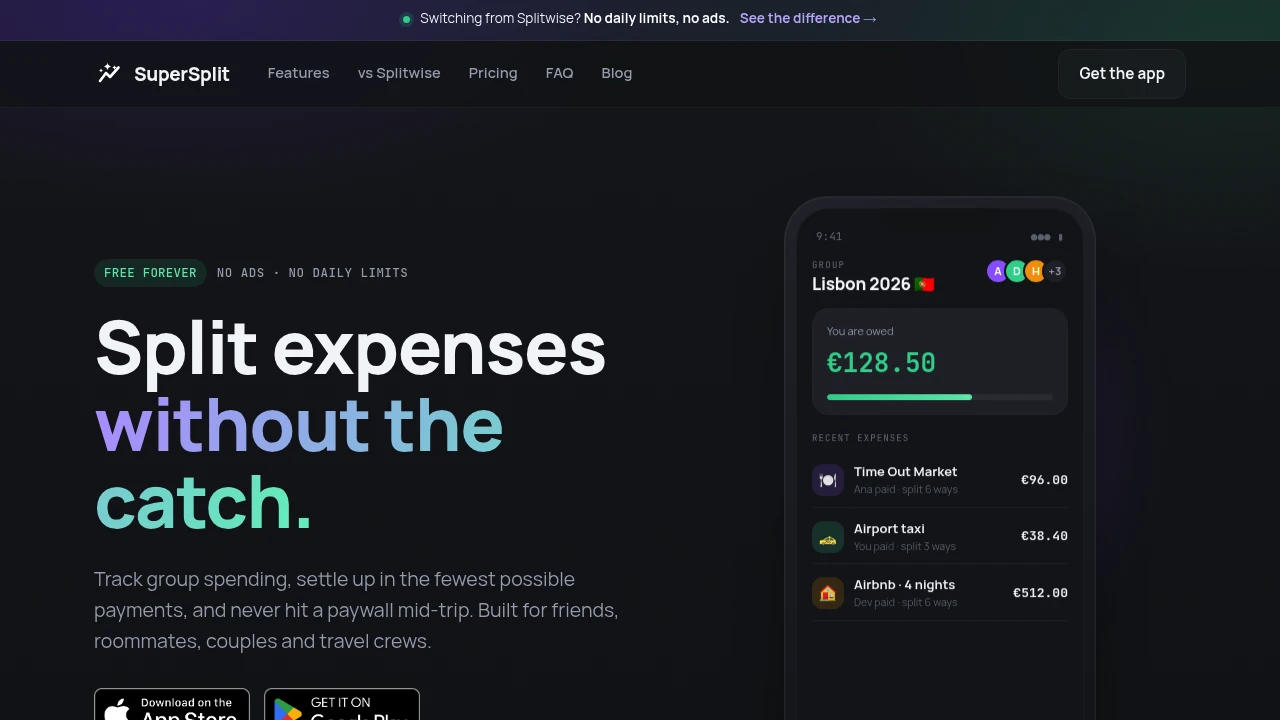
SuperSplit is a shared expense tracker for people who want to split costs without paying for basic use. It records group expenses, works out who owes whom, and calculates the smallest number of payments needed to settle the group. It’s useful for trips, roommates, couples, dinners, and other situations where several people share costs.
The workflow is designed around common expense-splitting situations. You can add expenses, choose how each cost should be divided, and let the system calculate the resulting balances without manually working out who needs to pay whom.
Key Features
Smart Settle-Up
Minimize the number of payments needed to clear group balances.
SuperSplit calculates who owes what and works out a smaller set of transfers to settle the group.
This can make larger groups easier to reconcile without creating a long chain of individual payments.
Flexible Expense Splitting
Choose how each expense should be divided.
Supported methods include:
- Equal amounts
- Exact amounts
- Percentages
- Shares
This makes the system suitable for both simple group bills and expenses where different people owe different amounts.
Multiple Payers
Allow more than one person to contribute toward the same expense.
This is useful when a bill is paid by several people rather than by a single person.
Multi-Currency Support
Track expenses across different currencies.
SuperSplit supports more than 150 currencies and includes live conversion rates, making it useful for international trips and groups that spend in multiple currencies.
Shareable Groups
Let people access a group without installing an app or creating an account.
SuperSplit provides browser-based shareable links that can be used to view group expenses and balances.
This makes it easier to include people who don't already use the service.
Free Plan
Use the core expense-splitting features without paying.
The free plan includes:
- Unlimited expenses
- Unlimited groups
- No ads
- Smart settle-up
- Multi-currency support
- View-only links
This makes the basic workflow available without daily limits or advertising.
Premium Features
Premium adds additional tools for people who need more detailed expense management.
These include:
- Receipt scanning
- Spending charts
- Recurring expenses
- Unlimited history
- Export
- Priority support
Built for Shared Expenses
SuperSplit combines expense tracking, flexible splitting, multi-currency conversion, and smart settlement into one workflow for people managing costs with others.
Key benefits include:
- Calculate who owes what
- Minimize settlement transfers
- Split expenses equally or by custom amounts
- Use percentages or shares
- Support multiple payers
- Handle 150+ currencies
- Use live currency conversion
- Share groups through browser links
- No account required for view-only access
- Unlimited expenses on the free plan
- Unlimited groups on the free plan
- No ads on the free plan
- Optional receipt scanning and spending charts
- Recurring expense support on Premium
- Export and extended history on Premium
Built For
- Travelers
- Roommates
- Couples
- Friends
- Families
- Students
- Group Trip Organizers
- Event Organizers
- People Sharing Household Costs
Common Use Cases
- Splitting costs during group trips
- Managing roommate expenses
- Sharing dinner bills
- Tracking expenses between couples
- Splitting vacation costs
- Managing shared household purchases
- Tracking group expenses in different currencies
- Settling balances with fewer transfers
- Sharing expense details through a browser link
- Managing recurring shared expenses
Why It Matters
Splitting group expenses can become complicated when different people pay for different purchases, expenses need to be divided unevenly, or a trip involves multiple currencies. Manually calculating the final balances can also create unnecessary transfers between members of the group.
SuperSplit handles this by recording each expense and calculating the resulting balances automatically. Its smart settle-up feature then works out the minimum set of payments needed to clear those balances.
The free plan also keeps the core workflow accessible without ads or daily usage limits. For users who need more advanced tracking, Premium adds features such as receipt scanning, spending charts, recurring expenses, extended history, and exports.
Split Group Expenses and Settle Up
Create a group, add shared expenses, choose whether each cost should be split equally, by exact amounts, percentages, or shares, track payments across currencies, and use smart settle-up to reduce the number of transfers needed to clear the group's balances.


