
TaskDrain
Scans team workflows, scores automatable tasks, and ranks them by hours saved versus setup effort.
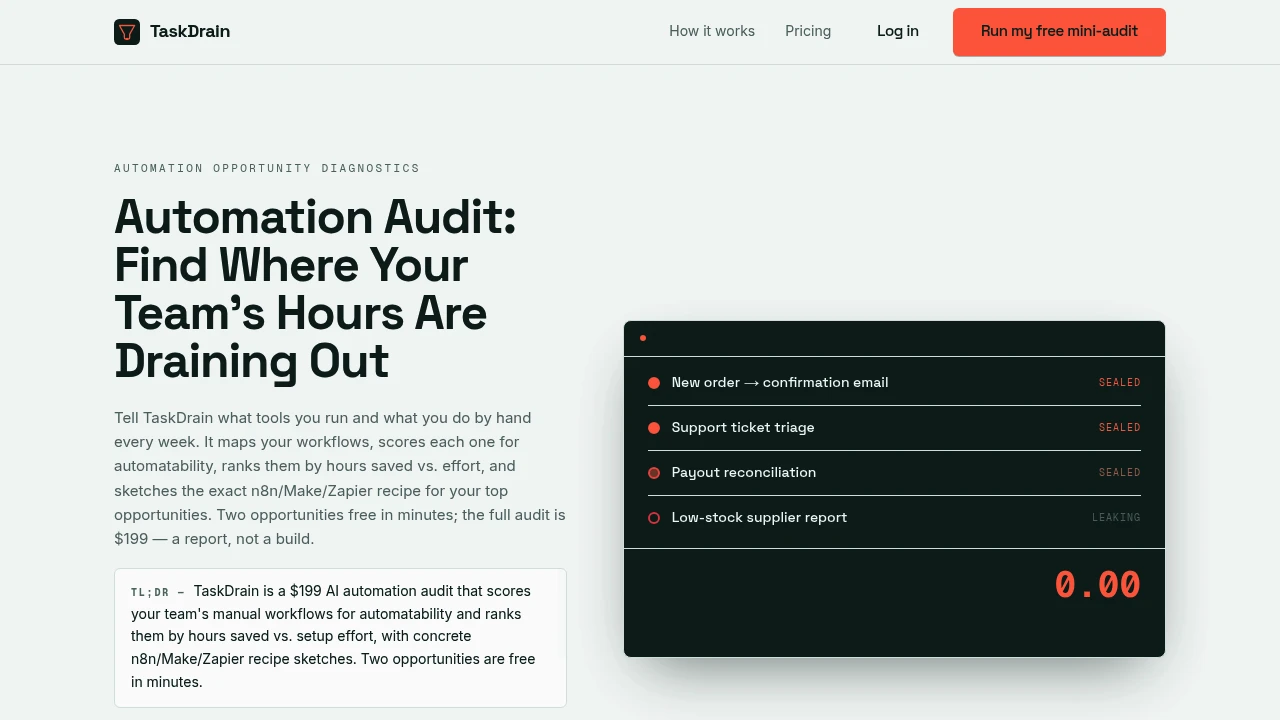
TaskDrain is an automation audit platform that helps teams identify which manual and repetitive workflows are worth automating. Users describe the tools they use and the tasks their team still performs manually, and TaskDrain turns that information into a ranked report showing where automation could save the most time.
The platform is designed for operators, founders, and small teams that know repetitive work is consuming time but do not want to guess which processes should be automated first. Rather than building or configuring automations directly, TaskDrain focuses on diagnosis, prioritization, and automation planning by identifying opportunities based on the workflow information users provide.
Key Features
Automation Opportunity Analysis
Identify manual workflows that may be suitable for automation.
Users can describe:
- The tools they currently use
- Repetitive tasks
- Manual workflows
- Task frequency
- Estimated time spent
- Existing processes
TaskDrain analyzes this information to identify workflows that could potentially benefit from automation.
This helps teams create a clearer starting point before investing time in building workflows.
Automatability Scoring
Evaluate how suitable each workflow is for automation.
TaskDrain provides an automatability score for the workflows users describe.
The scoring is intended to help distinguish between:
- Highly repetitive processes
- Workflows with clear triggers
- Tasks that may be partially automated
- Processes that still require significant human involvement
- Lower-priority automation opportunities
This gives teams a structured way to compare different workflows instead of treating every manual task as equally suitable for automation.
Hours-Saved vs. Effort Ranking
Prioritize automation opportunities based on potential payoff.
The audit compares factors such as:
- Estimated time currently spent
- Task frequency
- Potential hours saved
- Automation effort
- Relative workflow priority
This helps users identify which processes may provide the strongest return before spending time building them.
Instead of receiving an unranked list of automation ideas, teams get a clearer indication of what may be worth addressing first.
Total Hours-Reclaimed Estimate
Estimate the potential time savings across identified workflows.
TaskDrain provides a total hours-reclaimed estimate based on the workflow information entered by the user.
The estimate is based on:
- Reported task frequency
- Time spent on each workflow
- Mechanical portions of the process
- Potential automation opportunities
If a workflow still requires a person to review, approve, or complete part of the work, the report treats only the mechanical portion as potentially saved.
This keeps the estimates tied more closely to the team's actual process rather than assuming that an entire workflow can always be automated.
Automation Recipe Sketches
Receive a starting outline for building an automation.
The full audit includes recipe sketches structured around trigger-to-step workflows.
These outlines can be used as a starting point for tools such as:
- n8n
- Make
- Zapier
The sketches are intended to show:
- Possible triggers
- Workflow steps
- Automation sequences
- Process logic
- Potential implementation direction
This gives users something they can hand off to a developer, automation specialist, or internal team, or use as a starting point for building the workflow themselves.
Ranked Automation Report
Turn workflow information into a prioritized list of opportunities.
The paid audit provides a structured report containing:
- Workflow scores
- Automation priorities
- Estimated time savings
- Effort comparisons
- Automation opportunity rankings
- Recipe sketches
This gives teams a concrete shortlist instead of requiring them to decide which automation idea to pursue through trial and error.
Free Mini-Audit
Review initial automation opportunities before purchasing the full report.
TaskDrain offers a free mini-audit that includes:
- The first two findings
- Initial automation opportunities
- A quick overview of possible workflow improvements
The free option allows users to see how the analysis applies to their own processes before purchasing the full audit.
Shareable PDF Report
Export the audit results for discussion or planning.
The full audit is delivered as a PDF report that can be:
- Shared with team members
- Used for internal planning
- Handed to an automation specialist
- Used to prioritize future projects
- Kept as a workflow improvement reference
This makes the output useful for teams that need to discuss automation opportunities before deciding what to build.
Conservative Process-Based Estimates
Base automation estimates on the information users provide.
TaskDrain uses the workflow details entered by the user, including:
- Task frequency
- Time spent
- Manual steps
- Existing tools
- Human involvement
The analysis does not assume that every part of a workflow can be removed.
When a process still requires human judgment or approval, only the mechanical portion is treated as a potential time-saving opportunity.
This approach is intended to keep the recommendations grounded in the team's own reported workflow.
One-Time Full Audit
Purchase the complete analysis without an ongoing subscription requirement.
The full TaskDrain audit is available as:
- A $199 one-time report
- Prioritized automation findings
- Workflow scores
- Hours-reclaimed estimates
- Automation recipe sketches
- A shareable PDF report
The platform also offers a 7-day refund on the full audit.
Fiverr Availability
Access the same audit engine through an additional service channel.
For users who prefer working through Fiverr, TaskDrain also offers the automation audit as a Fiverr gig.
This provides another way to access the same type of workflow analysis and prioritization.
Built for Automation Opportunity Discovery
TaskDrain combines workflow analysis, automatability scoring, time-saving estimates, effort comparisons, automation prioritization, recipe sketches, and shareable reporting into one automation audit workflow.
Key benefits include:
- Manual workflow analysis
- Automation opportunity discovery
- Automatability scoring
- Hours-saved estimates
- Effort-based prioritization
- n8n, Make, and Zapier workflow sketches
- Shareable PDF reports
- Conservative process-based estimates
Built For
- Founders
- Operations Teams
- Small Businesses
- Startup Teams
- Business Operators
- Automation Consultants
- Agency Teams
- Teams Managing Repetitive Workflows
Common Use Cases
- Identifying repetitive tasks worth automating
- Prioritizing automation projects
- Estimating potential time savings
- Comparing automation effort against expected payoff
- Finding manual processes that can be partially automated
- Planning workflows for n8n
- Creating automation ideas for Make
- Preparing Zapier workflow outlines
- Creating a shortlist before hiring an automation specialist
- Reviewing team processes for operational inefficiencies
Why It Matters
Teams often know that repetitive work is wasting time but struggle to decide which workflow should be automated first. Building an automation can require time, technical effort, and ongoing maintenance, so automating the wrong process can create more complexity without delivering meaningful savings.
TaskDrain helps create a clearer starting point by analyzing the workflows users describe, scoring their suitability for automation, comparing potential hours saved against implementation effort, and ranking the strongest opportunities. Instead of automatically building the workflows, the platform provides diagnosis and planning through prioritized findings and trigger-to-step recipe sketches that can be used as a starting point for n8n, Make, Zapier, or a custom implementation.
Find, Rank, and Plan Your Best Automation Opportunities
Describe the tools your team uses and the repetitive tasks that still happen manually, identify workflows with the strongest automation potential, compare estimated hours saved against implementation effort, receive ranked priorities and total hours-reclaimed estimates, and get trigger-to-step automation sketches you can use with n8n, Make, Zapier, or your own implementation workflow.