
Toolsura
80+ browser-based tools for text, PDF, image, and code tasks that run locally with no login or uploads.
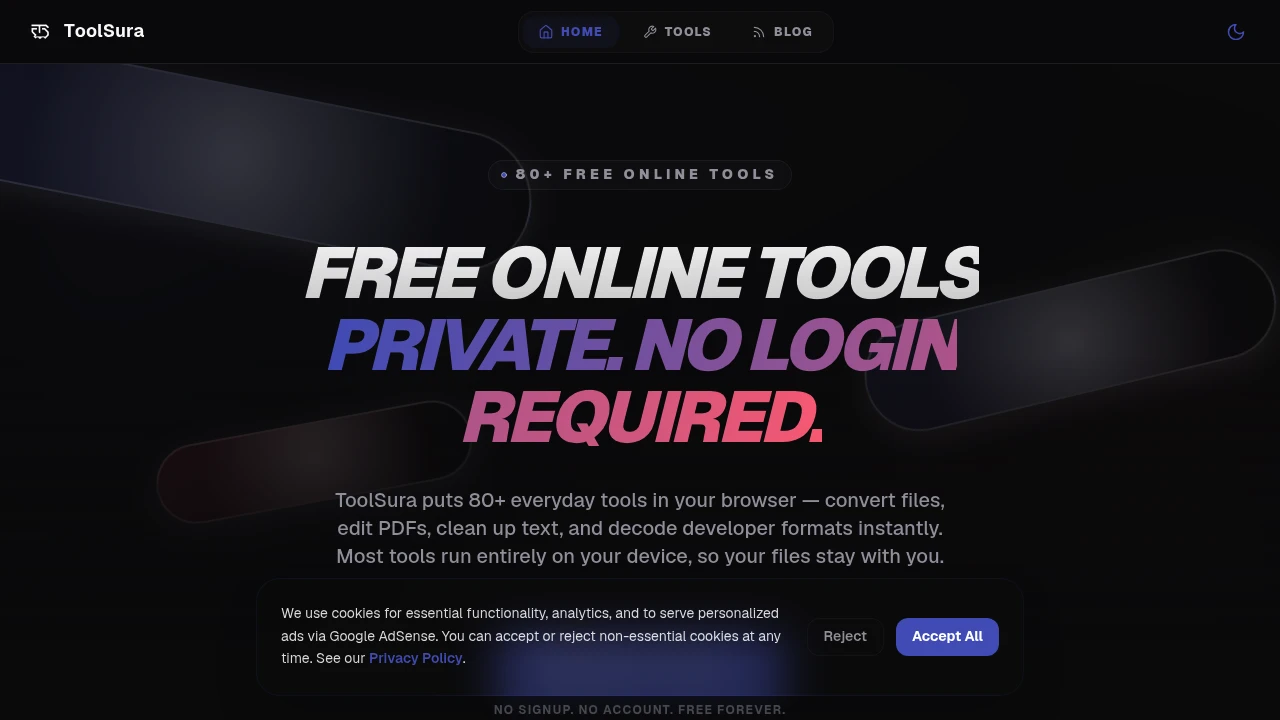
ToolSura is a browser-based collection of online utilities for people who want to edit files, process text, work with PDFs, and use developer tools without installing software or creating an account. Most tools run entirely on your device, making it a practical choice for users who value privacy as much as convenience. :contentReference[oaicite:0]{index=0}
Complete Everyday Tasks Without Leaving Your Browser
Use a growing collection of browser-native utilities for PDF editing, image processing, text formatting, developer workflows, and data conversion, all without uploading your files to remote servers for most supported tools. :contentReference[oaicite:1]{index=1}
Whether you're preparing documents, formatting JSON, compressing images, generating QR codes, or working with web development tools, ToolSura keeps the experience fast, private, and accessible across desktop and mobile devices. :contentReference[oaicite:2]{index=2}
Key Features
Browser-Based Processing
Keep supported files and data on your device.
Benefits include:
- Local processing
- No file uploads for supported tools
- Faster performance
- Better privacy
- Browser-native execution
using client-side technologies. :contentReference[oaicite:3]{index=3}
PDF Tools
Handle common document tasks from one toolkit.
Available features include:
- PDF compression
- PDF merging
- PDF splitting
- PDF to Word conversion
- Word to PDF conversion
without installing software. :contentReference[oaicite:4]{index=4}
Image & Text Utilities
Work with images and text directly in your browser.
Tools include:
- OCR image-to-text
- Image compression
- Screenshot capture
- Word counter
- Markdown to HTML conversion
for everyday productivity. :contentReference[oaicite:5]{index=5}
Developer & Data Tools
Simplify common development workflows.
Available utilities include:
- JSON formatter
- JSON comparison
- Base64 encoder and decoder
- Regex tester
- HTML, CSS, and JavaScript minifier
- Timestamp converter
for developers and technical users. :contentReference[oaicite:6]{index=6}
Design & Web Utilities
Support creative and frontend workflows.
Create and manage:
- Color palettes
- CSS gradients
- Favicons
- QR codes
- URL encoding
- CSV and JSON conversion
through browser-based tools. :contentReference[oaicite:7]{index=7}
Free Access
Start using tools immediately.
Enjoy:
- No signup
- No login
- Free access
- Cross-device compatibility
- Instant browser access
for quick one-off or recurring tasks. :contentReference[oaicite:8]{index=8}
Built for Privacy-First Productivity
ToolSura combines document tools, developer utilities, image processing, and data conversion into a browser-native platform where most supported processing happens locally instead of on remote servers.
Key benefits include:
- Browser-based utilities
- Local processing
- Free online tools
- Privacy-first workflows
- No account required
Built For
- Students
- Developers
- Designers
- Content Creators
- Office Professionals
- Everyday Users
Common Use Cases
- PDF editing
- Image optimization
- JSON formatting
- Text processing
- Developer utilities
- File conversion
Why It Matters
Many online utility websites require users to upload files, create accounts, or accept unnecessary privacy tradeoffs for simple tasks. ToolSura takes a browser-first approach by running most supported tools entirely on the user's device, allowing documents, images, and data to be processed locally whenever possible. With more than 100 browser-based utilities covering PDFs, text, images, developer workflows, and data conversion, it provides a convenient all-in-one toolkit while minimizing data exposure and eliminating the need for software installation. :contentReference[oaicite:9]{index=9}
Get Everyday Work Done Faster in Your Browser
Compress PDFs, convert files, process images, format JSON, generate QR codes, optimize web assets, and use more than 100 browser-based utilities without creating an account or installing software. :contentReference[oaicite:10]{index=10}