
TryInk
Upload a body photo and a tattoo design, then generate a realistic placement preview you can share or compare.
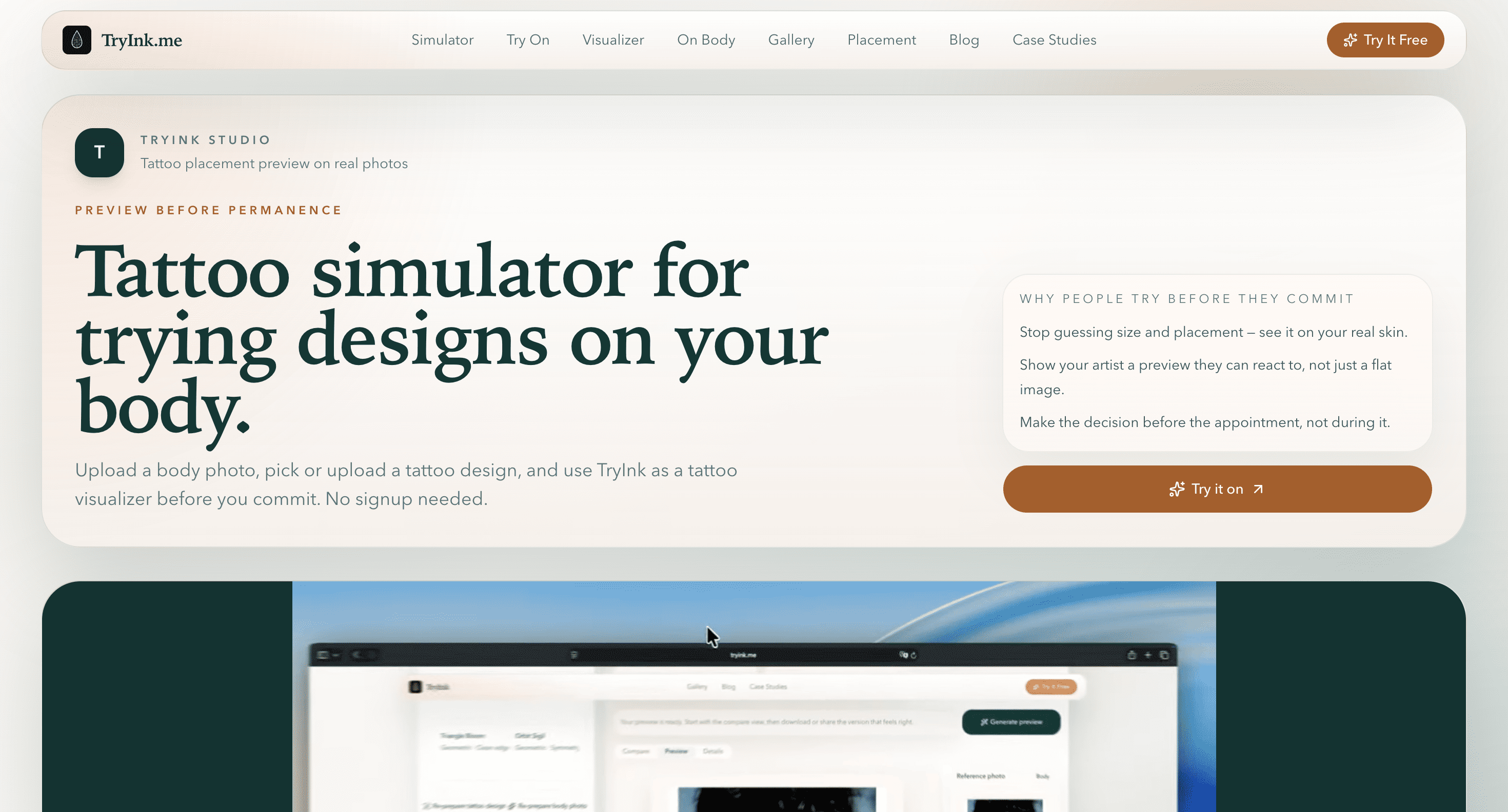
TryInk is a tattoo simulator for people who want to preview a tattoo's size and placement before booking an appointment. It works with your own photo, allowing you to see how a design looks on your actual body rather than on a stock model. The first preview can be created without an account.
The tool is designed for people who want more confidence before committing to a tattoo, as well as tattoo artists who need a visual reference from clients. You can choose a design from the gallery or upload your own, adjust its position, and quickly generate a realistic preview.
Key Features
Real Body Photos
Preview tattoo designs directly on your own photo.
You can use photos of areas such as:
- Arms
- Legs
- Back
- Wrists
- Shoulders
- Ribs
- Calves
This provides a more realistic reference for how the design may look on the body area you are considering.
Placement Controls
Experiment with the tattoo's position before making a decision.
TryInk lets you adjust:
- Size
- Angle
- Position
This makes it easier to compare different placements and determine whether a tattoo feels appropriately sized for a particular body area.
Design Flexibility
Use an existing design or bring your own.
You can select a sample tattoo from the gallery or upload your own tattoo file, making the simulator useful for both browsing ideas and testing a design you have already chosen.
Shareable Previews
Share the generated tattoo preview with other people.
You can send the result to friends or a tattoo artist when you want another opinion or need to provide a visual reference before an appointment.
Free First Preview
Try the simulator without creating an account.
The first preview is available without signing up, making it possible to test the basic experience before committing to the service.
Built for Tattoo Planning
TryInk focuses on the practical decisions that come before getting a tattoo. Instead of imagining how a design might look on your body, you can place it directly onto a photo and compare different sizes and positions.
Key benefits include:
- Preview tattoos on real body photos
- Test different body areas
- Adjust tattoo size
- Rotate designs
- Move tattoos into different positions
- Use gallery designs
- Upload custom tattoo designs
- Compare placement options
- Create shareable previews
- Try the first preview without signing up
Built For
- People Planning Tattoos
- Tattoo Clients
- Tattoo Artists
- First-Time Tattoo Buyers
- People Comparing Tattoo Placements
- People Testing Custom Designs
Common Use Cases
- Previewing a new tattoo
- Testing tattoo size
- Comparing tattoo placements
- Checking designs on the wrist
- Testing designs on the forearm
- Previewing shoulder tattoos
- Testing rib tattoos
- Previewing calf tattoos
- Sharing a tattoo idea with an artist
- Getting feedback from friends
- Comparing multiple tattoo designs
- Preparing for a tattoo appointment
Why It Matters
Choosing a tattoo involves more than deciding whether you like the design. Size, placement, angle, and the shape of the body area can all change how the finished tattoo looks.
TryInk gives users a way to test those decisions using their own photos. Being able to resize, rotate, and reposition a design makes it easier to compare options before committing to an appointment.
The tool is also useful when the design itself is already decided but the placement is not. Instead of starting over for every possible location, users can experiment with different areas and quickly see which option feels right.
Privacy is another part of the experience. Photos are used to generate previews, and the site says they are not shared, indexed, or used publicly. This makes the simulator suitable for people who want to plan privately using their own photos.
Preview Your Tattoo Before the Appointment With TryInk
Upload a photo, choose or add your tattoo design, adjust its size and placement, and create a realistic preview before committing to the tattoo.


