
TweetExporter
A web app that exports public Twitter/X followers, following lists, tweets, and search results to CSV, Excel, or JSON.
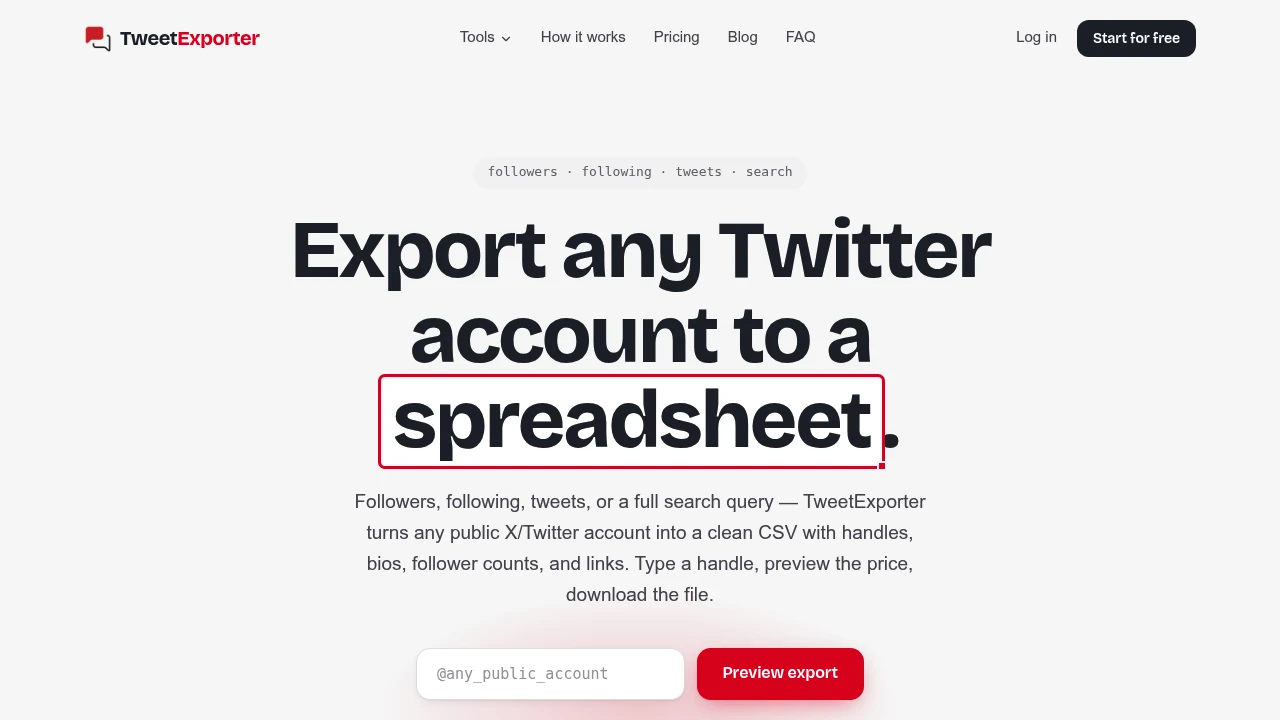
TweetExporter is a data export tool for people who need public X data in a file they can sort, share, or analyze outside the platform. It works with followers, following lists, tweets, and search queries without requiring an X login. Users can enter a public handle, preview the available data, and export the results as CSV, Excel, or JSON.
The workflow is built around public account and post data rather than requiring access to the user's own X account. Exported rows can include profile information such as handles, bios, follower counts, and links, making the data ready to use in Excel, Google Sheets, Numbers, or other analysis workflows.
Key Features
Public Account Exports
Export data from public X accounts without signing into X.
The tool supports several types of public data, including:
- Followers
- Following lists
- Tweets
- Search results
This makes it useful for researching accounts, comparing audiences, or collecting public data for analysis.
CSV, Excel, and JSON Exports
Choose the file format that fits your workflow.
Exports can be downloaded as CSV for spreadsheets, Excel for structured analysis, or JSON for applications and technical workflows.
No X Login Required
Start an export using a public handle instead of connecting your own X account.
This keeps the workflow separate from the user's X account and focuses the service on publicly available information.
Large Export Jobs
Handle larger exports without keeping the browser open throughout the process.
Jobs can run in the background, with an email notification when the export is ready.
Row-Based Pricing
Pay based on the amount of data being exported rather than committing to a recurring plan.
The first 50 rows are free, and credits can be used across the different export types.
Profile Data in Exported Rows
Exported records contain useful account-level information.
Depending on the export, rows can include:
- X handles
- Bios
- Follower counts
- Profile links
This makes the resulting files immediately useful for spreadsheet-based research and account analysis.
Public Data Only
The service is designed around publicly accessible X information.
Protected accounts cannot be exported, and the platform states that it respects X rate limits. This keeps the workflow focused on data that is publicly available rather than requiring private account access.
Built For
- Researchers
- Social media marketers
- Creators
- Growth teams
- Data analysts
- Agencies
- Audience researchers
- Businesses comparing public X accounts
Common Use Cases
- Exporting X followers
- Exporting following lists
- Analyzing public accounts
- Collecting tweets for research
- Comparing public audiences
- Building spreadsheet-based account lists
- Exporting search results
- Performing one-off social research
- Feeding public X data into analysis workflows
- Creating datasets from public profiles
Why It Matters
Public X data can be useful for research and analysis, but working with it directly inside the platform makes sorting, filtering, and comparing large amounts of information difficult. TweetExporter turns that information into standard files that can be used with familiar spreadsheet and data tools.
The lack of an X login is another practical part of the workflow. Users can work from public handles without connecting their own account, while protected profiles remain outside the scope of the service.
The background export option also makes the tool more practical for larger jobs. Instead of waiting for every row to load in the browser, users can start an export and receive an email once the file is ready.
The credit-based pricing model is suited to occasional use as well. Credits apply across export types, do not expire, and avoid the recurring commitment of a subscription. That makes it useful for researchers, marketers, and teams that only need public X data when a particular project calls for it.
Export Public X Data Into Usable Files
TweetExporter combines public X account and tweet data with CSV, Excel, and JSON exports in a simple browser workflow. It is a good fit for anyone who needs to move public X data into spreadsheets, research tools, or custom analysis workflows without connecting an X account.