
UnslopAI
A voice-preserving writing tool that rewrites AI-heavy drafts by fixing cadence, structure, and word choice.
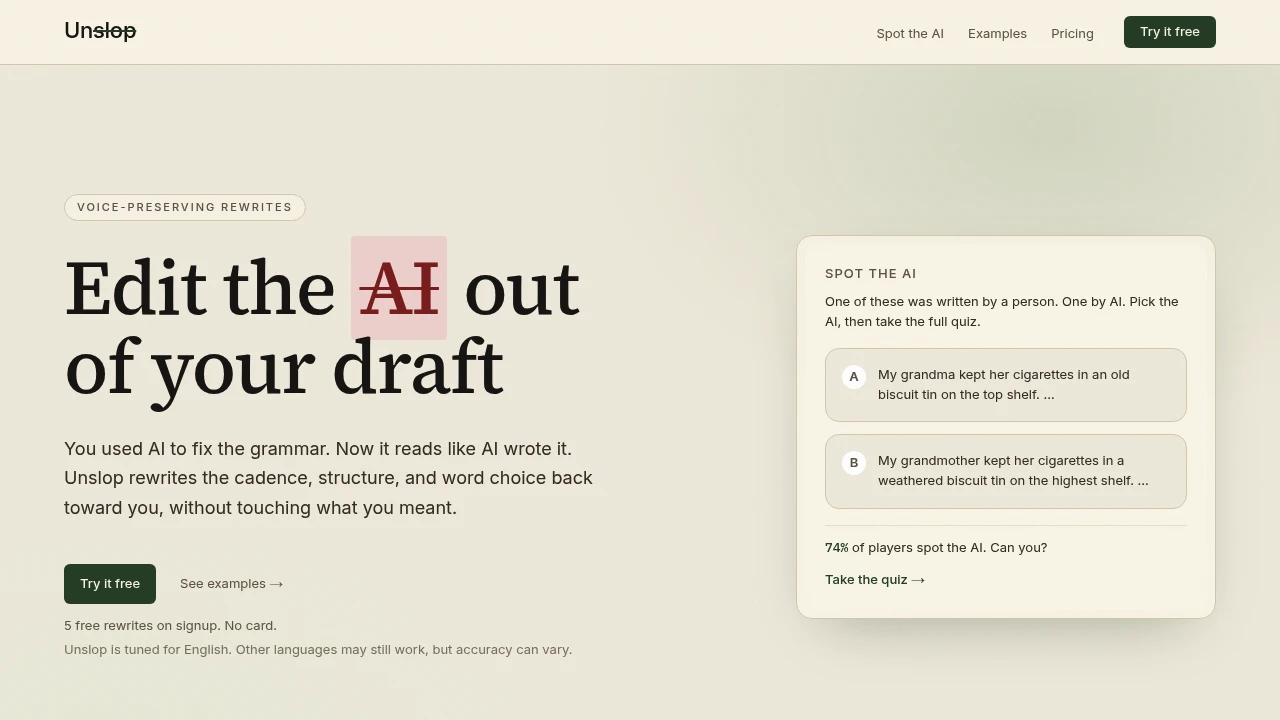
Unslop helps people clean up drafts that feel too AI-written without changing the meaning. It’s aimed at writers who used AI for a first pass, then want the result to sound more like themselves. The tool focuses on cadence, structure, and lexical density, so the rewrite goes beyond simple synonym swaps.
It’s built around voice-preserving rewrites. That makes it useful for newsletters, LinkedIn posts, blog openings, cold emails, and similar short-to-medium writing where tone matters as much as clarity.
Key Features
Voice-First Rewrites
Make AI-assisted writing sound more natural without losing the original voice.
Unslop adjusts phrasing, cadence, and sentence structure to reduce the mechanical patterns often associated with AI-generated writing.
Meaning Preservation
Keep the underlying message intact while improving how the draft reads.
The tool is designed to rewrite the wording rather than change the core point, making it useful when you already like the substance but not the way it sounds.
AI Slop Detection
Identify common AI writing patterns and overused phrasing.
Unslop focuses on the habits that can make a draft feel generic or mechanical instead of simply correcting grammar or replacing individual words.
Diff View
See exactly what changed between the original and rewritten versions.
The before-and-after view makes it easier to review the rewrite and decide which changes actually improve the draft.
App and API Access
Use Unslop directly or integrate it into your own workflows.
The product provides both an application and API access for people who want to clean up writing programmatically.
MCP Support
Connect Unslop with AI development and writing environments.
MCP support allows it to work with tools such as Claude, ChatGPT, and Cursor as part of an existing workflow.
Browser Extension
Clean up writing without leaving the application where you are working.
The browser extension brings the rewriting workflow into the places where you already draft and edit text.
English-Focused
Get the most reliable results when working with English text.
Other languages may work, but the product notes that accuracy can vary outside English.
AI Writing Quiz
Test your ability to recognize AI-generated writing.
The built-in quiz asks you to identify which draft was written by AI, reinforcing the same patterns that Unslop is designed to recognize and remove.
Built For Voice-Preserving Editing
Unslop combines AI-writing pattern detection, rewriting, comparison tools, and integrations into a workflow for making AI-assisted drafts feel more personal.
Key benefits include:
- Rewrite AI-assisted drafts in a more natural voice
- Preserve the underlying meaning
- Adjust cadence and sentence structure
- Reduce generic AI phrasing
- Review changes through a diff view
- Use the app or API
- Connect through MCP
- Clean up text with a browser extension
- Work primarily with English writing
- Test AI-writing recognition through the built-in quiz
- Start with 5 free rewrites
- Try the service without entering a card
Built For
- Writers
- Newsletter Creators
- Content Marketers
- Founders
- Freelancers
- Copywriters
- LinkedIn Creators
- Bloggers
- Developers
- Teams Using AI Writing Tools
Common Use Cases
- Cleaning up AI-generated drafts
- Rewriting newsletters
- Improving LinkedIn posts
- Refining blog introductions
- Editing cold emails
- Making AI-assisted copy sound more personal
- Removing repetitive AI phrasing
- Reviewing AI-generated writing
- Integrating rewriting into development workflows
- Editing text directly from a browser
- Comparing original and rewritten drafts
Why It Matters
AI can make producing a first draft much faster, but the result can sometimes feel generic, repetitive, or noticeably machine-written. Simply replacing individual words does not necessarily solve that problem because the issue can come from sentence structure, cadence, and overall writing patterns.
Unslop takes a voice-first approach. Instead of treating the draft as a collection of words to swap, it focuses on how the writing flows while trying to preserve the original meaning.
The diff view also gives writers control over the process. You can see what changed rather than accepting a rewrite blindly, which is useful when maintaining a consistent personal or brand voice matters.
Make AI-Assisted Writing Sound More Like You
Paste your draft into Unslop, let it identify and rewrite common AI-writing patterns, then review the changes in the diff view before using the finished version. The free tier includes 5 rewrites with no card required, giving you a way to test how well the tool fits your writing style.