
Vezz me
Chrome extension that answers questions about selected text, keeps follow-ups in context, and works inside the page you’re reading.
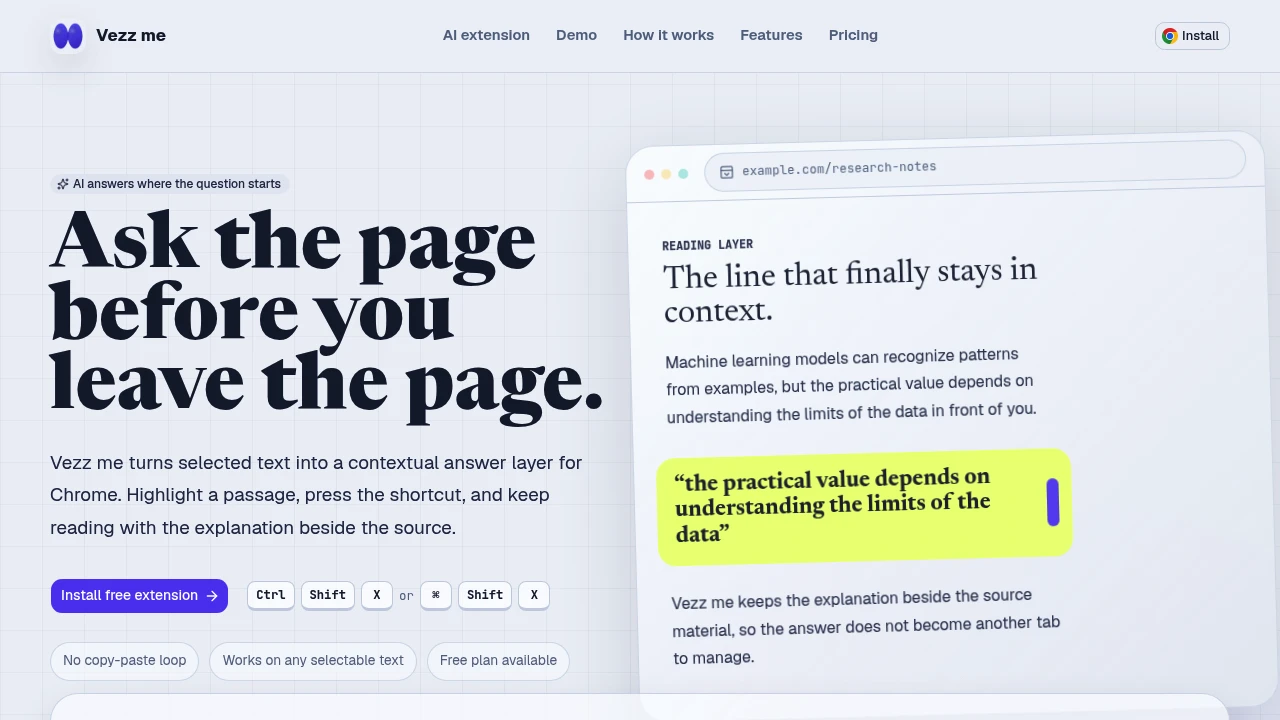
This Chrome extension turns highlighted text into an AI answer panel directly inside the page. It is designed for people who regularly read articles, research, documentation, technical notes, and other dense material and want explanations without copying content into another tab.
The source remains visible while the AI response appears alongside the selected passage, keeping the question and its context together. Highlight a line, phrase, or paragraph, trigger the extension with a keyboard shortcut, and get a compact response without interrupting the reading flow.
Key Features
In-Page AI Answers
Get explanations directly next to the text you are reading.
Instead of copying a passage into a separate AI chat, the extension keeps the original source visible alongside the generated response. This makes it easier to understand a specific sentence, paragraph, or technical concept without leaving the page.
Follow-Up Context
Continue the conversation around the passage you selected.
Follow-up questions remain connected to the original selection, so you do not have to repeatedly copy the same content or rebuild the context in another conversation.
Custom Prompt Modes
Choose different response styles depending on what you are trying to understand.
Available modes include:
- Tutor
- Researcher
- Code reviewer
- Plain-language explanation
This lets the same reading workflow adapt to different types of material and questions.
Highlight-to-Ask Workflow
The extension is built around a simple selection process.
Highlight any line, phrase, or paragraph on a page where text can be selected, then use the keyboard shortcut to trigger the AI response.
The workflow stays close to the content:
Select → Ask → Read → Follow up
Works Across Web Pages
Use the extension on pages where text can be highlighted.
This makes it useful across different reading environments, including articles, documentation, research material, technical notes, and other web-based content.
Free Plan
The free plan includes 10 AI answers per month, providing a way to try the in-page reading workflow before using it more regularly.
Built For Focused Reading
The extension is designed for people who use AI as part of their reading process rather than as a separate destination.
It can fit:
- Students working through dense study material
- Researchers reviewing articles and claims
- Developers reading technical documentation
- Engineers working through API notes
- Professionals reviewing complex web content
- Anyone who wants explanations without leaving the source page
Common Use Cases
Understanding difficult passages: Highlight a sentence or paragraph and ask for a clearer explanation without leaving the article.
Studying course material: Use the tutor mode to work through dense concepts while keeping the original material visible.
Checking research claims: Ask the researcher mode to help examine a selected passage and understand its claims or assumptions.
Reading technical documentation: Highlight unfamiliar API or documentation text and get an explanation in the same browser tab.
Reviewing code-related material: Use the code reviewer mode when reading technical examples or development content.
Simplifying complex writing: Ask for a plain-language explanation of a sentence or section without manually transferring the text to another AI tool.
Exploring follow-up questions: Continue asking questions about the selected passage while preserving the original context.
Why It Matters
Using AI while reading often means switching between the source material and a separate chat window, copying text back and forth, and repeatedly rebuilding context. That creates unnecessary friction and can make it harder to stay focused on the material itself.
This extension takes a more integrated approach by keeping the source, selected passage, question, and answer together. The AI response appears inside the page, while follow-up questions remain tied to the same context.
For students, researchers, and developers who frequently need explanations while reading, the result is a more focused workflow with less tab switching and less context loss.
Read & Understand With AI Without Leaving the Page
Turn highlighted text into an AI-powered explanation directly inside your browser. With in-page answers, follow-up context, custom prompt modes, keyboard-triggered selection, and a free plan with 10 AI answers per month, the extension keeps the source and AI conversation together so you can understand what you are reading without breaking your flow.