
Video2x
A browser AI video upscaler that exports sharpened 1080p, 2K, or 4K clips with no install, no watermark, and credit-based pricing.
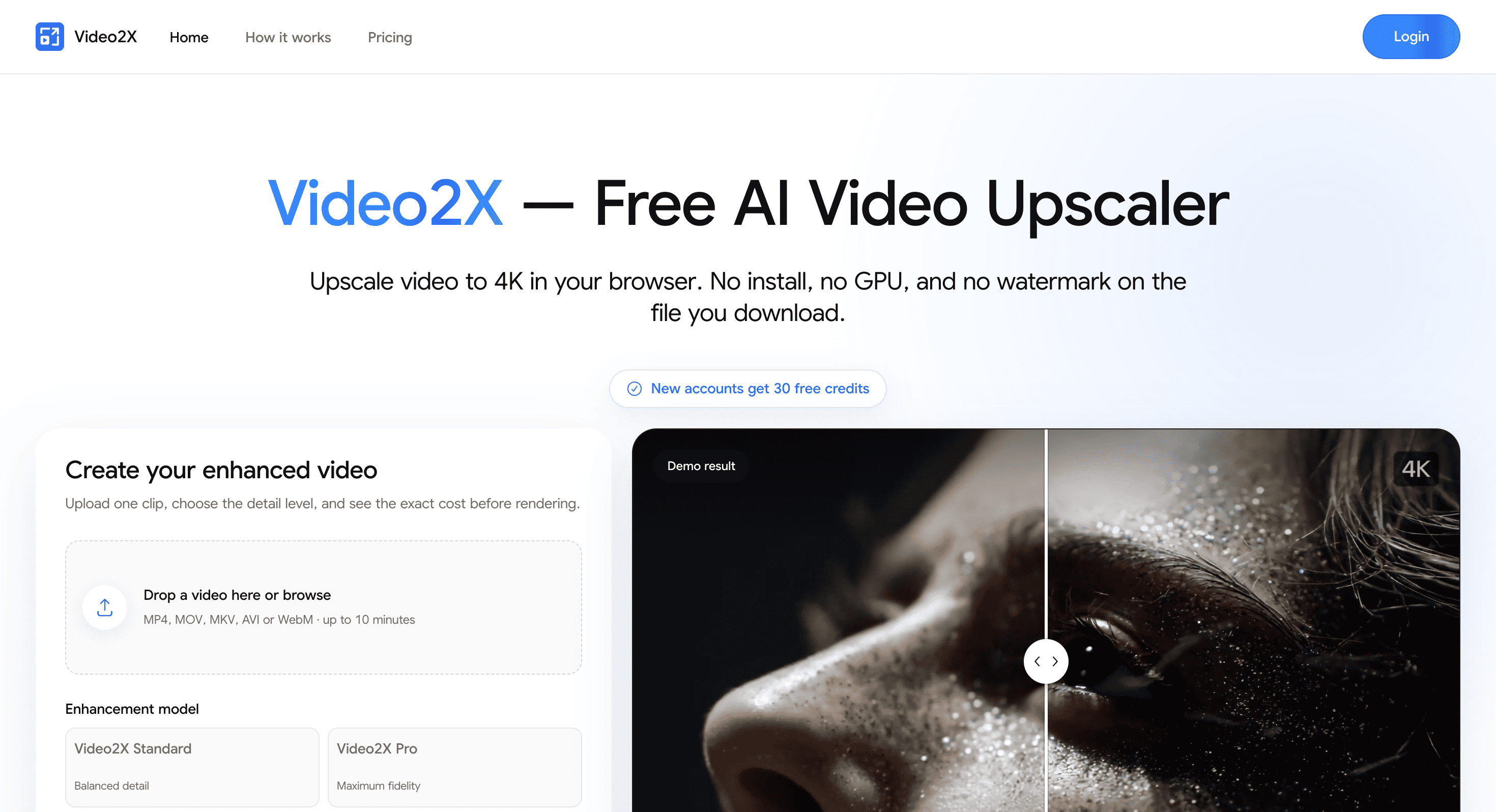
Video2X is a browser-based AI video upscaler for people who want sharper video exports without installing desktop software. It runs on server GPUs, so it works across Mac, Windows, Linux, and ChromeOS through a browser, while downloaded videos are provided without a watermark.
It is designed for short clips, older footage, creator back catalogues, animation, and compressed videos that need additional detail before publishing or archiving. You upload a video, choose the target resolution and enhancement mode, then review the estimated credit cost before starting the render.
Key Features
Multiple Target Resolutions
Upscale videos to higher resolutions depending on your output requirements.
Supported targets include:
- 1080p
- 2K
- 4K
This makes it useful for preparing older or lower-resolution footage for modern displays and publishing platforms.
Source-Aware Enhancement Modes
Choose an enhancement mode based on the type and condition of your footage.
Available options include:
- Standard
- Pro
- Restoration
- Denoise
- Deblock
- Animation
- Face Enhance
- Frame Interpolation
This gives users more control than applying a single enhancement process to every type of video.
Broad Video Format Support
Upload common video formats directly through the browser.
Supported inputs include:
- MP4
- MOV
- MKV
- AVI
- WebM
The output is provided as MP4, with audio and frame rate preserved by default.
Previewed Credit Costs
See the estimated generation cost before rendering.
This helps users decide whether a particular enhancement mode and resolution are worth the credits before processing the full video.
Free Trial
New users receive 30 signup credits to test the service.
The free trial also produces videos without a watermark, making it possible to evaluate the actual output before committing to paid usage.
Browser-Based Processing
Run video enhancement without managing local hardware or software dependencies.
Because processing happens on server GPUs, users do not need to install drivers, configure AI models, or have a powerful local GPU. The workflow works through browsers on Mac, Windows, Linux, and ChromeOS.
Built For Video Enhancement
Video2X is a good fit for:
- Content creators
- Video editors
- Animators
- YouTubers
- Archive managers
- Users restoring older footage
- People working with compressed video
- Creators preparing back catalogues for republishing
Common Use Cases
- Upscaling older video
- Improving compressed footage
- Preparing videos for 1080p, 2K, or 4K output
- Enhancing animation
- Cleaning up noisy footage
- Reducing compression artifacts
- Improving faces in video
- Interpolating frames
- Preparing creator back catalogues
- Testing restoration workflows
- Enhancing clips before publishing or archiving
Why It Matters
Traditional video upscaling often requires desktop software, local GPU resources, drivers, and model configuration. That can make the process unnecessarily complicated for users who only need to improve a few clips.
Video2X moves the workflow into the browser and handles the GPU processing remotely. Users can choose the resolution and enhancement approach without setting up a local AI environment.
The tool also keeps the important trade-offs visible. Cleaner source footage generally produces better results, while heavily damaged or out-of-focus video cannot recover detail that was never captured. Different modes also involve different processing costs, with Standard providing a lighter option and Pro using a heavier pass.
Because the estimated credit cost is shown before generation, users can test a difficult section or compare modes before committing to a full render. This makes the service particularly practical when deciding how much enhancement a particular piece of footage actually needs.
Upscale and Enhance Video Online With Video2X
Upload your video, choose a target resolution and enhancement mode, preview the estimated cost, and generate a sharper MP4 through the browser. Video2X provides AI-powered video upscaling without requiring desktop software, local GPU hardware, or a watermark on downloaded results.


