
Vithos
A macOS Gmail client with on-device search, offline access, and a unified inbox for Gmail and Google Workspace accounts.
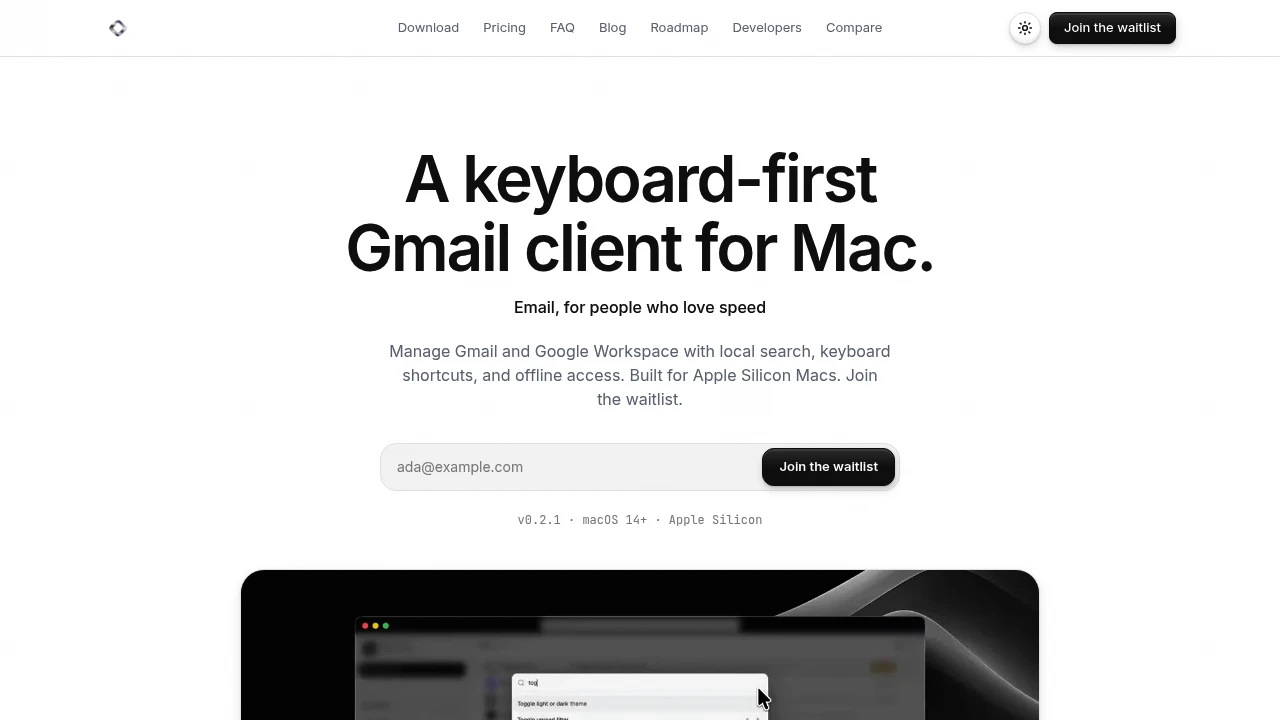
This native Mac email client is built for people who use Gmail or Google Workspace and want a faster, keyboard-focused way to manage their inbox. It keeps mail locally on your Mac, allowing search, reading, and queued changes to continue working even when you are offline.
The app is designed around fast navigation rather than a traditional inbox full of rows and toolbars. A command palette, keyboard shortcuts, and a feed-style thread view keep the focus on messages while supporting multiple Gmail accounts in one place.
Key Features
Local Search
Search your email directly from your Mac without relying on a remote search workflow.
- Inboxes are indexed on-device
- Search results appear as you type
- Message bodies and attachments are stored locally
- Search continues to work offline
Offline Email Access
Continue working with your inbox even when there is no network connection.
- Read emails offline
- Write messages offline
- Archive messages
- Queue changes for later synchronization
- Search without an internet connection
Unified Gmail Inbox
Manage multiple Gmail and Google Workspace accounts from one interface.
- Combine multiple Gmail accounts
- Keep accounts clearly labeled
- View messages in one ordered inbox
- Switch between accounts quickly
Keyboard Shortcuts
Handle common email actions without reaching for the mouse.
- Navigate between inboxes
- Open sent mail
- Switch accounts
- Archive messages
- Follow up on emails
- Compose new messages
Command Palette
Access common actions from one keyboard-driven interface.
- Archive messages
- Switch accounts
- Navigate around the app
- Create follow-up reminders
- Quickly find available actions
Quiet Email Triage
Turn incoming email into a more focused set of actions instead of another chat-style AI interface.
- Convert mail into tags
- Create short briefs
- Identify next actions
- Keep triage focused on what needs attention
Native Agent Access
Connect email workflows to supported developer and AI tooling.
- API access
- MCP support
- Email search workflows
- Drafting workflows
- Agent-assisted inbox actions
Built For Gmail Users on Mac
The app is designed for people who already rely on Gmail but want a more native desktop experience.
It is particularly suited to:
- Professionals managing large inboxes
- Founders and operators who spend significant time in email
- Developers who prefer keyboard-driven workflows
- Multi-account users managing work and personal Gmail accounts
- Privacy-conscious users who prefer local email storage
Common Use Cases
Managing Multiple Gmail Accounts
Bring several Gmail or Google Workspace accounts into a single ordered inbox while keeping account labels visible.
Offline Email Work
Read, compose, search, and queue email changes when you are working without an internet connection.
Keyboard-First Inbox Management
Use shortcuts and the command palette to handle everyday email actions without constantly switching between keyboard and mouse.
Fast Email Search
Search locally indexed email as you type instead of waiting for remote results.
AI and Agent Workflows
Use API and MCP support for email search and drafting workflows that connect the inbox with compatible agents and tools.
A Local-First Gmail Experience
The app keeps desktop email data on your Mac, including message bodies, attachments, and the local search index. Gmail remains the source of truth while the desktop experience is designed around local access and responsiveness.
That approach is particularly useful for people who work across multiple accounts and want one inbox without moving their email to another service.
Built Around Keyboard-First Email
Instead of focusing on rows, toolbars, and a traditional webmail layout, the app uses a feed-style thread view with fast navigation and a command palette.
The result is an email workflow designed to keep your hands on the keyboard while making common actions easier to access.
Why It Matters
Gmail is powerful, but people who spend much of their day in email may want faster navigation, better offline access, and a more native desktop workflow. This app combines Gmail compatibility with local storage, on-device search, keyboard controls, and a unified inbox.
It is currently waitlist-only, with a 7-day trial available after access.
A Faster, Local-First Gmail Client for Mac
Manage Gmail and Google Workspace from a native Mac app with local search, offline access, unified inboxes, keyboard shortcuts, and agent-ready API and MCP support.


