
Vivideo
Browser-based AI video generation that turns text, photos, or scripts into watermark-free videos with avatars, voices, and brand kits.
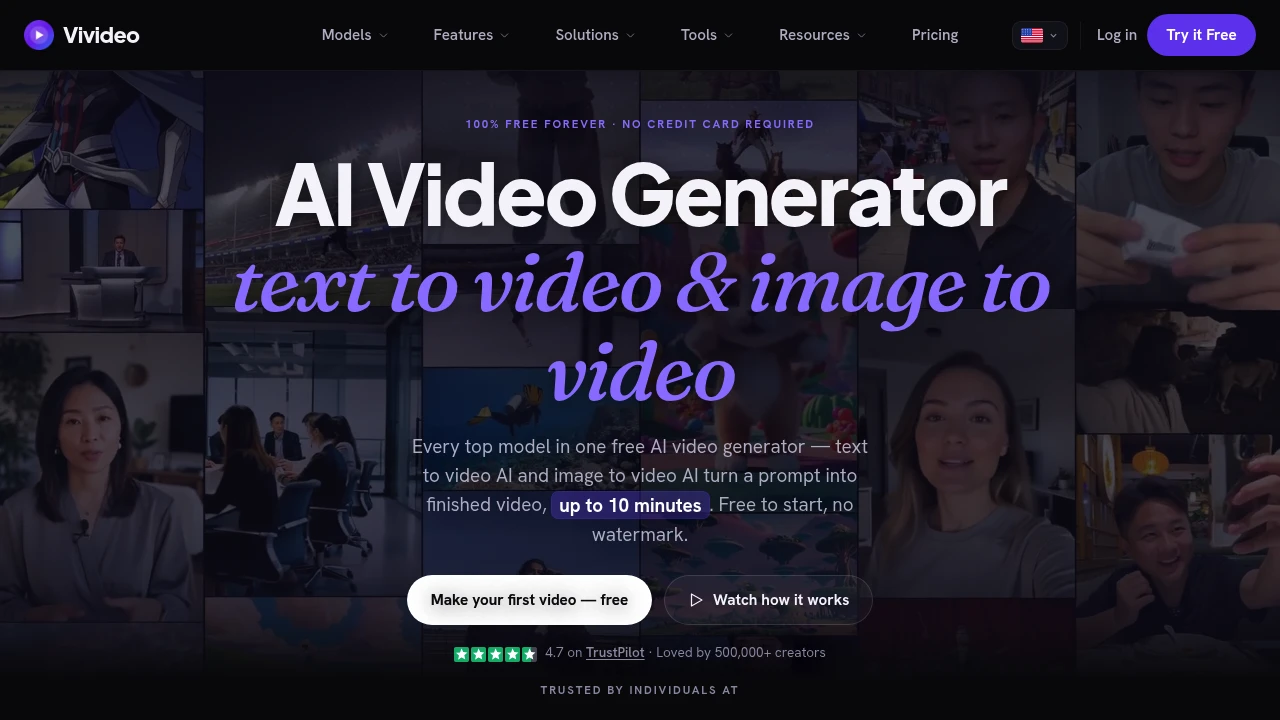
Create finished AI videos from text, images, photos, scripts, and PDFs without starting with a camera or a blank editing timeline. This browser-based AI video maker brings video generation, avatars, voices, brand assets, and multiple AI video models into one workspace for creators, marketers, teams, and businesses.
Instead of being limited to one generation model or visual style, you can switch between models such as Sora 2, Veo 3.1, Kling, and Seedance depending on the type of video you want to create. The platform also supports videos up to 10 minutes, making it suitable for everything from short social clips and ads to tutorials, explainers, and longer multi-scene stories.
Key Features
Multi-Model AI Video Generation
Generate videos using multiple AI models from the same workspace rather than committing to a single generation style.
Supported models include:
- Sora 2
- Veo 3.1
- Kling
- Seedance
This gives creators more flexibility when experimenting with different visual approaches and video outputs.
Text, Image & PDF to Video
Start with different types of source material and turn them into video.
- Text prompts
- Scripts
- Images
- Photos
- PDFs
You can begin with a simple idea or existing content and use the platform to turn it into a finished video rather than building every scene manually from scratch.
Long-Form AI Videos
Generate videos up to 10 minutes long.
The longer output length makes the platform suitable for more than short social posts, including:
- Tutorials
- Explainer videos
- Multi-scene stories
- Longer narrative content
- Product and business videos
AI Avatars & Voice Generation
Add AI presenters and generated narration to your videos.
Features include:
- AI avatars
- Talking presenters
- Voice cloning
- Multilingual narration
This allows teams to create presenter-led content without recording every video themselves.
Brand Kits
Build consistent branded videos by pulling key brand assets from an existing website.
A brand kit can use:
- Logos
- Brand colors
- Fonts
Once added, these assets can be applied across scenes to maintain a consistent visual identity across generated videos.
Social Media Video Formats
Create videos for different platforms and placements without being locked into a single aspect ratio.
Supported formats include:
- TikTok
- Instagram Reels
- YouTube Shorts
- Stories
- Feed posts
- Landscape video
This makes it easier to adapt AI-generated content to the format required by each publishing channel.
No-Watermark Exports
Export clean videos without a watermark. No-watermark downloads are included as part of the free offer, making it possible to test and publish generated content without an additional branding layer on the final video.
AI Video Templates
Start from templates designed around common video styles instead of creating every project from an empty workspace.
Template categories include:
- Cinematic videos
- Presenter videos
- Social content
Templates can provide a faster starting point when you already know the type of video you want to produce.
Agent-Based Video Creation
For users producing multiple variations or more complex videos, the agent-based workflow can handle several stages of production through one conversational process.
The agent can:
- Plan scenes
- Assign voices
- Render video
- Revise output
This is particularly useful when a project involves multiple scenes or when you need to iterate on several versions of the same content.
Built For Creators, Marketers & Teams
The platform is designed for people who need finished video content without building every project through traditional filming and editing workflows.
- Content creators producing social clips and narrative videos
- Marketers creating ads, explainers, and campaign content
- Marketing teams producing branded video variations
- E-commerce stores creating product-focused content
- Businesses producing demos and presentations
- Property professionals creating property tours
- Teams generating content at higher volume
Common Use Cases
Social media videos: Create content for TikTok, Reels, Shorts, Stories, and feed posts from text, images, or scripts.
AI video ads: Generate promotional videos without filming every variation manually.
Explainer videos: Turn written concepts, scripts, or PDFs into longer-form visual explanations.
Tutorials: Create videos of up to 10 minutes for educational and instructional content.
Property tours: Turn property information and images into video tours for marketing and listings.
Product demos: Combine product visuals, AI presenters, voiceovers, and branded assets into demonstration videos.
Branded content: Apply logos, colors, and fonts from a brand kit consistently across generated scenes.
Content variations: Use the agent-based workflow to plan, render, and revise multiple video concepts from one workspace.
Why It Matters
AI video generation can become fragmented when different models, avatars, voice tools, brand assets, and editing workflows all live in separate products. This platform brings those components together while allowing users to choose between multiple video-generation models.
The combination of multi-model generation, long-form output, AI avatars and voices, brand kits, flexible social formats, and agent-based production makes it useful for teams that need to move from an idea or existing document to a finished video without starting with filming or manual editing.
Create Finished AI Videos From Any Starting Point
Turn prompts, scripts, images, photos, and PDFs into finished videos with multiple AI generation models, AI presenters, voices, and reusable brand assets in one browser-based workspace. From short-form social content and ads to 10-minute tutorials, explainers, and property tours, the platform provides a flexible workflow for producing video at scale.