
WhatIsMyLocation
Displays your IP address, city, country, ZIP, and GPS coordinates on an interactive map with browser geolocation support.
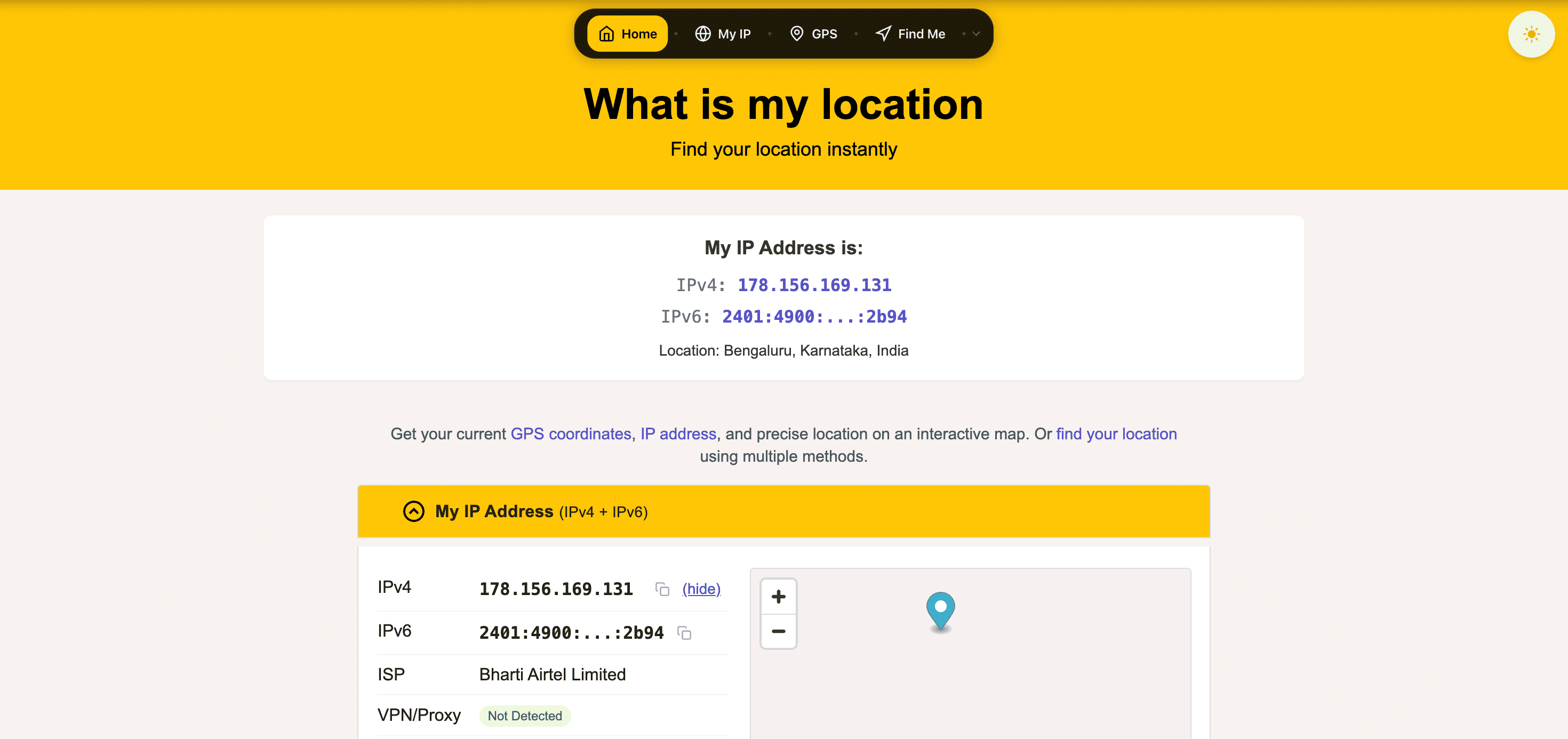
Check your current location, IP address, and network details instantly with a browser-based location lookup tool. It combines IP-based location detection with browser geolocation, allowing you to compare approximate network locations with precise device coordinates when permission is granted.
View Your Current Location & Network Information
See where your internet connection appears to be located and compare it with your device's GPS-based position using a simple web interface.
Whether you're troubleshooting network issues, verifying your location, checking VPN behavior, or confirming IP information, the tool provides everything in one place without requiring an account or software installation.
Key Features
IP-Based Location Lookup
Identify the location associated with your internet connection.
View details including:
- IPv4 address
- IPv6 address
- City
- Country
- ZIP or postal code
- Approximate location
based on your current network.
Browser Geolocation
Get a more precise location using your device.
With permission, access:
- Latitude
- Longitude
- GPS location
- Precise positioning
- Device location
for greater accuracy on supported devices.
Interactive Location Map
Visualize your current location instantly.
Display:
- Map view
- Location marker
- Geographic coordinates
- Nearby area
- Position context
for easier location verification.
Complete Network Information
See important connection details in one place.
Information includes:
- IPv4
- IPv6
- City
- Country
- Latitude
- Longitude
- Elevation
to better understand your connection.
Privacy-Focused Design
Check your location without creating an account.
Benefits include:
- No signup required
- Browser-based access
- No software installation
- Privacy-focused usage
- Fast results
for quick location lookups.
Additional Network Utilities
Access a collection of networking tools beyond location lookup.
Explore utilities for:
- IP information
- Network diagnostics
- Connection details
- Internet tools
- Technical lookups
from a single platform.
Built for Fast Location Checks
The platform helps users quickly verify their location, understand network information, and compare IP-based positioning with browser geolocation.
Key benefits include:
- Instant location lookup
- IP address information
- Browser geolocation
- Interactive maps
- Privacy-friendly access
Built For
- Developers
- Network Administrators
- IT Professionals
- Travelers
- Privacy-Conscious Users
- Everyday Internet Users
Common Use Cases
- Check current location
- Verify IP location
- Test VPN locations
- Network troubleshooting
- Share coordinates
- Confirm browser geolocation
Why It Matters
IP addresses often provide only an approximate location, especially when using VPNs, proxies, or mobile networks. Browser geolocation can deliver much more accurate positioning when users grant permission. By combining both methods in one interface, this tool helps users compare network-based and device-based location data, making it easier to troubleshoot connections, verify locations, and understand how their internet presence appears online.
Instantly Check Your Location & IP Details
View your IP address, browser location, coordinates, network information, and interactive map through a free browser-based location lookup tool with no signup required.