
Alignear
Client communication layer for Linear teams that turns cycles, requests, and notes into portal updates and reports.
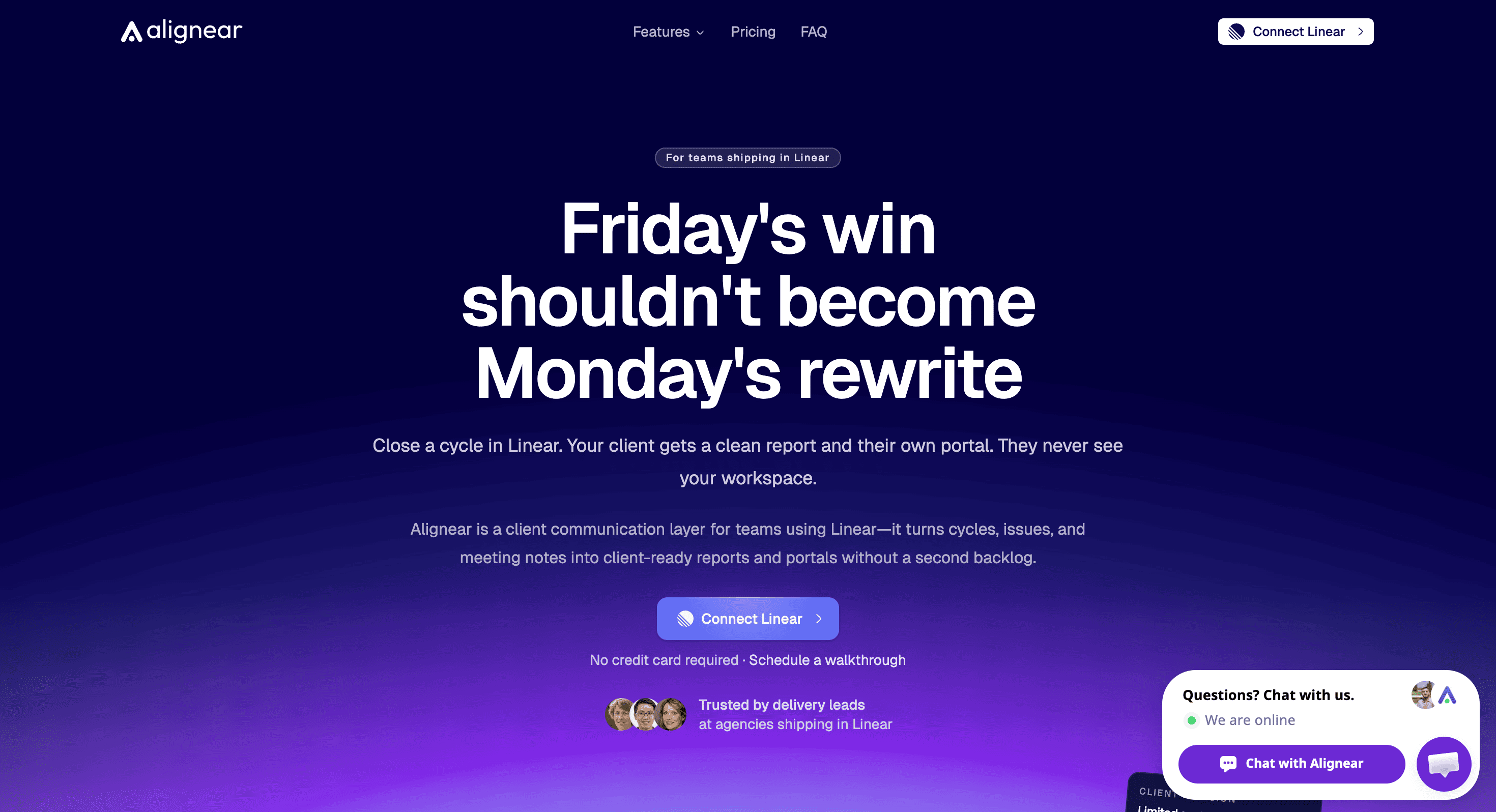
Alignear is a client communication layer for agencies, product teams, and delivery leads that use Linear to manage their work but need a cleaner way to keep clients informed. It turns work already happening in Linear into client-facing reports, shared views, and a dedicated portal, helping teams communicate progress without repeatedly rewriting status updates in email, Slack, or meetings.
The platform keeps Linear as the source of truth while creating a separate experience for clients. Clients can follow progress, review blockers, and submit requests without gaining access to the internal Linear workspace. Because updates remain connected to cycles and issues, important context stays tied to the work instead of getting lost across separate communication channels.
Key Features
Cycle Reports
Turn completed Linear cycles into client-ready progress updates.
When a cycle closes, Alignear can transform the work completed during that cycle into a report that gives clients a clearer view of what was delivered and what is happening next.
Client Portal
Give clients a dedicated place to follow project progress without exposing the internal Linear workspace.
The portal allows clients to:
- Read project reports
- Check progress
- Review blockers
- Submit requests
This creates a clear boundary between internal execution and external communication.
Client Request Handling
Client requests submitted through the portal can become tickets in Linear.
This keeps incoming requests connected to the team's existing workflow rather than requiring someone to manually transfer client messages from another communication channel into the project workspace.
Shared Linear Views
Share an existing Linear view with clients instead of rebuilding the information into a separate report.
This allows teams to expose relevant project information while keeping the internal workspace and unrelated issue activity private.
Agent & Meeting Notes
Attach @mentions and meeting notes directly to issues.
By keeping decisions and context associated with the relevant work item, teams can reduce the risk of important client or delivery information becoming disconnected from the issue it relates to.
Flexible Report Sending
Choose how client updates are delivered.
Reports can be:
- Sent manually
- Scheduled for a specific cadence
- Automatically sent when a cycle closes
This lets teams match reporting to the way they already manage client delivery.
Built For Agencies & Delivery Teams
Alignear is designed for teams that use Linear internally while still needing a professional client-facing communication layer.
Agencies can keep project execution in Linear while giving each client a cleaner view of progress.
Product teams can share selected work and updates without opening up their entire internal workspace.
Delivery leads can reduce repetitive status reporting and keep client requests connected to the work being delivered.
Common Use Cases
Client project reporting: Turn completed Linear cycles into structured client-facing updates.
Weekly status updates: Schedule reports instead of manually writing the same project summary each week.
Client request intake: Let clients submit requests through the portal and have those requests flow into Linear.
Progress visibility: Give clients enough information to understand delivery without exposing internal issue noise.
Sharing project views: Provide clients with selected Linear views rather than recreating project information elsewhere.
Meeting follow-up: Attach meeting notes and decisions to relevant issues so they remain connected to the work.
Reducing status-update work: Use the existing Linear data as the foundation for external reporting rather than rewriting progress manually.
Why It Matters
Teams that manage delivery in Linear often end up maintaining a second communication workflow for clients. Engineers and delivery leads complete the work in Linear, then someone has to turn that same information into emails, meeting updates, status reports, and follow-up messages.
Alignear creates a separate client layer around the existing Linear workflow. The team continues using Linear for internal execution, while clients get reports, shared views, and a portal built from the same underlying work.
That approach reduces duplicate writing and status pings while giving clients enough context to follow progress, understand blockers, and submit requests without exposing the internal workspace.
Keep Clients Aligned With Alignear
Alignear connects Linear-based delivery with client-facing reporting, giving agencies, product teams, and delivery leads a dedicated way to share progress, handle requests, and communicate project updates. Keep Linear as the source of truth while clients get a cleaner portal, cycle reports, shared views, and a direct path for requests.


