
BankFlow
Uploads bank and credit card statement files, extracts transactions, categorizes spend, and exports clean data for accounting and analysis.
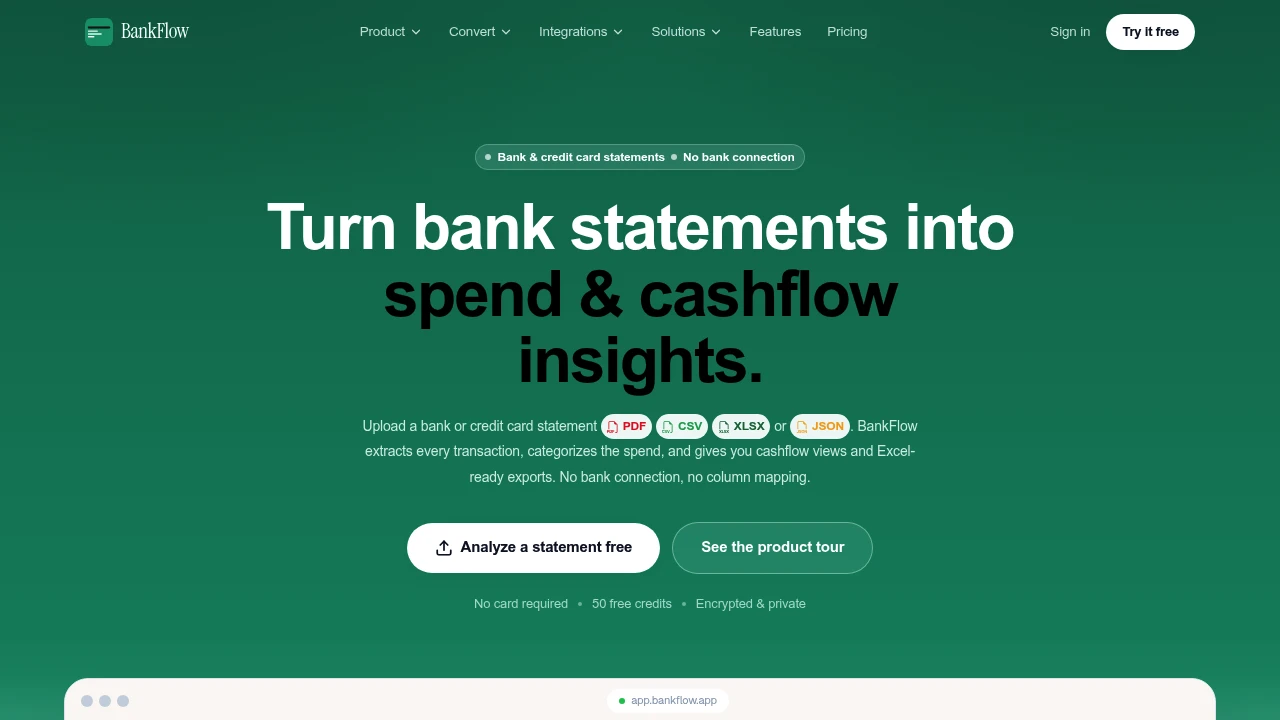
BankFlow turns bank and credit card statement files into structured transaction data for accountants, bookkeepers, finance teams, analysts, and founders. Instead of connecting directly to a bank or manually entering transactions, users upload statement files and move through extraction, review, categorization, and export in one workflow.
The platform accepts PDF, CSV, XLSX, and JSON files, including password-protected PDFs and scanned statements. It extracts transactions, balances, transfers, and foreign exchange details, then checks opening and closing balances when that information is available. This gives finance teams a structured ledger to review before starting month-end work.
Key Features
Statement Parsing
Upload existing bank and credit card statements without establishing a bank connection.
Supported formats include:
- CSV
- XLSX
- JSON
- Password-protected PDFs
- Scanned statements
BankFlow extracts transactions, balances, transfers, and FX details from the uploaded files so they can be reviewed as structured financial data.
Auto-Categorization
Automatically organize transactions into recognizable spending groups.
Categories can include:
- Software
- Travel
- Food
- Payroll
This reduces manual transaction sorting and creates cleaner data for reporting and downstream accounting workflows.
Merchant Cleanup
Keep merchant names consistent across transaction records.
Duplicate or inconsistent merchant names can be merged, helping produce cleaner reports and making it easier to understand spending by merchant.
Recurring Transaction Detection
Identify repeat charges and regular income automatically.
Recurring detection can surface ongoing financial activity that might otherwise require manually comparing statements across multiple periods.
Balance Checks
Verify statement totals before exporting financial data.
When opening and closing balances are available, BankFlow checks the statement information and flags mismatches for review. This provides an additional validation step before the resulting ledger is used for month-end work or exported to another system.
Cashflow Views
Understand how money is moving through the business with cashflow-focused views.
The workspace provides visibility into:
- Monthly spend
- Income
- Net balance
- Runway
These views help finance teams and founders move from individual transactions to a broader understanding of cash position and spending patterns.
Review And Correction Workspace
BankFlow is designed around review before export.
Users can work with:
- Filters
- Tags
- Transaction corrections
- Duplicate detection
- Categorization
- Balance checks
This gives teams an opportunity to review and correct extracted records before sending them into accounting or financial workflows.
Export Options
Download structured transaction data in formats suited to different accounting and finance workflows.
Available exports include:
- CSV
- Excel
- JSON
- OFX
- QBO
QBO exports can be used with QuickBooks and other accounting workflows, while the other formats provide flexibility for spreadsheets, analysis, integrations, and internal systems.
API And Webhooks
Connect BankFlow with other financial and operational systems.
The API and webhooks can be used to pull:
- Parsed statements
- Categorized transactions
This makes it possible to integrate statement processing into an existing finance stack rather than building and maintaining a separate parsing pipeline.
Email Forwarding
Import statements without manually uploading every file.
Users can send statements to a private import email address, allowing incoming documents to enter the BankFlow workflow through email forwarding.
Built For Finance Teams
Accountants
Turn statement files into structured transaction data, review the extracted records, and export them into accounting workflows.
Bookkeepers
Reduce manual entry and use categorization, merchant cleanup, recurring detection, and balance checks before completing month-end work.
Finance Teams
Combine transaction-level data with cashflow views and structured exports for financial analysis and reporting.
Analysts
Work with structured transaction data through CSV, Excel, JSON, OFX, or API-based workflows.
Founders
Get a clearer view of spend, income, net balance, and runway without manually processing every statement.
Common Use Cases
Processing Bank Statements
Upload statement files directly instead of establishing a bank connection and manually entering transactions.
Preparing Month-End Books
Parse transactions, categorize spending, check balances, correct records, and export the reviewed ledger.
Cleaning Transaction Data
Merge duplicate merchant names, detect duplicate transactions, and apply tags and corrections before reporting.
Tracking Recurring Activity
Surface recurring charges and regular income across statement data.
Reviewing Business Cashflow
Use monthly spend, income, net balance, and runway views to understand where business cash is going.
Connecting Statement Data To Other Systems
Use API access, webhooks, or structured exports to move parsed and categorized transaction data into existing workflows.
Security And Data Control
BankFlow is designed to keep sensitive financial information under the user's control.
The workflow includes:
- Encryption
- Controlled file uploads
- Reviewable outputs
- Direct statement-file processing
The platform works from files supplied by the user rather than requiring a direct connection to their bank account.
Why It Matters
Turning bank and credit card statements into usable financial data often means downloading files, manually entering transactions, cleaning merchant names, categorizing spending, checking balances, and preparing exports.
BankFlow brings those steps into one review-oriented workflow. It handles statement parsing, categorization, merchant cleanup, recurring detection, balance checks, cashflow analysis, and exports without requiring teams to build their own document-processing pipeline.
The result is a structured transaction workflow that helps finance teams move from statement files to reviewed financial data with less spreadsheet-heavy manual work.
Turn Statement Files Into Structured Financial Data
Upload bank and credit card statements, extract transactions and balances, review and categorize the results, then export them in the format your workflow needs. With support for PDF, CSV, XLSX, and JSON, balance verification, cashflow views, API access, webhooks, and private email imports, BankFlow provides a single workspace for turning financial statements into usable transaction data.


