
CanvasKeep
A free browser-based diagramming tool with workspaces, nested folders, and version history for keeping sketches organized.
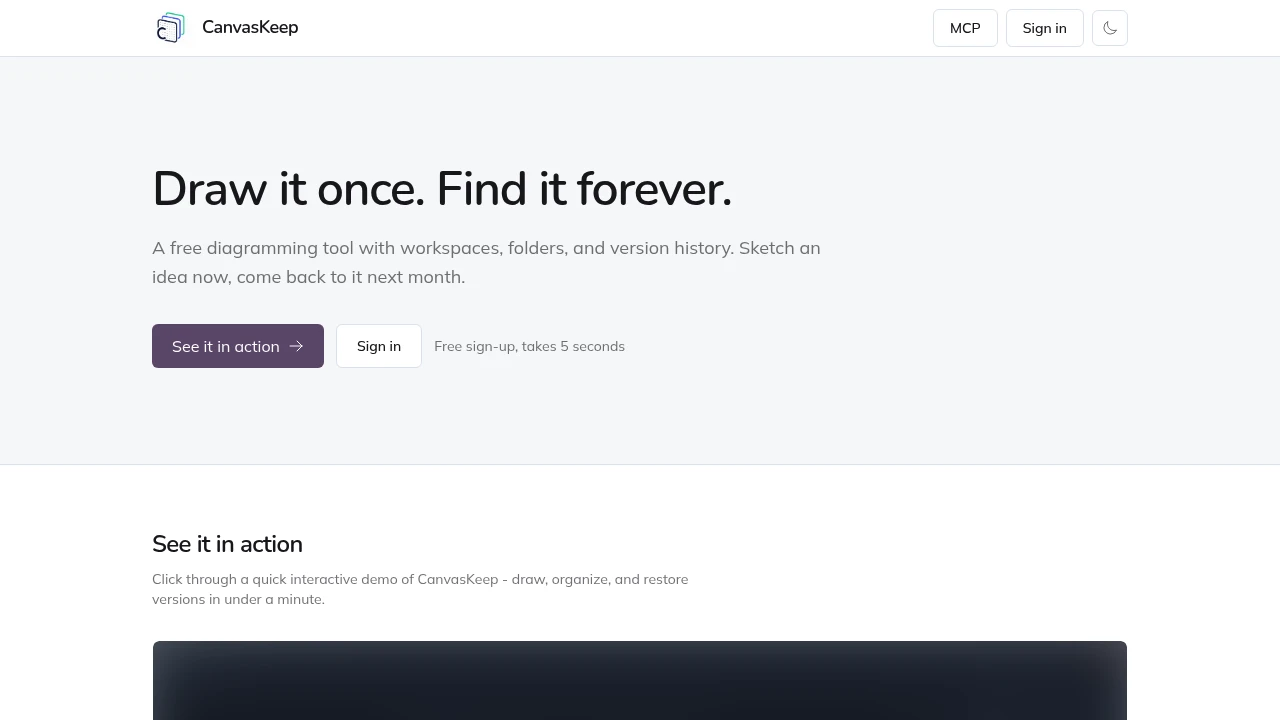
This free diagramming tool brings organization to an Excalidraw-based drawing canvas, giving designers, developers, and visual thinkers a simple place to create, organize, and revisit diagrams. It works directly in the browser, so you can start sketching without an account and sign in later when you want to save your work to the cloud.
The platform keeps the open-ended drawing experience of Excalidraw while adding the structure needed for longer-lived projects. Workspaces, nested folders, cloud storage, and version history make it easier to separate projects, find older diagrams, compare changes, and restore previous versions without moving to a heavier documentation platform.
Key Features
Excalidraw Canvas
Create diagrams directly in the browser using a familiar Excalidraw drawing surface.
You can work with:
- Shapes
- Arrows
- Freehand lines
- Text
The canvas keeps the quick, flexible feel of visual sketching while giving your diagrams a structured home.
Workspaces And Folders
Organize diagrams into workspaces and nested folders.
This makes it easier to group related visual notes, system sketches, product ideas, and project diagrams rather than leaving everything in one undifferentiated library.
Nested folders are useful for keeping larger collections organized as projects and diagrams accumulate.
Version History
Keep track of important changes to your diagrams with built-in version history.
You can:
- Save named checkpoints
- Preview previous versions
- Restore an earlier state with a click
This makes it easier to experiment with a diagram without worrying about losing a useful previous version.
Cloud Storage
Saved diagrams are stored using PostgreSQL and Cloudflare.
The storage model provides a straightforward foundation for keeping cloud-saved diagrams available across your workspace rather than relying only on local browser storage.
Privacy Basics
The platform keeps its approach lightweight and privacy-conscious.
There are:
- No ads
- No tracking cookies
This keeps the workspace focused on creating and organizing diagrams rather than monetizing attention through advertising or tracking.
Start Without An Account
You can begin drawing immediately in the browser without creating an account.
When you want to save work to the cloud, you can sign in and continue using the same workspace.
This makes the initial experience useful for quick sketches while still supporting persistent diagram libraries for longer-term projects.
Free Access
The core organization features are available for free.
There is:
- No trial
- No credit card requirement
- Free workspaces
- Free folders
- Free version history
This makes it possible to use the full core workflow without first committing to a paid plan.
Built For Visual Work
Designers
Keep wireframes, product ideas, visual notes, and design explorations organized across projects.
Developers
Store architecture diagrams, system sketches, technical concepts, and other visual documentation in structured folders.
Product Teams
Maintain product ideas and project diagrams in workspaces that can be revisited and updated over time.
Solo Users
Use a lightweight visual workspace for personal notes, planning, brainstorming, and long-lived diagram collections.
Common Use Cases
System Sketching
Create technical diagrams with shapes, arrows, text, and freehand drawing, then organize them by project.
Product Ideation
Sketch rough product ideas and keep them available for later refinement.
Visual Notes
Maintain a library of diagrams and visual notes instead of treating each sketch as a one-off canvas.
Versioned Diagrams
Save named checkpoints when a diagram reaches an important state and restore an earlier version when needed.
Project Organization
Use workspaces and nested folders to separate diagrams across multiple projects or areas of work.
A Structured Home For Excalidraw Diagrams
Excalidraw provides a fast and flexible canvas for creating diagrams, but larger collections can become harder to manage. This tool adds organization around that drawing experience through workspaces, folders, cloud storage, and version history.
The result is a lightweight environment that preserves the open-ended feel of Excalidraw while making visual work easier to sort, revisit, compare, and recover.
Why It Matters
Quick diagrams are easy to create but can become difficult to find once a collection grows. Older sketches may be scattered across files or browser sessions, while useful versions can disappear when a diagram is changed.
This platform treats retrieval and organization as part of the diagramming workflow. Nested folders keep projects separated, version history provides recoverable checkpoints, and cloud storage keeps saved work in one place.
It is particularly useful for people who want something lighter than a full documentation or project-management system but more structured than a collection of standalone drawings.
Keep Your Diagrams Easy To Find
Sketch freely with an Excalidraw canvas, then organize your visual work with workspaces, nested folders, cloud storage, and version history. With free access, no account required to start, and no ads or tracking cookies, this provides a simple place to create diagrams and keep them organized as projects grow.


