
CapyParse
Converts bank statement PDFs into CSV, Excel, QBO, OFX, or QFX with OCR, account splitting, and review tools.
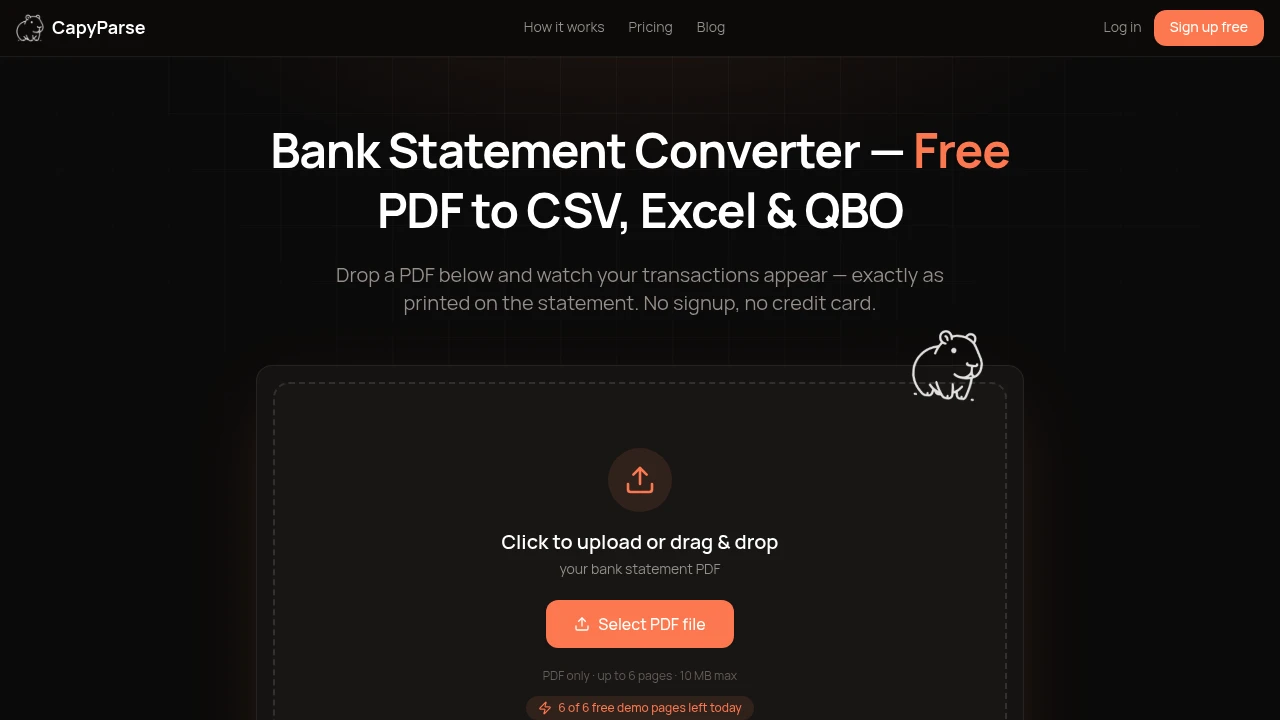
Convert bank statement PDFs into clean, import-ready financial data without manual entry. Built for accountants, bookkeepers, finance teams, and businesses, this platform extracts transactions from digital PDFs, scanned documents, and photographed statements, then converts them into formats compatible with popular accounting software and spreadsheets.
Turn Bank Statements Into Ready-to-Import Financial Data
Upload a bank statement in PDF or image format and receive structured transaction data that can be reviewed, verified, and exported in minutes.
Whether you're reconciling accounts, importing transactions into accounting software, or cleaning up financial records, the platform automates extraction while giving you complete visibility into every transaction before export.
Key Features
Intelligent Statement Extraction
Extract structured financial data from a wide variety of statement formats.
Process:
- Digital PDFs
- Scanned statements
- Paper documents
- Phone photos
- Faxed statements
with AI-powered OCR designed for complex layouts.
Transaction Verification
Review extracted transactions alongside the original document.
Validate:
- Transaction dates
- Descriptions
- Credits and debits
- Account balances
- Confidence scores
before exporting your financial data.
Flexible Export Formats
Export transactions in formats supported by leading accounting tools.
Download data as:
- CSV
- Excel
- QBO
- OFX
- QFX
ready for spreadsheets and accounting software.
Global Bank & OCR Support
Convert statements from financial institutions around the world.
Support includes:
- 1,000+ banks
- Credit unions
- Foreign statement layouts
- Multiple languages
- Mixed document formats
without relying on fixed templates.
Data Cleanup & Categorization
Prepare transactions before exporting.
Clean and organize data by:
- Categorizing transactions
- Normalizing payees
- Correcting dates
- Flipping debit and credit signs
- Reviewing transaction details
to improve accounting accuracy.
Secure Financial Processing
Protect sensitive financial information throughout the conversion process.
Security features include:
- Encrypted uploads
- Private document access
- Secure processing
- Account-only visibility
- Protected financial data
for greater peace of mind.
Built for Faster Financial Workflows
The platform is designed to eliminate repetitive data entry while helping finance professionals convert complex bank statements into clean, structured financial records.
Key benefits include:
- Automated transaction extraction
- Accurate OCR processing
- Faster reconciliation
- Accounting-ready exports
- Reduced manual work
Built For
- Accountants
- Bookkeepers
- Finance Teams
- Small Businesses
- Tax Professionals
- Financial Consultants
Common Use Cases
- Bank statement conversion
- Accounting imports
- Bookkeeping automation
- Financial reconciliation
- Expense tracking
- Transaction data extraction
Why It Matters
Manually entering transactions from bank statements is slow, repetitive, and prone to errors, especially when working with scanned documents, international formats, or multi-account statements. This platform automates the entire process by extracting transaction data, verifying results against the original statement, and providing review tools before export. The result is clean, import-ready financial data that saves time while maintaining accuracy and giving users confidence in every transaction.
Convert Bank Statements in Minutes
Extract, verify, clean, and export bank statement transactions into accounting-ready formats with an AI-powered platform built to simplify bookkeeping, reconciliation, and financial data management.


