
Carry - Save ChatGPT, Claude & Grok
A local-only capture tool that saves ChatGPT, Claude, and Grok conversations as Markdown in a folder you choose.
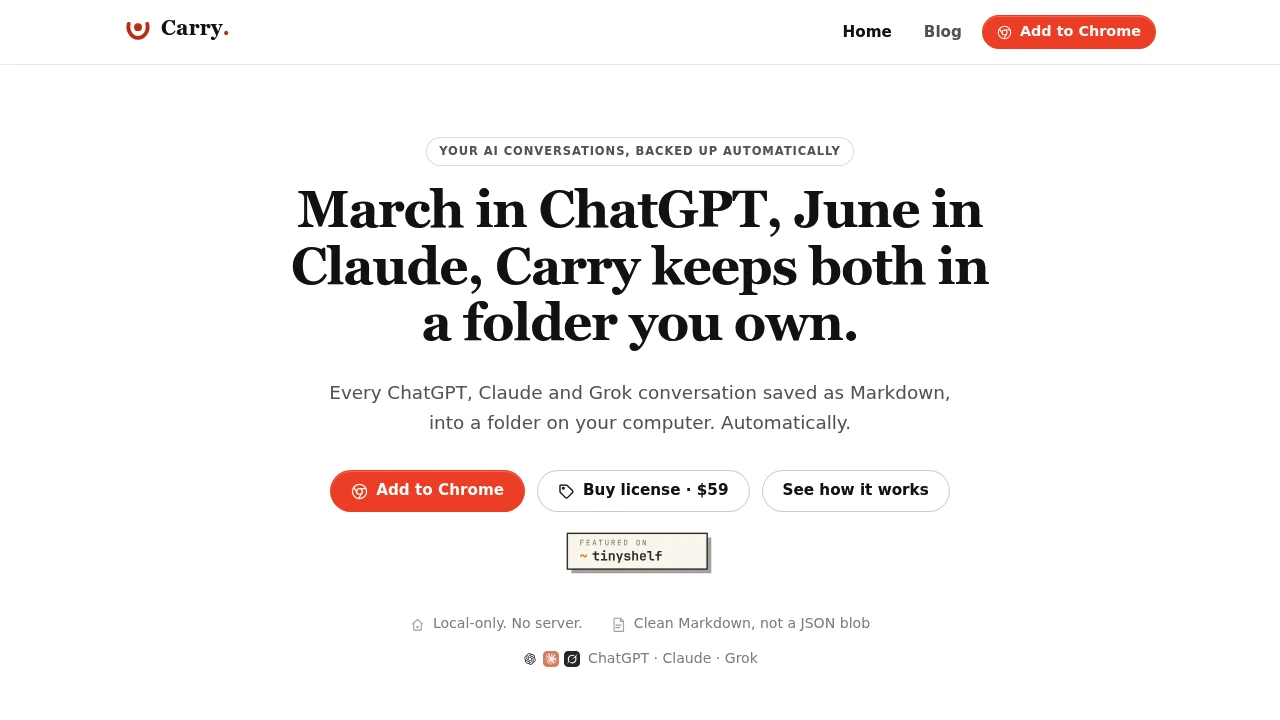
Carry saves AI conversations as plain Markdown files directly on your computer, giving you control over your ChatGPT, Claude, and Grok history instead of keeping it locked inside a vendor account. The files can be stored in an Obsidian vault or any other Markdown-friendly folder, creating a local archive that remains readable and accessible outside the original AI service.
Each conversation becomes an individual Markdown file, with naming and organization based on details such as date, provider, and title. When a conversation is re-synced, Carry updates the existing file instead of creating duplicates, while manually edited files are preserved rather than overwritten.
Key Features
Local-Only Storage
Carry writes conversations directly to a folder you choose on your computer.
There is no server storing your conversation archive, keeping the resulting files under your control and on your own device.
Plain Markdown Output
AI conversations are saved as standard Markdown files that can be opened in a wide range of tools.
The files can be used with:
- Obsidian
- Markdown editors
- Note-taking applications
- Terminals
- Other Markdown-compatible tools
This keeps your AI history readable without requiring Carry itself to access it.
ChatGPT, Claude & Grok Support
Carry supports conversation capture across:
- ChatGPT
- Claude
- Grok
This makes it possible to maintain a local archive even when your AI workflow spans multiple providers.
Automatic Re-Syncing
Carry updates existing conversation files when chats are synced again.
Instead of generating duplicate files for the same conversation, re-syncing keeps the existing archive organized. Files that you edit manually are not overwritten, allowing you to add your own notes or modify the saved content.
Claude Projects Support
Carry can save Claude Projects into a structured project folder.
This includes:
- Project instructions
- Files
- Documents
- Chats
The result is a local representation of the project rather than only a collection of individual conversations.
Additional Content Capture
Carry can capture additional AI-generated content when available, including:
- ChatGPT Deep Research reports
- ChatGPT Canvas documents
- Claude Code artifacts
- Grok DeepSearch reports
This extends the archive beyond standard chat transcripts.
Background Synchronization
ChatGPT and Claude conversations can be captured automatically in the background.
For Grok, synchronization is initiated with a one-click action from the Carry popup.
This provides different synchronization options while keeping the workflow tied to the AI services you already use.
No API Keys or Plugins
Carry does not require API keys or a separate plugin.
It works through the AI service sessions you are already logged into, keeping setup focused on connecting your existing accounts to a local archive.
Built For AI Power Users
Carry is designed for people who want long-term access to their AI conversations and generated work outside individual vendor platforms.
It can be useful for:
- Researchers
- Developers
- Writers
- AI power users
- Obsidian users
- People building local knowledge bases
- Professionals maintaining research archives
Common Use Cases
AI conversation backup: Keep ChatGPT, Claude, and Grok conversations stored locally instead of relying solely on provider history.
Research archives: Preserve AI-assisted research as searchable Markdown files on your computer.
Obsidian knowledge bases: Drop AI conversations directly into an Obsidian vault and use Markdown frontmatter for organization and properties.
Project archives: Keep Claude Project instructions, files, documents, and chats together in a local folder.
AI development history: Preserve Claude Code artifacts and other useful AI-generated content alongside your development files.
Personal knowledge management: Build a local collection of AI conversations that can be searched, edited, organized, and referenced using existing Markdown tools.
One Conversation, One File
Carry uses a simple file-based approach to organizing AI history. Each chat becomes a Markdown file, with its naming and location informed by details such as the provider, date, and conversation title.
When the same conversation changes, Carry can re-sync it into the existing file rather than producing another copy. If you have edited the file yourself, those manual changes are protected from being overwritten.
This makes the archive behave more like a personal collection of documents than a traditional chat export.
Built For Obsidian & Local Knowledge Bases
For Obsidian users, Carry's Markdown output fits directly into an existing vault. The files retain useful frontmatter for search and properties, allowing AI conversations to become part of a broader local knowledge system.
The same files can also be used outside Obsidian, since they remain ordinary Markdown rather than being locked to a proprietary database or viewer.
Keep Your AI History Under Your Control
AI conversations can become valuable research notes, technical references, drafts, and records of previous work. Keeping them only inside a provider's account makes that history dependent on the provider's interface and export options.
Carry takes a local-first approach by putting the archive directly on your computer. The result remains readable, editable, and accessible through tools you already control.
Why It Matters
AI conversations increasingly contain information worth keeping long after a session ends. A useful research thread, coding discussion, Deep Research report, or project document can become part of a personal knowledge base, but vendor-specific histories are not always ideal for long-term organization.
Carry turns those conversations into plain Markdown files stored locally on your computer. With provider support for ChatGPT, Claude, and Grok, automatic synchronization, Claude Project capture, additional content support, and Obsidian-friendly organization, it provides a straightforward way to build a durable local archive of AI work.
Carry Your AI Conversations Into Your Own Files
Keep ChatGPT, Claude, and Grok history in a folder you control with local-only storage, plain Markdown output, automatic syncing, Claude Projects support, additional content capture, and Obsidian compatibility. Carry gives your AI conversations a durable home outside the accounts and interfaces where they were originally created.


