
DigiParser
AI document parser for invoices, bank statements, POs, and shipping files. It exports clean data to CSV, Excel, JSON, and connected tools.
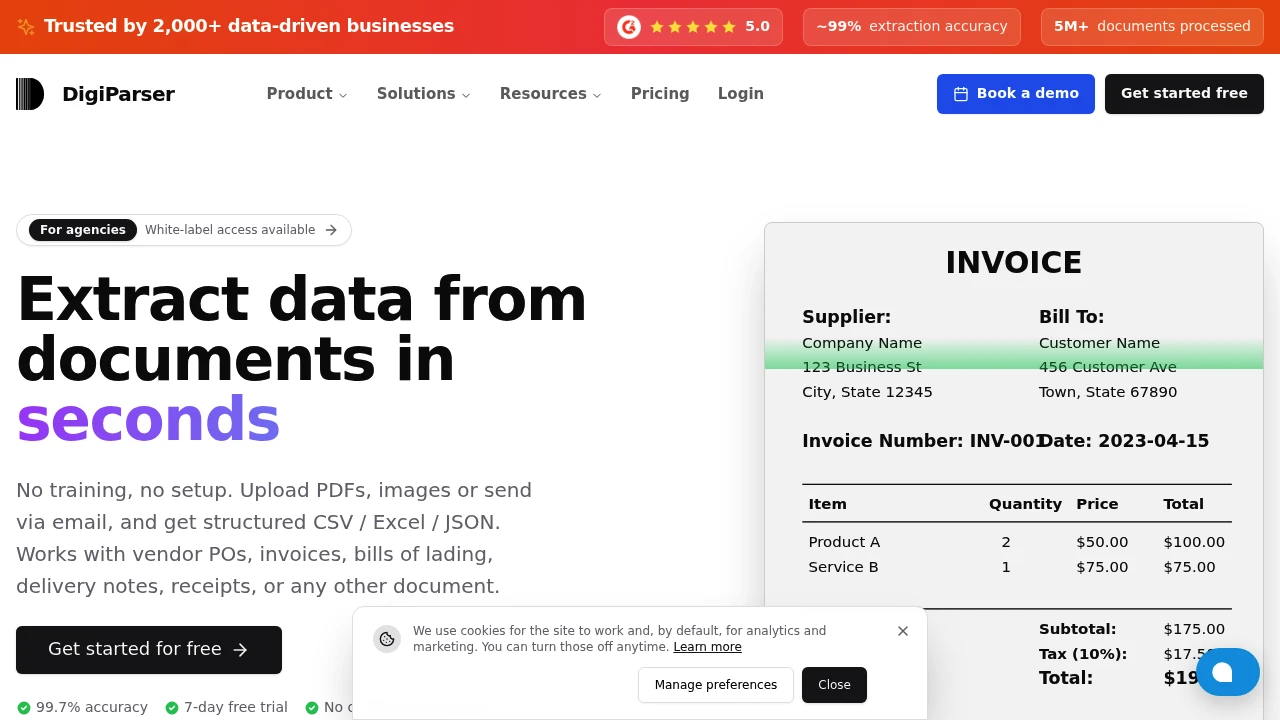
DigiParser helps teams turn incoming documents and email attachments into structured data without relying on manual copy-paste. It is designed for accounting firms, freight forwarders, manufacturers, and other businesses that process repetitive paperwork such as invoices, bank statements, purchase orders, bills of lading, delivery notes, and receipts.
The platform accepts documents through file uploads or email forwarding, extracts the relevant information, and returns it in formats such as CSV, Excel, or JSON. It can also send extracted data directly into tools and workflows through integrations, webhooks, and APIs.
Key Features
Ready-Made Document Parsers
Use prebuilt parsers for common business documents instead of building every extraction workflow from scratch.
- Supports common document types
- Define custom fields and tables when needed
- Extract structured information from incoming files
- Suitable for recurring document workflows
Bulk Document Processing
Process large queues of documents together, including mixed and multi-page files.
- Bulk processing for document queues
- Supports mixed document types
- Handles multi-page files
- Reduces repetitive manual data entry
AI Document Routing
Automatically classify incoming documents and route them to the appropriate parser.
- AI-based document classification
- Automatic parser selection
- Useful for mixed inboxes and document queues
- Reduces manual sorting
Template-Free Extraction
Extract structured information without creating a separate template for every document format.
- No need to build every workflow from scratch
- Handles documents from different vendors
- Custom fields available when additional information is required
- Designed for variable document layouts
Email-Based Intake
Forward documents and attachments to an inbox-style workflow for automatic processing.
- Accept documents through email forwarding
- Process attachments automatically
- Useful for teams already receiving paperwork by email
- Keeps document intake separate from manual data entry
Structured Data Export
Send extracted information wherever it needs to go.
- CSV export
- Excel export
- JSON output
- Webhooks
- REST APIs
- Integration with existing business systems
Workflow Integrations
Connect extracted data with the tools teams already use.
- Google Sheets
- QuickBooks
- Salesforce
- Airtable
- Zapier
- Make
- Pabbly Connect
- REST APIs and webhooks
Built For Automated Document Processing
DigiParser is designed for teams that deal with large volumes of repetitive paperwork and want to reduce manual data entry without losing control over the extracted information.
It is particularly suited to:
- Accounting firms processing invoices, receipts, and financial documents
- Freight forwarders handling bills of lading and delivery documents
- Manufacturers processing purchase orders and supplier paperwork
- Operations teams managing recurring document workflows
- Finance teams moving information from documents into accounting systems
- Businesses working with multiple vendors and document formats
Common Use Cases
Invoice Processing
Extract information from incoming invoices and send structured data into spreadsheets, accounting software, or other systems.
Bank Statement Extraction
Turn bank statements into structured records that can be exported or passed into existing financial workflows.
Purchase Order Processing
Extract relevant fields from purchase orders without manually transferring information into another system.
Freight Documentation
Process bills of lading, delivery notes, and other logistics documents in bulk.
Receipt Processing
Capture information from receipts and organize it into structured outputs for accounting and reporting workflows.
Email Attachment Processing
Forward document-heavy emails into DigiParser and let the platform process the attached files automatically.
Confidence Scores & AI Instructions
DigiParser combines automated extraction with tools for reviewing cases where the system needs additional guidance.
The platform provides confidence scores so teams can identify fields that may need attention. AI instructions can also be used when certain fields require clarification or additional validation.
This makes the workflow useful for businesses that process documents from many vendors, where layouts and field structures can vary even when the underlying document type remains the same.
Connect Documents to Existing Workflows
DigiParser is designed to work as an intake layer rather than forcing teams to replace their existing systems.
Extracted information can move into spreadsheets, accounting platforms, CRMs, databases, automation tools, or custom applications through integrations, exports, APIs, and webhooks. This makes it possible to automate the movement of information while keeping downstream workflows in place.
Why It Matters
Document-heavy workflows often involve the same cycle: receive a file, open it, find the relevant fields, copy the information into another system, and repeat the process for the next document.
DigiParser focuses on removing that manual extraction step. Documents can arrive through uploads or email, get classified and parsed automatically, and return as structured data that can be reviewed or routed into the tools already used by the team.
The platform reports 99.7% accuracy and 5M+ documents processed, and offers a 7-day free trial with no credit card required.
Turn Documents Into Structured Data
Send documents through upload or email, extract the information you need, and connect the resulting data to spreadsheets, accounting tools, CRMs, automation platforms, or your own systems with DigiParser.


