
Eonik
A Mac app that turns existing footage into finished ads, checks them against brand rules, and sends them for approval.
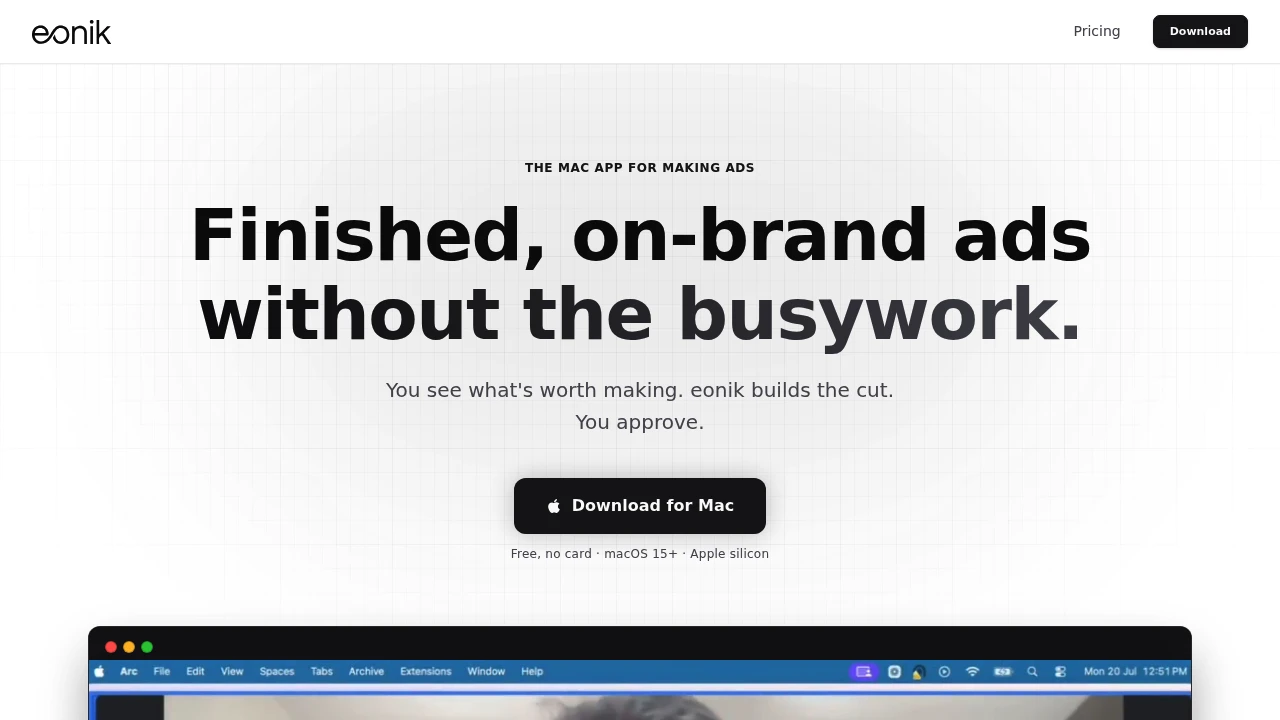
This Mac app helps marketers and creative teams turn existing footage into finished ads without starting from a blank timeline or manually managing every version through review. It uses the video you already shot as the starting point, then assembles cuts, applies brand requirements, prepares multiple formats, and helps identify potential problems before an ad reaches an approver.
The workflow is designed to keep AI involved without removing creative control. You can start from an ad you like or describe what you need, while the app works with your existing footage library. Nothing is exported until you approve the final cut.
Key Features
Existing Footage First
Build ads from footage you already have rather than generating an entire video from scratch.
You can start with:
- Existing video footage
- An ad you want to use as a reference
- A description of the ad you need
AI can help fill gaps when the footage library does not have everything required, while keeping the editing workflow centered on the content you already shot.
Brand Consistency
Keep brand details consistent across generated ad cuts.
The app applies your:
- Fonts
- Colours
- Logo
This helps maintain recognizable brand presentation while reducing the need to manually recreate brand treatments across different ad versions.
Multiple Ad Formats
Create different aspect ratios and placements from one edit.
Supported formats include:
- Reels
- Feed
- Square
- Wide
Instead of rebuilding the same ad for every placement, the app can produce the required versions from the same underlying edit.
Pre-Send Ad Checks
Catch common problems before a cut is sent for approval.
The app can flag:
- Missing logos
- Weak hooks
- Claims that do not match your guidelines
Flags include timestamps, making it easier to locate the relevant moment in the video and address the issue without manually searching through the entire cut.
Timecode-Based Review
Keep feedback attached to the exact part of the ad it refers to.
Reviewers can leave comments against specific timecodes, allowing approvers to review and sign off without opening the editing application.
This creates a simpler review flow for teams where marketers, stakeholders, or clients need to provide feedback without working directly inside the editor.
Local Footage Library Search
Turn the video library on your Mac into a searchable collection.
The app indexes footage locally so you can search through it later in a way that resembles searching an email inbox.
This makes older footage easier to find when building new ads, reducing the need to manually browse folders and filenames for relevant clips.
Built For Marketers And Creative Teams
Performance Marketers
Create finished ad variations from existing campaign footage without spending as much time manually assembling each version.
Marketing Teams
Maintain brand consistency while producing multiple formats and moving cuts through review.
Creative Teams
Use AI for assembly and repetitive production work while retaining control over the final creative decisions.
Teams With Large Footage Libraries
Search locally indexed footage to find usable clips without manually opening and reviewing folders.
Common Use Cases
Social Ad Production
Turn existing footage into Reels, feed, square, and wide ad formats from a single editing workflow.
Campaign Variations
Create multiple versions while keeping brand fonts, colours, and logos consistent.
Ad Review
Use timestamped comments and pre-send checks to make approvals easier for stakeholders who do not need to open the editor.
Repurposing Existing Footage
Search previously recorded footage and reuse relevant clips in new advertising campaigns.
Brand Compliance Checks
Identify missing branding elements or claims that do not match your guidelines before the ad reaches external reviewers.
AI-Assisted Without Giving Up Control
The app is designed around assisted ad assembly rather than fully automated publishing.
You can describe what you need or provide a reference ad, while AI helps build the cut from your existing footage. When additional material is required, AI can fill gaps in the library.
The final decision remains with you. Nothing exports until you approve it.
Mac-Native Workflow
The app runs natively on macOS 15+ with Apple silicon.
Your footage stays on your Mac. When needed, brand setup, generation, and review links use the associated service, keeping the local footage library at the center of the editing workflow.
Why It Matters
Producing ads from existing footage often involves more than editing the first cut. Teams have to find usable clips, apply branding, create multiple aspect ratios, check claims, collect feedback, and manage approval before anything can be published.
This app brings those steps into an AI-assisted workflow built around footage you already own. Local library search helps with discovery, automated checks surface issues with timestamps, and timecode-based review keeps feedback connected to the exact moment that needs attention.
The result is a workflow focused on getting from existing footage to an approved ad without requiring marketers to spend their time managing every cut manually.
Turn Existing Footage Into Approved Ads
Build ads from footage already on your Mac, maintain brand consistency, create multiple formats, catch issues before review, and collect timestamped approvals without handing control over to automation. The app handles the repetitive assembly work while keeping the final creative decision with your team.


