
FactorPage
Turns an existing PDF into a mobile-friendly web page with a shareable link, QR code, and view analytics.
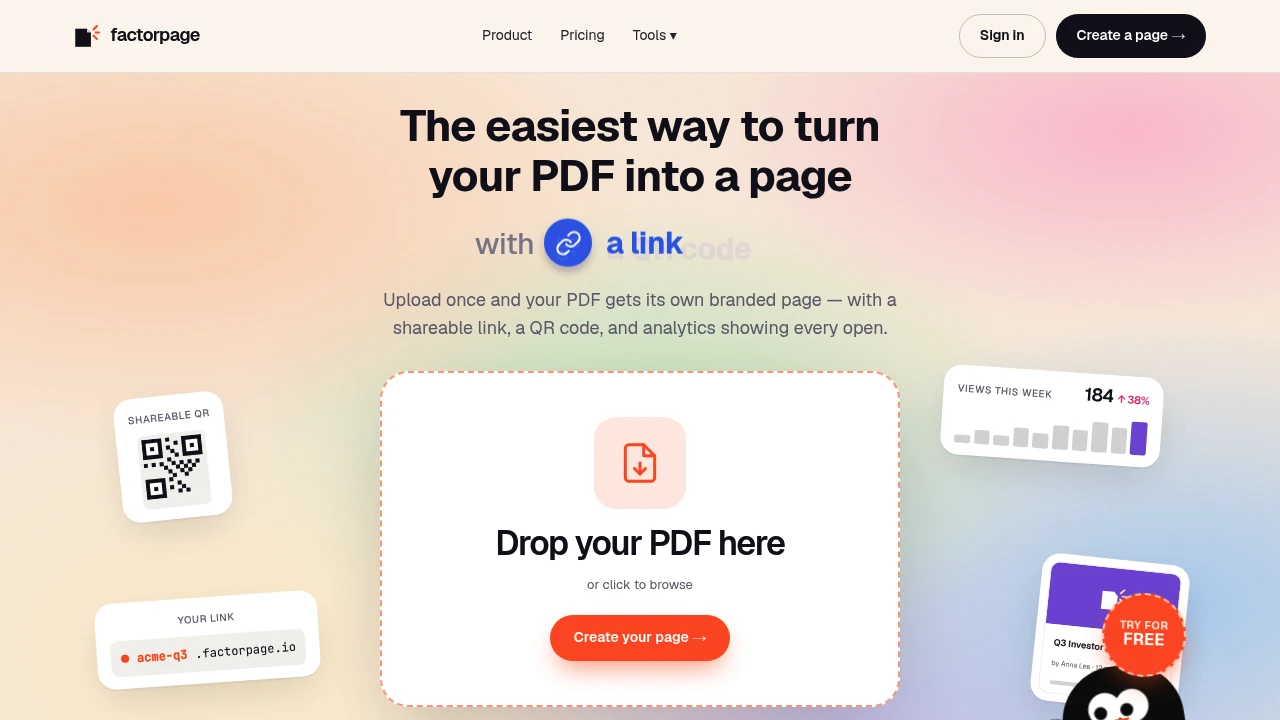
SharePDF turns finished PDFs into branded, web-based pages that are easier to share, read, and track. It is designed for proposals, manuals, catalogues, pitch decks, menus, and other documents that would normally be sent as email attachments. Instead of asking recipients to download and open a file, you can give them a mobile-friendly page with a shareable link, QR code, or embed.
Upload a PDF once and SharePDF creates a dedicated web page around it. You can add your logo and colors, use a custom link, and update the document behind the same URL when the PDF changes. This makes it useful for teams that regularly update documents and want one persistent destination rather than repeatedly sending new attachments.
Key Features
Turn PDFs Into Web Pages
Convert an existing PDF into a dedicated online page without rebuilding the document.
The original PDF remains the source, while SharePDF provides a more accessible way to present it online.
It works well for:
- Proposals
- Manuals
- Catalogues
- Pitch decks
- Menus
- Reports
- Other finished PDF documents
Mobile-Friendly Viewer
Give recipients a document experience designed for phones rather than forcing them to download an attachment or repeatedly pinch and zoom.
The viewer makes existing PDFs easier to read across mobile devices.
Shareable Links and QR Codes
Share documents through a simple web link or generate a QR code for physical and offline touchpoints.
QR codes can be useful for:
- Printed materials
- Product packaging
- Menus
- Business collateral
- Events
- In-person promotions
You can also embed the document page into other websites.
Branded Document Pages
Give each document page a more consistent branded experience.
Customization includes:
- Logo
- Brand colors
- Custom link
- Domain-style URL
This makes the shared document feel more connected to your business rather than like a generic file-hosting page.
Reading Analytics
See what happens after you send the document.
Analytics include:
- Opens
- Page views
- Page-by-page reading
- Time spent reading
This provides visibility that a traditional email attachment cannot easily provide.
Sticky Call-to-Action
Add a persistent call-to-action across the document so readers have an obvious next step.
For teams using PDFs for sales, proposals, or customer communication, this provides a direct way for readers to contact the business without having to search for contact information.
Update the PDF Without Changing the Link
Replace the PDF behind an existing page while keeping the same URL.
This is useful for documents that change regularly because you can update the content without having to resend a new link every time.
Built For Document Sharing
Sales Teams
Share proposals and sales documents through branded pages while seeing whether prospects opened and read them.
Marketing Teams
Turn catalogues, promotional documents, and other PDFs into trackable web experiences.
Businesses
Give customers and partners an easier way to access manuals, menus, reports, and other business documents.
Event and Print Use
Use QR codes to connect printed materials with an online document that can be updated later.
Common Use Cases
Share a Proposal
Send prospects a web-based proposal instead of a traditional PDF attachment and see how they interact with the document.
Publish a Catalogue
Give customers a mobile-friendly catalogue that can be accessed through a link or QR code.
Distribute a Menu
Place a QR code on tables, packaging, or printed materials that opens the latest version of the menu.
Share Pitch Decks
Give investors or partners a persistent web link to a presentation while maintaining visibility into document engagement.
Keep Manuals Updated
Replace an outdated PDF while keeping the same shared URL, so existing links continue to point to the latest version.
Pricing
Free
The free plan provides a simple way to turn a PDF into a shareable web page.
It includes:
- One active page
- Basic analytics
- QR code
- No credit card required
Paid Plans
Paid plans expand the platform for teams and businesses that need more control and visibility.
Additional capabilities include:
- More active pages
- Branding
- Per-page reading analytics
- Badge removal
- Team features
- Export options
More Than a PDF Attachment
SharePDF adds a web layer around documents that are already finished. You do not need to redesign a proposal, catalogue, manual, or pitch deck. Upload the existing PDF, customize how it is presented, and share the resulting page through a link, QR code, or embed.
The persistent URL also makes ongoing document management simpler. When the content changes, you can replace the PDF behind the existing link rather than distributing a new URL every time.
Why It Matters
PDFs are convenient for creating and distributing finished documents, but attachments provide limited visibility into what happens after they are sent. SharePDF combines the familiar PDF format with a mobile-friendly viewer, branded presentation, persistent links, and reading analytics.
For teams that use documents as part of sales, marketing, customer communication, or physical-to-digital experiences, it provides a cleaner way to distribute existing PDFs while adding measurable engagement.
Turn Your PDFs Into Shareable Web Pages
Take an existing PDF and give it a branded, mobile-friendly destination that is easier to share and easier to track. With links, QR codes, embeds, analytics, persistent URLs, and optional branding, SharePDF makes finished documents more useful after they leave your computer.


