
Filemint
53 browser-native tools for PDF, image, text, JSON, and CSV tasks with local processing and no signup.
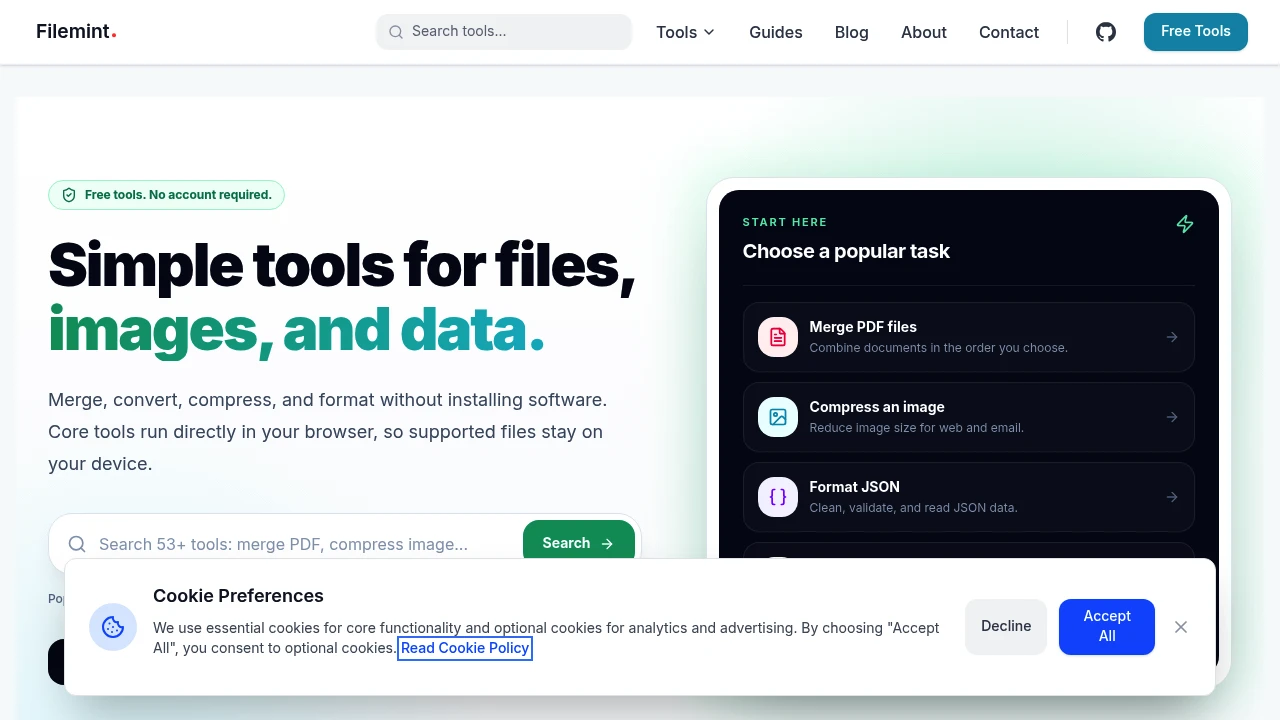
Handle everyday PDF, image, text, and data conversion tasks directly in your browser with a collection of free, privacy-focused file utilities. FileMint lets you compress, merge, convert, and extract files without creating an account or uploading supported files to external servers, making it ideal for quick document and data processing.
Process Files Locally Without Uploading Them
Complete common file management tasks using browser-based tools that run directly on your device, helping protect sensitive documents while reducing upload and download time.
Whether you're preparing PDFs, optimizing images, converting structured data, or extracting text, FileMint provides fast browser-based utilities for everyday workflows.
Key Features
PDF Tools
Manage PDF documents with simple browser-based utilities.
Available tools include:
- PDF compression
- PDF merging
- Text extraction
- Document optimization
- PDF processing
for common document workflows.
Image Optimization
Reduce image sizes without installing desktop software.
Work with formats such as:
- JPG
- PNG
- WebP
- ICO
using browser-based image compression tools.
Data Conversion
Convert structured data between popular formats.
Supported conversions include:
- JSON to CSV
- CSV to JSON
- XML workflows
- YAML workflows
- Tabular data conversion
for developers and data professionals.
Local Browser Processing
Keep supported files on your own device during processing.
Benefits include:
- On-device execution
- Browser processing
- Faster workflows
- Reduced uploads
- Improved privacy
through local browser technologies.
No Signup Required
Start using tools immediately.
Features include:
- Free access
- No account creation
- No subscriptions
- Instant availability
- Browser-based access
for quick file handling.
Privacy-Focused Architecture
Protect sensitive files while working online.
The platform uses:
- Browser APIs
- WebAssembly
- Web Workers
- Local execution
- Client-side processing
to minimize unnecessary data transfers.
Built for Everyday File Management
FileMint helps students, professionals, developers, and office workers complete common file tasks quickly while keeping supported processing inside the browser whenever possible.
Key benefits include:
- Browser-based file utilities
- Local file processing
- Free document tools
- Privacy-first workflows
- Multi-format conversion
Built For
- Students
- Office Professionals
- Developers
- Freelancers
- Content Creators
- Small Businesses
Common Use Cases
- PDF compression
- PDF merging
- Image optimization
- Data conversion
- Text extraction
- Document preparation
Why It Matters
Many online file tools require uploading documents to remote servers, creating privacy concerns and adding unnecessary waiting time for simple tasks. FileMint takes a browser-first approach by running supported file operations locally using modern web technologies, allowing users to compress PDFs, optimize images, extract text, and convert structured data without creating an account or depending on traditional upload-and-download workflows. This makes everyday file management faster, simpler, and more privacy-conscious.
Simplify Everyday File Processing
Compress PDFs, optimize images, convert structured data, extract text, and complete common file tasks with a collection of free browser-based utilities designed for fast, privacy-focused local processing.


