
GenDesigns
An AI mobile app designer that turns app ideas into polished screens and exports React and Tailwind code.
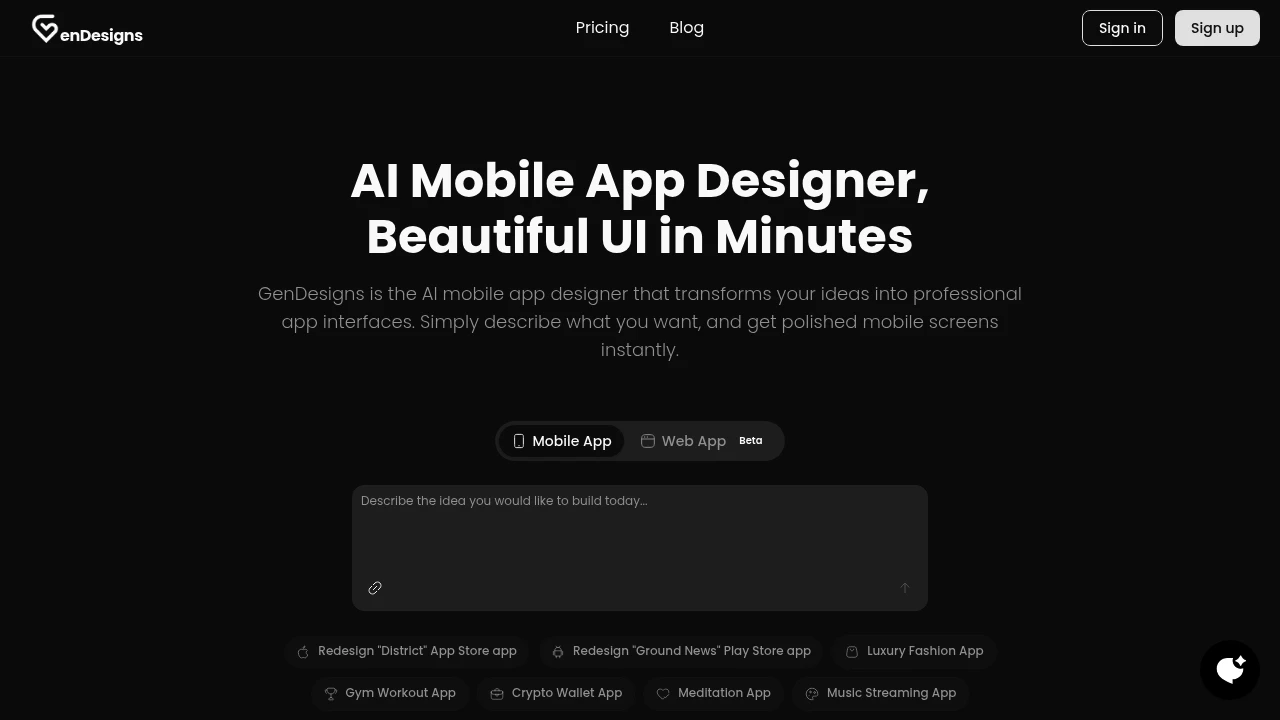
GenDesigns helps founders, builders, and small teams turn app ideas into polished mobile UI without starting from traditional design tools. Describe an app concept in plain English and generate working-looking screens, then refine those screens through natural-language instructions. The workflow is designed to move quickly from an initial idea to a presentable mobile interface.
The platform focuses on mobile app design across concepts such as fashion, fitness, crypto, meditation, and music. You can also browse public apps and templates for inspiration or use them as starting points, making it easier to move forward without building every screen from a blank canvas.
Key Features
Plain-English App Design
Describe what you want to build in everyday language and GenDesigns generates mobile screens based on the product idea.
Instead of beginning with wireframes or manually constructing each component, you can start with the product concept itself and quickly get a visual direction.
- Describe the app idea in plain English
- Generate mobile UI screens
- Explore different app concepts
- Start from scratch or use existing examples
Natural-Language UI Edits
Refine generated screens by describing the changes you want. You can request adjustments such as making a header larger or changing the colors without manually editing individual design elements.
This makes iteration conversational and allows people without traditional design-tool experience to participate directly in the UI process.
Theme Variations
Experiment with different visual directions for the same interface. GenDesigns can generate theme variations such as dark mode, light mode, and brand-based color palettes.
This makes it easier to explore how a product could look across different visual identities before settling on a direction.
React and Tailwind Code Export
GenDesigns goes beyond static screen mockups by allowing users to export UI code in React and Tailwind.
The code export provides a practical handoff point for builders who want to take a generated interface into development rather than recreating the design manually.
Community Projects and Templates
Browse public apps and templates to find starting points for mobile product concepts. Shared projects can provide inspiration or help users move faster when a suitable structure already exists.
You can either build from a community example or create an interface from scratch.
Built For Founders and Builders
GenDesigns is particularly suited to people who have a product idea but do not want to begin by learning or setting up a traditional design workflow. Founders can use it to visualize an idea, builders can create an initial UI direction, and small teams can explore concepts before committing to development.
It also provides a way to involve non-designers in interface iteration through natural-language instructions.
Common Use Cases
App Concept Visualization: Turn an early product idea into working-looking mobile screens that can be reviewed and discussed.
Rapid Prototyping: Move from an idea to a visual UI direction without manually creating every wireframe.
Client Presentations: Create a polished interface concept that can help communicate a product direction to clients or stakeholders.
Team Collaboration: Give founders, developers, and other team members a way to request UI changes without needing advanced design-tool skills.
Theme Exploration: Compare light, dark, and brand-based visual directions for the same app concept.
Development Handoff: Export React and Tailwind code once the UI direction is ready to move toward implementation.
From Idea to Code
The workflow is centered around a simple progression: describe the idea, generate the screens, refine the design, and export the code.
That makes GenDesigns different from a workflow focused only on static mockups. The generated interface can be revised through natural-language instructions and ultimately converted into React and Tailwind code for development.
Why It Matters
Traditional mobile design workflows can create a gap between having a product idea and producing something concrete enough to evaluate. GenDesigns reduces that gap by allowing users to describe what they want and immediately work with a visual interface.
The natural-language editing approach also lowers the barrier for people who have a strong product vision but limited experience with tools such as Figma. Instead of learning a complete design interface just to make early changes, users can describe the changes they want.
Turn App Ideas Into Mobile UI With GenDesigns
Describe your mobile app in plain English, generate polished screens, refine them through natural-language edits, explore different themes, and export React and Tailwind code. GenDesigns provides a faster path from product concept to editable mobile UI and development-ready output.


