
GeniusPal
Creates quizzes, flashcards, and active-recall sets from notes, PDFs, and slides, with explanations and quoted source lines.
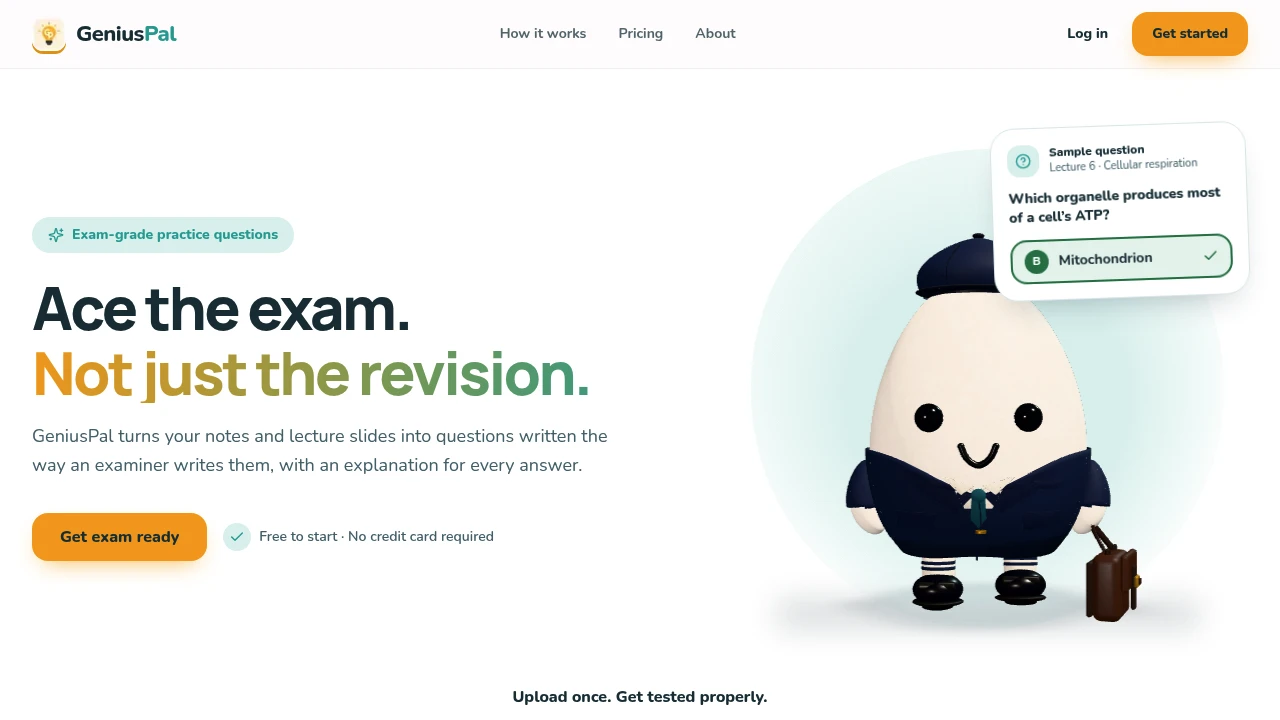
GeniusPal is an AI-powered study practice tool that helps students turn their existing study materials into exam-style questions. Users can upload lecture notes, PDFs, PowerPoint slides, documents, links, or pasted text and generate practice material designed to test understanding instead of simply encouraging repeated reading.
The platform is built for students preparing for exams who want to identify what they know, uncover weak areas, and repeatedly practice difficult topics. From a single source, GeniusPal can generate quizzes, flashcards, and written active recall exercises, allowing students to study the same material through different formats.
Key Features
Multiple Study Material Inputs
Turn existing study resources into practice questions.
GeniusPal supports input formats including:
- PDF files
- PowerPoint presentations
- Word documents
- Plain text
- Markdown files
- CSV files
- Links
- Pasted text
This allows students to work from lecture notes, course materials, slides, documents, and other existing study resources.
Exam-Style Quiz Generation
Generate questions designed to feel closer to an actual exam.
Each study set includes:
- Exam-style prompts
- Multiple-choice questions
- Plausible distractors
- Questions based on the uploaded material
- Answer explanations
GeniusPal is designed to avoid obvious answer patterns that can make a quiz easier to guess without understanding the underlying material.
Plausible Wrong Answers
Make practice questions more challenging.
Question generation focuses on avoiding common giveaway patterns such as:
- Obviously longest answers
- Repeated answer options
- Predictable answer patterns
- “All of the above” options
- Easily eliminated distractors
This encourages students to think about the material itself rather than relying on test-taking shortcuts.
Flashcard Generation
Turn study material into reviewable flashcards.
Students can use flashcards to:
- Review key concepts
- Test definitions
- Revisit important facts
- Practice smaller pieces of information
- Reinforce material from the uploaded source
This provides an additional study format alongside quizzes and written recall.
Written Active Recall
Practice retrieving information without relying on answer options.
The active recall mode allows students to work through:
- Written questions
- Open-ended responses
- Concept recall
- Topic-based review
This can be useful for identifying whether a student can explain or retrieve information without the prompts provided by multiple-choice answers.
Answer Explanations
Understand why an answer is correct.
Each question includes supporting information such as:
- Answer explanations
- Context from the study material
- Source-supported reasoning
- Relevant quotes when available
When the uploaded source supports it, GeniusPal can show the exact line from the original material associated with the answer.
This gives students a way to trace a question back to the notes or material they originally uploaded.
Quiz, Flashcard, and Recall Modes
Study the same material using different practice formats.
GeniusPal can generate:
- Quizzes
- Flashcards
- Written active recall exercises
This allows students to switch between recognition-based questions and more demanding recall-based practice without uploading their material separately for each study method.
Study Progress Feedback
Identify which topics need additional practice.
The platform provides feedback around areas such as:
- Mastered material
- Weak topics
- Questions answered incorrectly
- Topics that need additional review
- Areas that still require practice
Students can use this feedback to focus future study sessions on the material they find most difficult.
Topic Redrilling
Practice difficult material again without starting from the beginning.
If a student repeatedly struggles with a particular topic, GeniusPal can help direct additional practice toward that area.
This makes it possible to:
- Revisit weak concepts
- Practice missed topics again
- Focus revision time
- Avoid repeating material that is already well understood
Private Study Materials
Keep uploaded study content associated with your account.
GeniusPal keeps study materials:
- Private by default
- Stored for the user's account
- Available for generating study sets and future review
This makes the platform suitable for students working with their own course notes and personal study materials.
Free Trial
Try the study workflow before paying.
The free trial includes:
- 2 study sets
- No credit card requirement
Each generated set contains 10 questions, making it suitable for testing the platform with a chapter, lecture, or smaller revision topic.
Built for Exam Preparation
GeniusPal combines study material uploads, exam-style quiz generation, flashcards, written active recall, answer explanations, source support, and progress feedback into one exam preparation workflow.
Key benefits include:
- Exam-style practice questions
- Multiple study modes
- Plausible answer distractors
- Source-supported answers
- Flashcard generation
- Written active recall
- Weak-area identification
- Repeat practice for difficult topics
Built For
- Students
- University Students
- College Students
- High School Students
- Exam Candidates
- Independent Learners
- Learners Studying From Lecture Materials
- Students Preparing for Tests and Exams
Common Use Cases
- Turning lecture notes into practice questions
- Creating quizzes from PDF study materials
- Reviewing PowerPoint lecture slides
- Generating flashcards from course notes
- Practicing written active recall
- Identifying weak topics before an exam
- Revising difficult chapters
- Testing understanding instead of rereading notes
- Checking answers against the original study material
- Running quick revision sessions before an exam
Why It Matters
Students often spend large amounts of time rereading notes, slides, and textbooks without knowing whether they can actually recall the information during an exam. Creating effective practice questions manually can also take significant time, especially when working across large amounts of course material.
GeniusPal turns existing study materials into different forms of active practice. Students can upload a source and generate exam-style questions, flashcards, and written recall exercises from the same material. Answer explanations and source quotes, where supported, help students connect the generated questions back to the original content.
The focus on plausible distractors and the avoidance of common giveaway patterns also makes the practice experience more focused on understanding the material rather than guessing answers based on test format.
Upload, Practice, Review, and Strengthen Your Exam Knowledge
Upload lecture notes, PDFs, PowerPoint slides, Word documents, links, or pasted text, turn the material into exam-style quizzes, flashcards, and written active recall exercises, review explanations and source-supported answers, identify weak areas, and redrill difficult topics through one AI-powered exam preparation platform.


