
GrowingUpVideo
Creates cinematic morphing videos from photos of the same person at different ages, with music and private delivery.
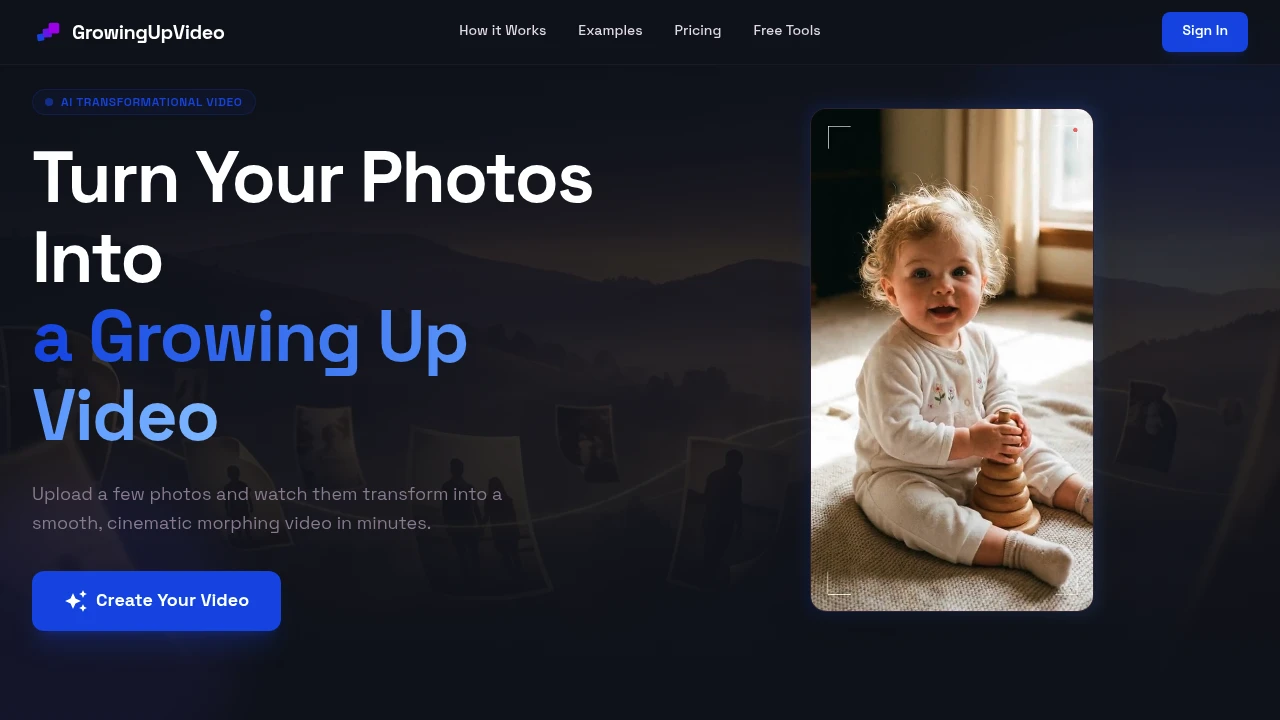
Create a short, cinematic growth video from photos of the same person at different ages. This photo-to-video tool is designed for birthdays, weddings, graduations, memorials, family celebrations, and other personal events where you want to turn a collection of old photos into a visual story without needing video editing experience.
The workflow handles the time-consuming parts automatically. Upload between 2 and 8 photos in any order, and the tool sorts them chronologically, aligns faces, corrects color, and smooths the transitions between images. You can then add music and download the finished video as an MP4 for social sharing or event playback.
Key Features
Automatic Age-Based Sorting
Upload photos in any order and let the tool arrange them by age.
This makes it easy to create a chronological progression from childhood through adulthood without manually organizing the source images first.
Face Alignment and Consistency
The tool aligns faces across the uploaded photos and applies stronger face consistency on higher-tier plans.
This helps create smoother transitions between images of the same person, particularly when photos vary in framing, age, or quality.
Cinematic Photo Transitions
Turn individual photographs into a continuous growth sequence with automatically smoothed transitions.
The result is designed to feel more like a short cinematic video than a simple slideshow.
Music Support
Add music to give the finished growth video a more personal feel.
You can choose from the built-in music library or upload your own track before exporting.
MP4 Download
Download the finished video as an MP4, making it suitable for sharing online or playing at an event.
The format works well for birthday tributes, wedding montages, graduation celebrations, memorial videos, and family keepsakes.
Simple Photo-Based Workflow
No video editing experience is required.
The process is centered around a few straightforward steps:
- Upload 2–8 photos of one person
- Let the tool sort and process them
- Add music
- Download the finished MP4
Most videos are ready within minutes, making the workflow useful for both planned projects and last-minute event preparation.
Built For Personal Events and Keepsakes
The tool is designed around telling one person's life story through photographs.
It is particularly useful for:
- Birthday tributes showing childhood through adulthood
- Wedding montages featuring a bride, groom, or couple
- Graduation videos showing years of growth
- Memorial pieces celebrating someone's life
- Family keepsakes preserving a visual timeline
- Event planners preparing short tribute videos
- Social creators making personal growth videos
Common Use Cases
Birthday Growth Videos
Combine baby photos, childhood pictures, teenage years, and adult photographs into a chronological birthday tribute.
Wedding Memories
Create a visual progression showing how someone has grown before their wedding day.
Graduation Keepsakes
Turn years of photographs into a short video that can be played during a graduation celebration or shared with family and friends.
Memorial Videos
Create a chronological visual tribute from photographs collected across someone's life.
Family History
Turn a collection of family photographs into an easy-to-share visual timeline.
Privacy Controls
Uploaded photos are stored privately and are deleted after 30 days.
This provides a defined retention period for personal photographs while keeping the uploaded images private during processing and video creation.
Pricing
The service uses a one-time payment model rather than a recurring subscription.
The available options include:
- Entry plan: Up to 5 photos with no watermark
- Gallery option: Lower-cost option that adds the gallery feature
- Premium tier: More photos, additional redo steps, and stronger face consistency
Higher tiers are useful when you want more control over the final sequence or need to refine the result without starting the entire project again.
Why It Matters
Creating a polished photo montage usually means manually sorting images, aligning faces, adjusting colors, finding transitions, editing the sequence, and adding music. That can take significant time, especially when preparing a video for an event.
This tool reduces the process to uploading photographs and choosing how you want the finished story presented. By automatically organizing the images, aligning faces, smoothing transitions, and supporting music, it makes it easier to turn a person's life progression into a short cinematic keepsake.
Turn a Lifetime of Photos Into a Video
Upload photos from different stages of life, add music, and create a cinematic growth video ready to share or play at your next event.


